

TL;DR
- CPQ software helps teams automate configuration, pricing, quoting, approvals, and complex deal workflows.
- The right CPQ platform depends on product complexity, pricing models, integrations, and sales requirements.
- CRM quoting works for simple processes, while CPQ supports advanced configurations and enterprise workflows.
- Successful CPQ adoption requires strong implementation, clean data, and sales operations alignment.
- Everstage is the only CPQ that shows reps what each deal pays because quoting and commissions run on the same platform.
The best CPQ software in 2026 includes Everstage, Salesforce Revenue Cloud, DealHub, Oracle CPQ, SAP CPQ, Conga CPQ, PROS Smart CPQ, Cincom CPQ, PandaDoc, and QuoteWerks. Each platform supports different product structures, pricing models, CRM and ERP stacks, deal models, integrations, and sales workflows.
CPQ software automates three jobs:
- It guides reps to valid product configurations
- Applies approved pricing and discounts
- Generates a signed-ready quote synced to the CRM
It replaces manual spreadsheets with controlled quoting workflows connected to CRM and ERP systems.
This guide compares the leading CPQ platforms, including their pricing approach, strengths, limitations, and ideal use cases. It also explains how to evaluate CPQ software within your broader revenue technology stack.
What is CPQ Software?
CPQ software (Configure, Price, Quote software) helps sales teams create accurate quotes by automating product configuration, pricing rules, discount approvals, and proposal generation.
CPQ stands for Configure, Price, and Quote. Configure helps reps select valid product combinations based on customer requirements. Price applies pricing rules, discounts, currencies, and approval workflows automatically. Quote generates professional, customer-ready proposals synced with CRM systems.
By automating these steps, CPQ software reduces manual spreadsheet work, improves quote accuracy, speeds up sales cycles, and ensures teams follow approved pricing guidelines. It is especially useful for businesses with complex pricing models, bundles, tiered pricing, usage-based models, or custom configurations.
Learn more about types of CPQ bundles to better understand how bundled products are structured within a quoting process.
What The Best CPQ Tools Actually Do
Every tool in this guide was reviewed against a shared capability set. These features form the baseline for CPQ, so each review can focus on what makes the product different.
Essential features every CPQ platform should support
To go deeper on what to prioritize when comparing platforms, review the essential CPQ capabilities that separate scalable solutions from lighter quoting tools.
Each tool in this guide builds on these core CPQ capabilities. The scoring framework below explains how we evaluated each platform across configuration depth, pricing control, integrations, adoption speed, and the end-to-end quoting process, from quote creation to signed deals and billing system sync.
The Five Factors We Used To Score Every Tool
Each tool was evaluated across five factors:
- Configuration Depth: Whether the platform handles complex bundles, dependencies, and engineer-to-order products while maintaining accuracy.
- Pricing And Discount Control: Whether the platform applies pricing rules, approval workflows, discount guardrails, and a clear price waterfall to protect margins
- CRM And ERP Fit: Whether the platform connects quote, account, and revenue data with systems like Salesforce, HubSpot, Microsoft Dynamics, or NetSuite. To see how the two tools divide the work before you score vendors on this, read our guide to CRM and CPQ .
- Time To Adoption: Whether teams can move from implementation to generating live quotes within weeks instead of extended deployment cycles.
- Post-Quote Capabilities: Whether the platform supports the broader sales process beyond quoting, including order generation, contracts, subscription workflows, and billing integrations
This comparison uses public review data from G2 and Capterra, reviewed in July 2026. Review scores and counts change over time, so check the latest ratings before making final vendor decisions. Vendor documentation was also reviewed to validate product capabilities and publicly available pricing information.
Best CPQ Solutions At A Glance
The table below shows all 10 tools in one view. Verify all G2 and Capterra scores on live review pages before publishing.
CPQ software comparison: Ratings, pricing models, and standout features
Top 10 Configure Price Quote Software in-Depth
Let us understand what each tool actually does, who it works best for, and what real users say about it.
1. Everstage - Best AI-Native CPQ with No-Code Configuration for RevOPs
Best For: Technology and SaaS revenue teams that want AI-native CPQ with no-code configuration, complex deal support, and visibility from quote creation to incentive payout.
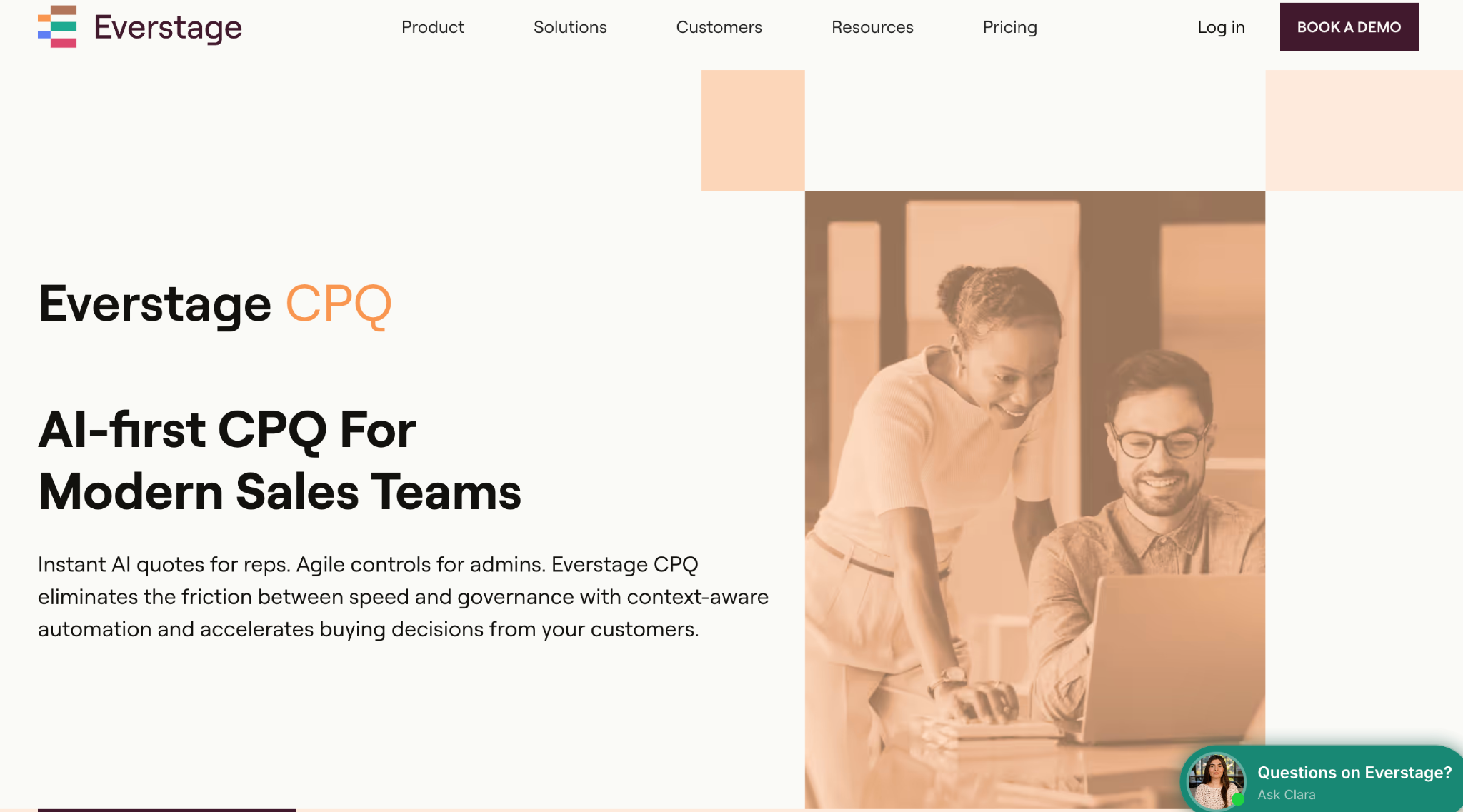
Everstage CPQ is an AI-native configure-price-quote platform built for revenue teams buying CPQ for the first time or replacing tools that have become difficult to manage. It helps reps create accurate quotes using CRM, call, and email context while allowing RevOps teams to configure pricing rules, approval workflows, discount guardrails, and quote templates without relying on consultants or engineering support.
Everstage supports complex deal structures such as multi-year contracts, ramp deals, tiered pricing, usage-based pricing, bundles, and multi-level approvals. Its unique advantage is that CPQ and incentive compensation run on the same platform, allowing reps to understand commission impact while building a quote and giving teams visibility from quote creation to payout.
Everstage G2 and Capterra Ratings
What Makes Everstage CPQ Unique
- AI-native quote creation: Everstage uses CRM, call, and email context to help draft quotes with relevant configurations and pricing recommendations.
- Self-serve CPQ configuration: RevOps teams can manage pricing rules, approval workflows, discount policy framework, and quote templates without depending on implementation consultants or engineering teams.
- Built for complex revenue models: Everstage supports multi-year contracts, ramps, tiered pricing, usage-based pricing, bundles, and advanced approval workflows that simpler quoting tools may struggle with.
- Quote and commission visibility on one platform: Because Everstage combines CPQ with incentive compensation, reps can see commission impact while creating quotes, and teams can connect deal outcomes with payout calculations.
- Native e-signature support: Everstage includes built-in e-signatures with no per-signature limits. Teams that already use DocuSign can continue using it through integration, giving them flexibility without making e-signing a separate purchase.
- Revenue system integrations: Everstage connects with systems such as Salesforce and HubSpot to keep sales, finance, and workforce data aligned.
Everstage CPQ Pricing
Everstage pricing is custom and quote-based. Pricing depends on factors such as team requirements, selected modules, and implementation needs. Contact Everstage for a quote tailored to your revenue process.
Things To Check Before Choosing Everstage CPQ
Everstage is best suited for technology and SaaS revenue teams managing complex pricing models, approval workflows, and incentive structures. Teams with simple product catalogs and straightforward quoting needs may find lighter CPQ solutions sufficient.
Evaluate your current quoting complexity, CRM environment, approval requirements, and long-term revenue workflow needs before choosing Everstage.
Q: Can Everstage handle my team size and plan complexity?
A: If your sales team has 50–500 reps and sells products with bundles, tiered pricing, usage-based pricing, or multi-year contracts, Everstage can handle those quoting requirements while keeping configuration self-serve for RevOps.
Take the CPQ Product Tour to see how Everstage supports complex quoting workflows in practice.
2. Salesforce Revenue Cloud: For Enterprises connected to Salesforce Ecosystem
Best For: Salesforce-native enterprises that want quoting, contracts, and billing capabilities connected within the Salesforce ecosystem.
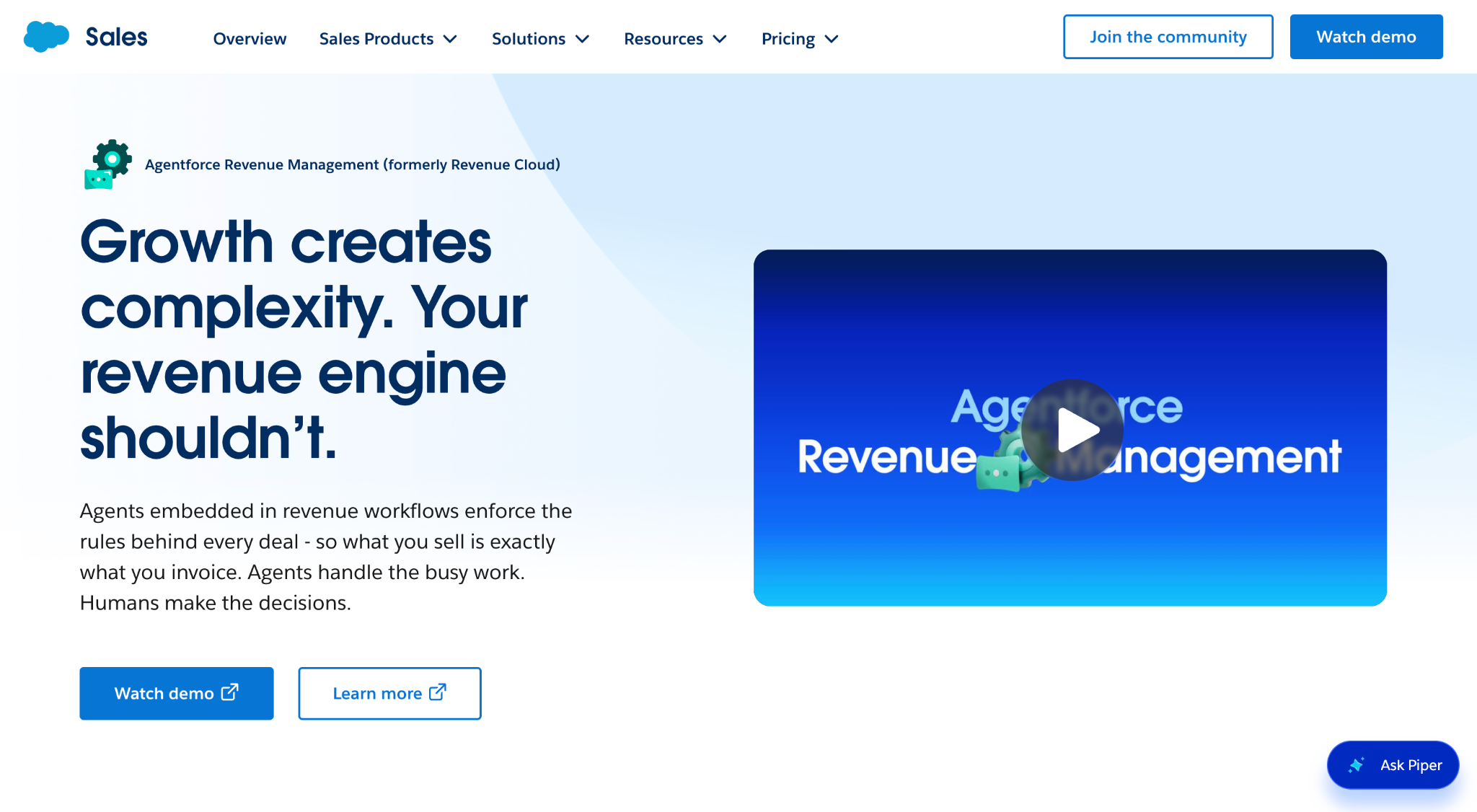
Salesforce Revenue Cloud is designed for organizations already invested in Salesforce CRM. It brings product configuration, quoting, contracts, and billing workflows onto Salesforce data, reducing the need for separate systems across the revenue process.
Salesforce moved its standalone CPQ product, formerly SteelBrick, into end-of-sale status in March 2025. New customers are directed toward Revenue Cloud offerings for configuration, quoting, and billing capabilities, while existing Salesforce CPQ customers continue to receive support.
Salesforce Revenue Cloud Ratings
What Makes Salesforce Revenue Cloud Unique
- Native Salesforce data flow: Quote, opportunity, account, and customer data stay connected within the Salesforce platform.
- Connected revenue workflows: Product catalogs, quoting, contracts, and billing capabilities can work together within the Salesforce ecosystem.
- Enterprise Salesforce alignment: Best suited for organizations that already rely on Salesforce CRM and want deeper platform alignment.
Salesforce Revenue Cloud Pricing
Salesforce Revenue Cloud uses per-user pricing with two public editions. Revenue Cloud Growth starts at $150 per user/month, while Revenue Cloud Advanced starts at $200 per user/month (both billed annually). These prices cover Revenue Cloud capabilities, but organizations also need a qualifying Salesforce CRM license, implementation services, and any additional integrations or add-on products.
For organizations replacing or expanding Salesforce CPQ, the total investment can be significantly higher than the base Revenue Cloud license. Industry estimates and implementation research suggest that the effective cost of a complete CPQ deployment can reach $365 or more per user/month, depending on Salesforce licenses, implementation scope, integrations, and customization requirements.
When evaluating Salesforce Revenue Cloud, compare the total cost of ownership instead of the published license price alone.
Things To Check Before Choosing Salesforce Revenue Cloud
Salesforce Revenue Cloud is built for enterprise environments with large-scale implementation requirements. Organizations moving from Salesforce CPQ should plan for a full re-implementation, as Salesforce does not provide a direct migration tool.
Total platform costs can exceed $365 per user/month when Salesforce licenses, Revenue Cloud, implementation, and supporting services are included. Implementation projects typically range from $75,000 to $800,000 and take 6 to 18 months, depending on business complexity. Ongoing administration and consultant support can add $96,000 to $144,000 annually.
Product configurations, pricing rules, and workflow changes are commonly managed through Salesforce administrators or implementation partners, making dedicated technical support an important part of long-term platform ownership.
3. Experlogix CPQ: Best For Mid-Market Teams
Best For: Mid-market teams selling configurable products on Microsoft Dynamics 365, Salesforce, or NetSuite that need deep product configuration and visualization capabilities.
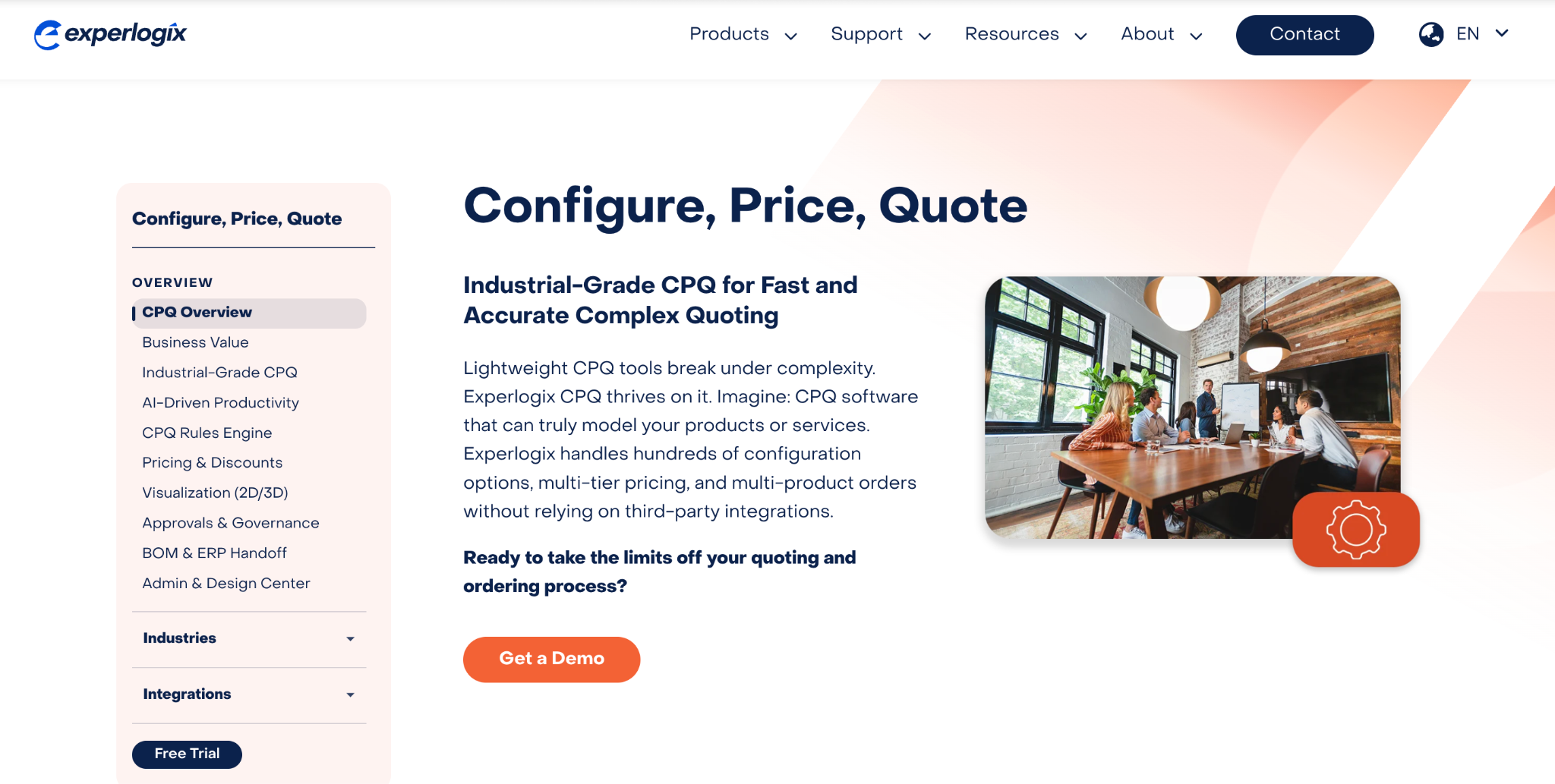
Experlogix CPQ is a configure-price-quote platform designed for teams managing complex products and configurable sales processes. It offers strong Microsoft Dynamics 365 integration, along with connections for Salesforce and NetSuite. The platform supports rules-based guided selling, product configuration, and 3D visualization to help teams manage complex product options and reduce quoting errors.
For manufacturers and distributors, Experlogix can connect configured products with manufacturing workflows by generating bills of materials and supporting downstream production processes. This makes it a strong fit for teams that have outgrown spreadsheets and need more control over complex product structures.
Experlogix CPQ Ratings
What Makes Experlogix CPQ Unique
- Strong Dynamics 365 integration: Experlogix works closely with Microsoft Dynamics 365, making it a strong option for teams already using the Microsoft ecosystem.
- Real-time 3D visualization: Reps and customers can view configured products as options change, helping reduce errors in complex configurations.
- Manufacturing workflow support: Configured quotes can connect with bills of materials and production workflows for manufacturing use cases.
Experlogix CPQ Pricing
Pricing is available on request and depends on factors such as user count, modules, deployment approach, and product complexity.
Things To Check Before Choosing Experlogix CPQ
Experlogix is best suited for teams with complex configuration requirements. Reviewers mention that advanced setups may require dedicated administration and configuration expertise. Compare both G2 and Capterra feedback, as review volume and ratings vary between platforms. Teams outside the Microsoft Dynamics, Salesforce, and NetSuite ecosystems should also evaluate integration requirements carefully.
4. DealHub: Best For Faster Rollout in Large Enterprise
Best For: Mid-market revenue teams that want guided selling, collaborative quoting, and faster deployment without a large enterprise rollout.
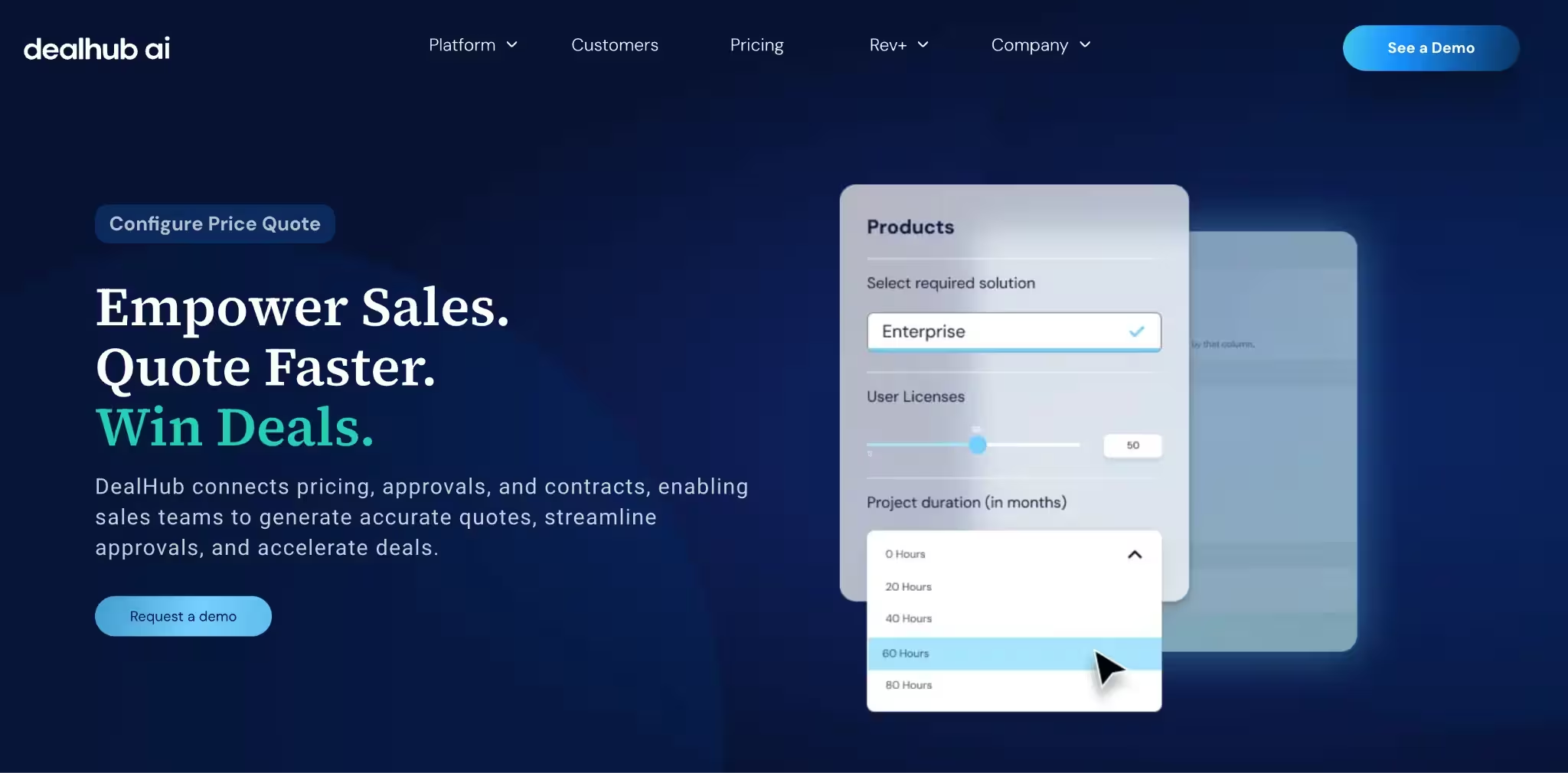
DealHub is a mid-market CPQ platform known for guided selling and its buyer-facing DealRoom experience. DealRoom creates a collaborative sales environment where buyers can review quotes, proposals, and deal information in one place. Teams choose DealHub for its configuration capabilities, approval workflows, and sales experience without the complexity of traditional enterprise suites.
Following its 2025 acquisition of Subskribe, DealHub expanded its platform toward subscription and usage-based revenue workflows, adding capabilities around recurring revenue models and billing processes.
DealHub CPQ Ratings
What Makes DealHub Unique
- DealRoom: A branded digital sales workspace that brings quotes, proposals, and buyer collaboration together.
- Guided selling: Question-led flows help reps build accurate configurations and navigate complex deals.
- Expanded revenue workflows: Subscription and usage-based capabilities extend DealHub beyond traditional quoting.
DealHub Pricing
DealHub does not publicly disclose its pricing, so organizations need to contact the sales team for a custom quote.
Pricing varies based on the selected products, number of users, implementation scope, and integrations. Buyers should also account for implementation, onboarding, training, and customer support, which are typically priced separately from the software license.
Review contract terms carefully, as customers have reported annual price increases of 3–7% and auto-renewal clauses that can affect the long-term cost of ownership.
Things To Check Before Choosing DealHub
DealHub is a strong fit for organizations prioritizing guided selling and buyer collaboration. Before implementation, evaluate how the platform fits with your CRM, contract, billing, and revenue systems.
Following DealHub's acquisition of Subskribe in November 2025, buyers should also understand which revenue lifecycle capabilities are fully integrated and which continue to operate as separate products.
Reviewers also note that some administrative changes may require updates across multiple configuration areas, so assess how pricing rules, product catalogs, and workflows will be maintained over time.
5. Oracle CPQ: Best for Enterprises with Oracle ERP Integration
Best For: Large enterprises and manufacturers that need advanced CPQ capabilities alongside Oracle ERP.
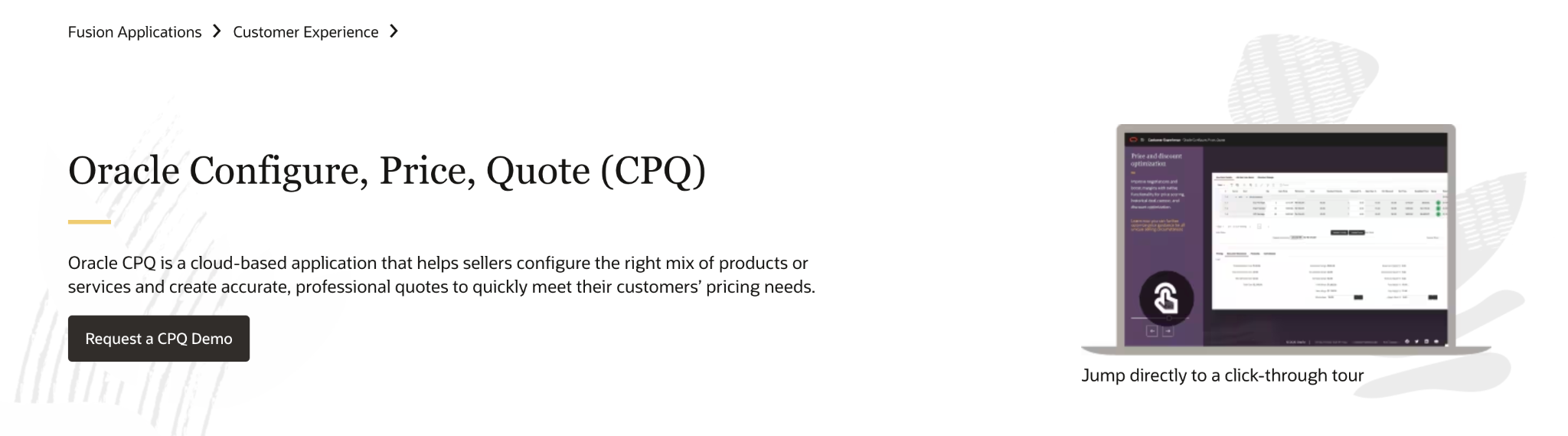
Oracle CPQ is an enterprise CPQ platform designed for organizations managing complex products, global sales operations, and large product catalogs. Its strongest fit is within Oracle environments, where it connects configuration, pricing, and sales processes with Oracle's broader enterprise systems.
Oracle CPQ Ratings
What Makes Oracle CPQ Unique
- Configuration at scale: Supports complex rules, product structures, and global deployments.
- Oracle ecosystem alignment: Connects closely with Oracle ERP and CX platforms.
- Enterprise capabilities: Built for organizations managing complex sales processes across regions and business units.
Oracle CPQ Pricing
Pricing is available on request. Costs depend on users, deployment requirements, modules, and enterprise complexity.
Things To Check Before Choosing Oracle CPQ
Oracle CPQ is designed for enterprise environments, which can require significant implementation effort and specialist resources. Teams outside the Oracle ecosystem should evaluate whether the integration benefits justify the additional complexity.
6. SAP CPQ: Best For Enterprises With SAP as Core ERP
Best For: Global enterprises running SAP S/4HANA that need CPQ aligned with their ERP environment.
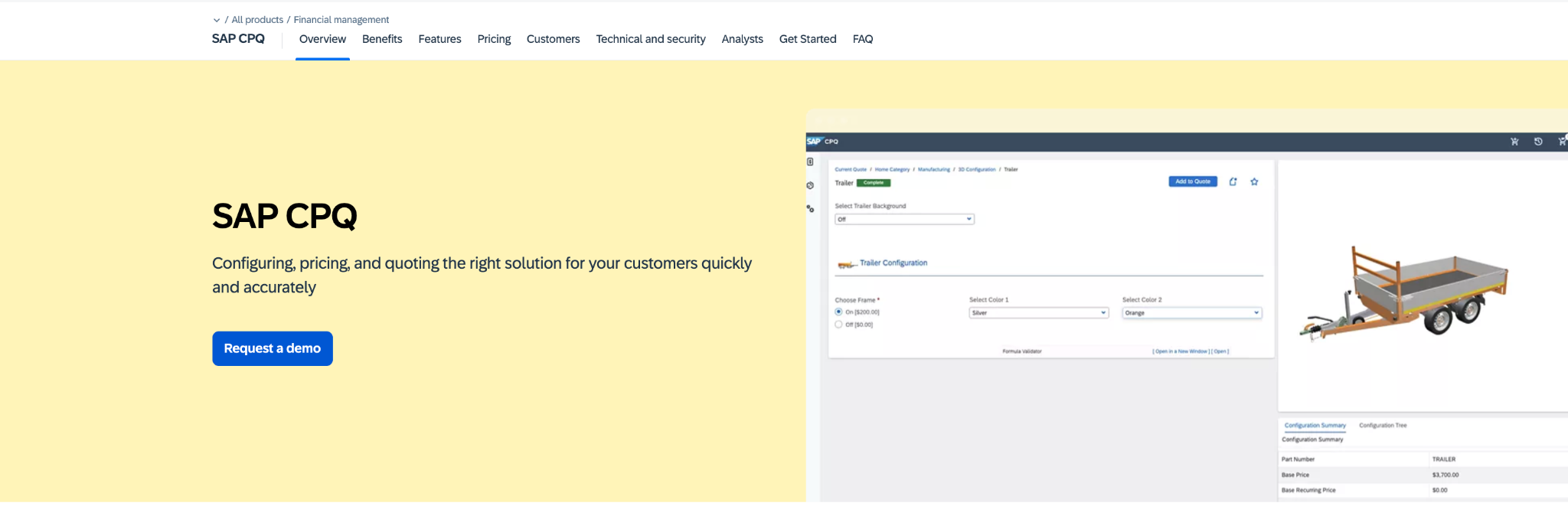
SAP CPQ is designed for organizations where SAP is already the core ERP platform. It supports complex product catalogs, global pricing models, multi-currency transactions, and multi-language selling requirements across enterprise environments.
SAP CPQ Ratings
What Makes SAP CPQ Unique
- SAP ecosystem integration: Connects configuration and pricing workflows with SAP environments.
- Global selling support: Handles multi-currency and multi-language requirements for international teams.
- Complex catalog management: Supports large product portfolios and enterprise sales processes.
SAP CPQ Pricing
Pricing is available on request and typically depends on the broader SAP environment, users, and implementation requirements.
Things To Check Before Choosing SAP CPQ
SAP CPQ is strongest for organizations already invested in SAP. Teams outside the SAP ecosystem may need additional evaluation around integration effort, implementation resources, and long-term maintenance.
7. Conga CPQ: Best For Enterprises that Need Comprehensive CLM
Best For: Enterprises that need complex configuration, proposal generation, and contract workflows within one revenue platform.
Conga CPQ is designed for enterprises managing complex product configurations, pricing models, and contract workflows. As part of the Conga platform, it combines CPQ capabilities with document generation and contract lifecycle management features, making it a strong fit for organizations where quotes involve detailed commercial terms.
Conga CPQ Ratings
What Makes Conga CPQ Unique
- Configuration plus CLM: Combines CPQ, document workflows, and contract management capabilities.
- Complex deal support: Handles dynamic pricing, bundles, and configurable product structures.
- CRM flexibility: Supports enterprise environments across different CRM ecosystems.
Conga CPQ Pricing
Pricing is available on request and depends on modules, users, implementation scope, and deployment requirements.
Things To Check Before Choosing Conga CPQ
Conga CPQ is built for enterprise use cases, which can require technical resources and careful implementation planning. Evaluate whether your team needs the full breadth of the platform or only specific CPQ capabilities.
8. Nue.io: Best for SaaS Revenue Operations
Best For: SaaS businesses with subscription, usage-based, or hybrid pricing models that need Salesforce-native CPQ and revenue management.
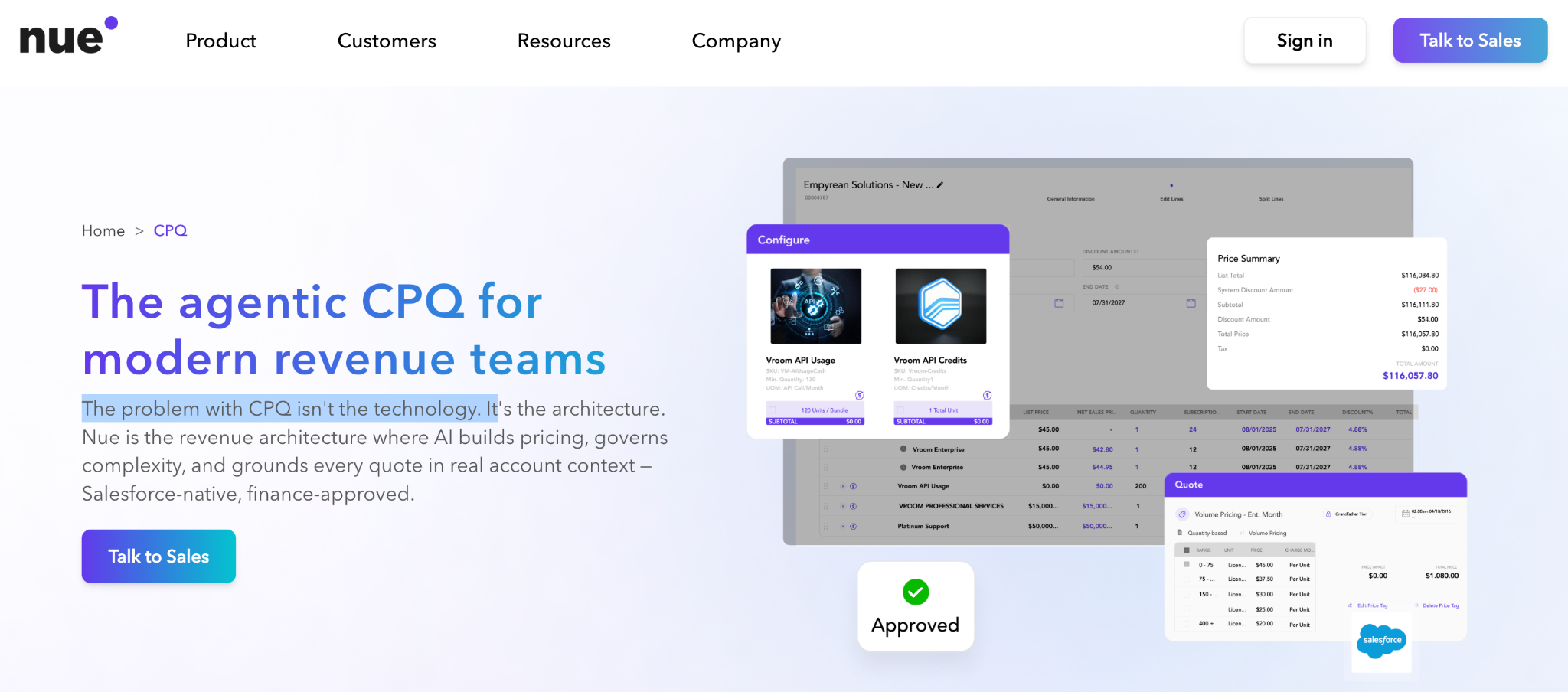
Nue.io is a Salesforce-native CPQ and revenue lifecycle platform built for modern SaaS businesses. It helps sales teams configure products, generate quotes, manage subscriptions, and handle pricing changes within Salesforce. Beyond CPQ, Nue.io supports recurring revenue operations, making it a strong option for organizations with subscription billing, usage-based pricing, or frequent contract amendments.
If you're evaluating options specifically for a subscription business, our guide to CPQ for SaaS covers the criteria that matter most for this category
Nue.io CPQ Ratings
Note: At the time of writing, Nue does not have a verified Capterra profile. The ratings above are based on verified G2 reviews.
What Makes Nue.io Unique
- Built for recurring revenue: Supports subscription, usage-based, and hybrid pricing models from a single platform.
- Salesforce-native architecture: Works directly within Salesforce, reducing data synchronization challenges.
- Flexible pricing management: Handles pricing changes, renewals, amendments, and subscription lifecycle management without custom development.
Nue.io Pricing
Nue.io does not publicly disclose its pricing, so organizations need to contact the sales team for a custom quote.
Pricing is tailored to factors such as business size, implementation scope, Salesforce environment, subscription complexity, and the revenue management capabilities required. Organizations should also confirm whether implementation, integrations, ongoing support, and future platform expansion are included in the quoted price.
Things to Check Before Choosing Nue.io
Nue.io is best suited for SaaS companies with recurring revenue models. Organizations selling highly configurable manufactured products or requiring complex engineering configurations should evaluate whether its configuration capabilities align with their product complexity. Similarly, businesses not using Salesforce should assess integration requirements before implementation.
9. PandaDoc: Best for Simple CPQ Requirements
Best For: SMB and mid-market teams that need professional quotes and proposals with lighter configuration requirements.
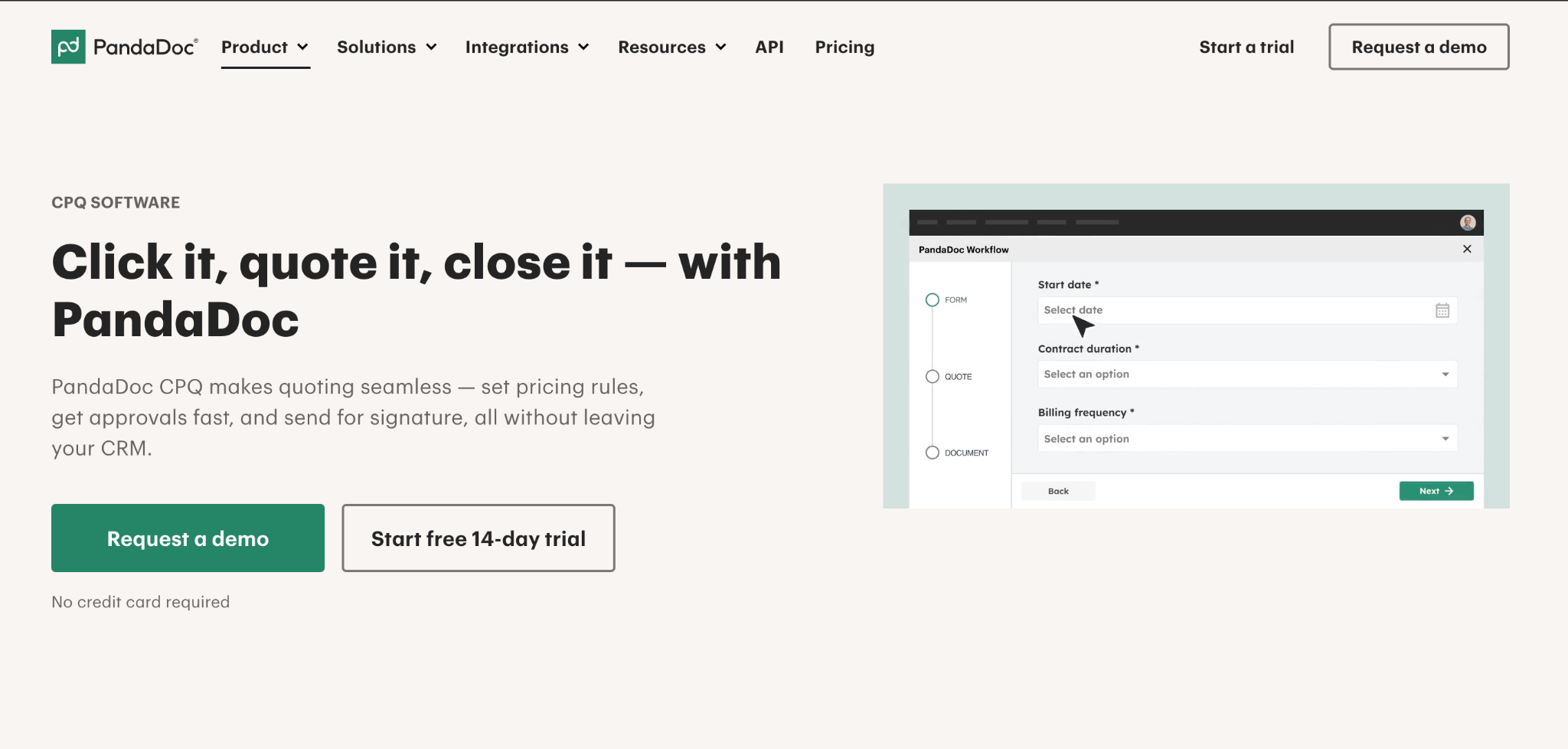
PandaDoc focuses on the document and proposal side of quoting, with strong e-signature and workflow capabilities. It is a good fit for teams that prioritize creating polished customer-facing documents, managing approvals, and completing signatures without requiring deep CPQ configuration capabilities.
PandaDoc Ratings
What Makes PandaDoc Unique
- Document experience: Offers templates, e-signature, and document workflows for customer-facing proposals.
- Quick adoption: Designed for teams that need quoting and proposal workflows without complex implementation.
- CRM integrations: Connects with platforms such as Salesforce and HubSpot for sales workflows.
PandaDoc Pricing
PandaDoc offers tiered pricing, including a free plan, paid plans starting around $19/user/month, Business plans around $49/user/month, and custom Enterprise pricing. Advanced CPQ capabilities are available through higher-tier plans.
Things To Check Before Choosing PandaDoc
PandaDoc works well for proposal-driven sales processes but has less configuration depth than dedicated CPQ platforms. Teams managing complex bundles, pricing rules, or advanced approval workflows should evaluate whether additional CPQ capabilities are required.
10. HubSpot Revenue Hub: Best for HubSpot-Native Revenue Teams
Best For: Businesses using HubSpot that want to manage quoting, contracts, billing, and payments from a single platform.
HubSpot Revenue Hub extends the HubSpot CRM with quoting, billing, payments, subscriptions, and contract management. It is designed for organizations already using HubSpot that want to streamline revenue operations without relying on multiple disconnected tools. While it isn't a traditional enterprise CPQ platform, it provides quoting capabilities alongside the broader revenue workflow inside the HubSpot ecosystem.
HubSpot Revenue Hub Ratings
What Makes HubSpot Revenue Hub Unique
- Unified revenue operations: Manage quotes, contracts, billing, subscriptions, and payments from the same platform.
- Native HubSpot experience: Revenue data stays connected to CRM records, reducing manual handoffs between sales and finance.
- Built-in billing and payments: Convert accepted quotes into invoices and payment workflows without relying on multiple tools.
HubSpot Revenue Hub Pricing
HubSpot Revenue Hub offers a Free plan for billing and payments, while quoting capabilities are available in the Professional and Enterprise editions. Professional plans start at $85 per seat/month, and Enterprise plans start at $140 per seat/month when billed annually.
Pricing may vary based on billing frequency, promotional offers, and the HubSpot products included in your subscription. Organizations with advanced requirements should contact HubSpot for custom pricing and implementation guidance.
Things To Check Before Choosing HubSpot Revenue Hub
HubSpot Revenue Hub is best suited for organizations already using HubSpot CRM. If your business requires highly complex product configuration, advanced manufacturing rules, or enterprise-grade CPQ capabilities, evaluate whether its configuration and pricing functionality meets your requirements before committing.
Top CPQ Software Trends To Know In 2026
The CPQ category is evolving as companies adopt more flexible pricing models, AI-assisted workflows, and connected revenue systems. Three major shifts are shaping how teams evaluate CPQ platforms in 2026.
1.AI-Assisted Pricing And Quoting
AI is becoming a larger part of pricing and quoting workflows, helping teams analyze pricing decisions, recommend configurations, and identify discount risks. Research into AI-driven pricing models highlights the shift from static pricing management toward more intelligent, automated pricing systems.
2.Expansion Beyond Traditional CPQ
CPQ platforms are increasingly connecting with subscription management, billing, and revenue workflows as companies look for more connected systems across the deal lifecycle. Pricing and monetization research shows businesses are adopting more flexible revenue models that require stronger alignment between quoting and downstream revenue processes.
3.Consumption And Hybrid Pricing Support
Usage-based and hybrid pricing models are becoming more common in B2B software. A 2025 Metronome and Greyhound Capital survey found that 85% of surveyed software companies had adopted usage-based pricing, showing the growing need for systems that can support flexible pricing structures.
Maxio's 2025 SaaS Pricing Trends Report also found that hybrid pricing models are gaining adoption, with companies combining subscription and usage-based approaches to support evolving monetization strategies.
CPQ Vs Native CRM Quoting: Do You Actually Need CPQ?
Most CRMs provide basic quoting capabilities. Salesforce, HubSpot, and Microsoft Dynamics can generate quotes, apply simple discounts, and attach documents to opportunities.
CRM quoting vs CPQ software: Understanding when each approach fits
If reps regularly export quotes into spreadsheets to make them work, your quoting process has likely outgrown your CRM.
How To Choose The Right CPQ Software
Match the platform to your pricing complexity and sales process.
- Product complexity: How does the platform handle your hardest configurations?
- CRM and ERP fit: Is the connection native or through connectors?
- Time to Adoption: How quickly can your team create live quotes?
- Deal Models: Does it support subscriptions, ramps, and usage-based pricing?
- Quote Handoff: How does quote data move into contracts, billing, and downstream systems?
A candid caveat from watching these projects: if you sell two or three simple subscriptions, full CPQ can add more complexity than it removes. Run a short pilot on your messiest real deals before signing. The tool that survives your hardest quote is the one to buy.
How To Implement CPQ Without Stalling Adoption
CPQ projects derail when teams model every theoretical product rule before a single rep sends a quote, then ship a system so rigid that sellers route around it. A few practices keep implementations on track.
- Start with your top deals, not your whole catalog: Configure the 20% of products that drive 80% of revenue first, ship, then expand.
- Clean the price book before you migrate it: CPQ enforces whatever rules you give it, including the wrong ones.
- Bring reps in early: The people quoting daily know the edge cases, and co-designing guided-selling flows drives adoption.
- Set the right guardrails: Approval thresholds should catch the deals that need review and let everything else flow.
- Plan the downstream handoff: Decide on day one how closed quotes feed contracts, billing, and commissions, so the deal data flows instead of getting re-keyed at each stage.
Benefits Of CPQ Software: Advantages And Disadvantages
CPQ software helps sales teams create accurate quotes, enforce pricing rules, and manage complex selling processes. However, the value depends on how well the platform matches your product complexity and sales workflow. A well-configured CPQ system can reduce manual work and improve control, while a poorly planned implementation can add unnecessary complexity.
CPQ software benefits and considerations before adoption
Match The Right Tool To Your Team
1.By Team Size
- Under 30 reps: QuoteWerks, PandaDoc, or native CRM quoting
- 30 to 500 reps: Everstage or DealHub for guided selling and connected revenue workflows
- 500+ reps: Oracle, SAP, or Conga for enterprise complexity
2.By CRM And ERP Stack
- Salesforce: Salesforce Revenue Cloud, DealHub, Everstage
- HubSpot: Everstage, DealHub, PandaDoc
- Oracle ERP: Oracle CPQ
- SAP ERP: SAP CPQ
- Microsoft Dynamics: Experlogix
3.By Product Complexity
- Simple subscriptions: PandaDoc, QuoteWerks, native CRM quoting
- Bundles, tiers, usage models: Everstage, DealHub, Salesforce Revenue Cloud
- Engineer-to-order manufacturing: Cincom, Oracle, PROS
Run Quote-To-Commission From One Platform
CPQ removes manual work from quoting, but teams still need accurate downstream workflows after a deal closes.
Everstage connects CPQ, incentive compensation, and quota planning on one platform, allowing revenue teams to move from quote creation to accurate payouts without manual data movement. Deal data from the quoting process flows into commission calculations automatically, giving teams better visibility into how bookings translate into incentives.
Built for technology and SaaS revenue teams, Everstage CPQ combines no-code configuration with Eva, Everstage's AI assistant, to help revenue teams work faster. Sales reps can use Eva to draft quotes, summarize deals, and pull key insights from customer calls. Managers can quickly understand pipeline activity, while RevOps teams can automate tasks such as flagging unusual quotes, updating product catalogs, and analyzing revenue data. Everstage also helps teams manage pricing rules, approval workflows, discount guardrails, and complex deal structures, including multi-year contracts, ramps, bundles, and usage-based pricing.
Because quoting and commissions run on the same platform, reps can see the commission impact while building deals, and finance teams gain an auditable view of how approved quotes translate into payouts.
Book a demo with Everstage to see how quoting, commissions, and quota planning work together on your revenue data.
Questions worth asking
The things most people want to know before they commit.
How Much Does CPQ Software Cost?
CPQ pricing varies by vendor, users, modules, and implementation requirements. SMB tools may start at lower per-user pricing, while enterprise platforms are typically quote-based.
Is Salesforce Discontinuing CPQ?
Salesforce moved standalone Salesforce CPQ into end-of-sale status in March 2025 and directs new customers toward Revenue Cloud. Existing CPQ customers continue to receive support.
Does CPQ Integrate With CRM?
Yes. CPQ platforms connect with major CRM systems through native integrations or APIs. They typically sync opportunity, product, pricing, and quote data.
Can CPQ Software Handle Subscription And Usage-Based Pricing?
Many modern CPQ platforms support subscription models, ramp deals, tiered pricing, and usage-based pricing. However, capabilities vary by vendor, so evaluate how each platform handles your specific pricing model. If you're unsure which model fits your business, our guide to CPQ pricing methods breaks down the core approaches platforms typically support
How Long Does It Take To Implement CPQ Software?
Implementation timelines depend on product complexity, integrations, data quality, and approval workflows. Simple deployments may take weeks, while enterprise CPQ implementations can require several months.
Does CPQ Software Support Multiple Currencies And Regions?
Many enterprise CPQ platforms support multi-currency pricing, regional pricing rules, and localized quoting workflows. Businesses selling across markets should verify how each platform handles global pricing requirements.