

TL;DR
Key Takeaways
- Sales productivity software helps teams reduce non-selling work and improve how reps execute across prospecting, pipeline management, coaching, and enablement.
- Teams adopt these tools to increase selling time, improve rep consistency, and remove manual effort from CRM updates, follow-ups, reporting, and sales coordination.
- It addresses low rep productivity caused by fragmented workflows, tool overload, and time lost across administrative and non-revenue activities.
- This guide evaluates 8 tools including Salesforce Sales Cloud, HubSpot Sales Hub, Gong, Outreach, Pipedrive, LinkedIn Sales Navigator, Highspot, and Everstage.
- Rankings and comparisons are based on public G2 and Capterra reviews, vendor pricing pages, and official product documentation as of 2026, along with feature validation from publicly available sources.
Reps spend a large share of their week on essential but non-revenue activities such as updating CRMs, coordinating across teams, managing follow-ups, and handling administrative workflows. Together, these tasks significantly reduce the time available for active selling and limit overall productivity.
McKinsey reports that non-selling activities account for nearly two-thirds of a typical sales team’s time. Leading organizations are addressing this by offloading up to 50% of administrative work and using automation to unlock roughly 20% more sales capacity.
This guide ranks 8 sales productivity tools based on pricing, pros, cons, and best-fit guidance for each. Ratings are based on G2 and Capterra user data.
Quick Question
What Types of Teams Need Sales Productivity Software?
Teams where reps spend a significant share of their week on CRM updates, follow-ups, internal coordination, and administrative work benefit most from sales productivity software.
As headcount grows and selling time declines, these tools deliver strong gains in efficiency and output. Any team looking to increase rep productivity without increasing headcount should read this guide.
8 Base Features You Get From Every Sales Productivity Tool
Every tool in this guide was evaluated against a shared set of baseline capabilities. These features define the core of sales productivity software, allowing each review to focus on what makes the product different.
Sales Productivity Software: All 8 Tools Compared at a Glance
The table below shows all 8 tools in one view.
8 Sales Productivity Software Tools Compared at a Glance
Full Reviews: Ratings, Known Issues, and Best Fit for All 8 Tools
1. Everstage
Best For: Teams where rep productivity is impacted by compensation opacity, manual payout checks, and time spent reconciling earnings instead of selling.
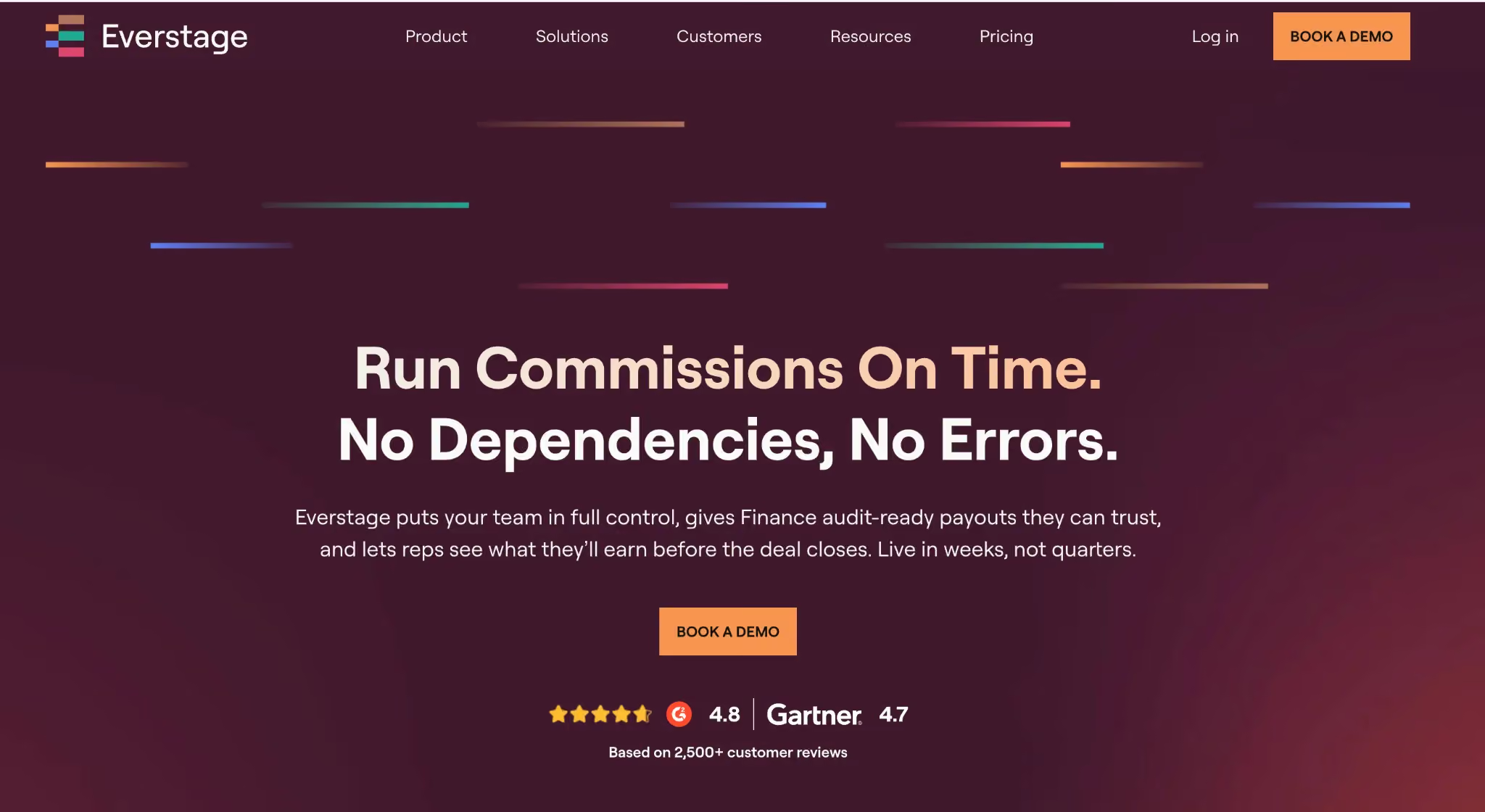
Everstage is a sales compensation platform that also acts as a productivity lever by reducing the time reps and RevOps teams spend on payout tracking, disputes, and commission calculations. It brings together plan rules, CRM data, payout calculations, and rep-facing dashboards into a single workflow.
Everstage Ratings
What makes Everstage unique
Everstage reduces non-selling time by removing manual effort around [commission tracking software] workflows and payout reconciliation. This helps reps spend more time selling rather than maintaining spreadsheets or manually checking earnings.
It helps teams by:
- Bringing CRM deal data into a structured sales compensation workflow
- Giving reps visibility into earnings and payout status without manual tracking
- Reducing back-and-forth between reps and RevOps on commission questions
- Centralizing payout logic so calculations don’t rely on spreadsheets
The platform integrates with Salesforce, HubSpot, and other CRMs for sales compensation, ensuring payout calculations stay aligned with live deal data. Reps can view earnings, quota progress, and payout breakdowns from a dedicated [rep commission dashboard], while RevOps teams manage plans and exceptions in one place.
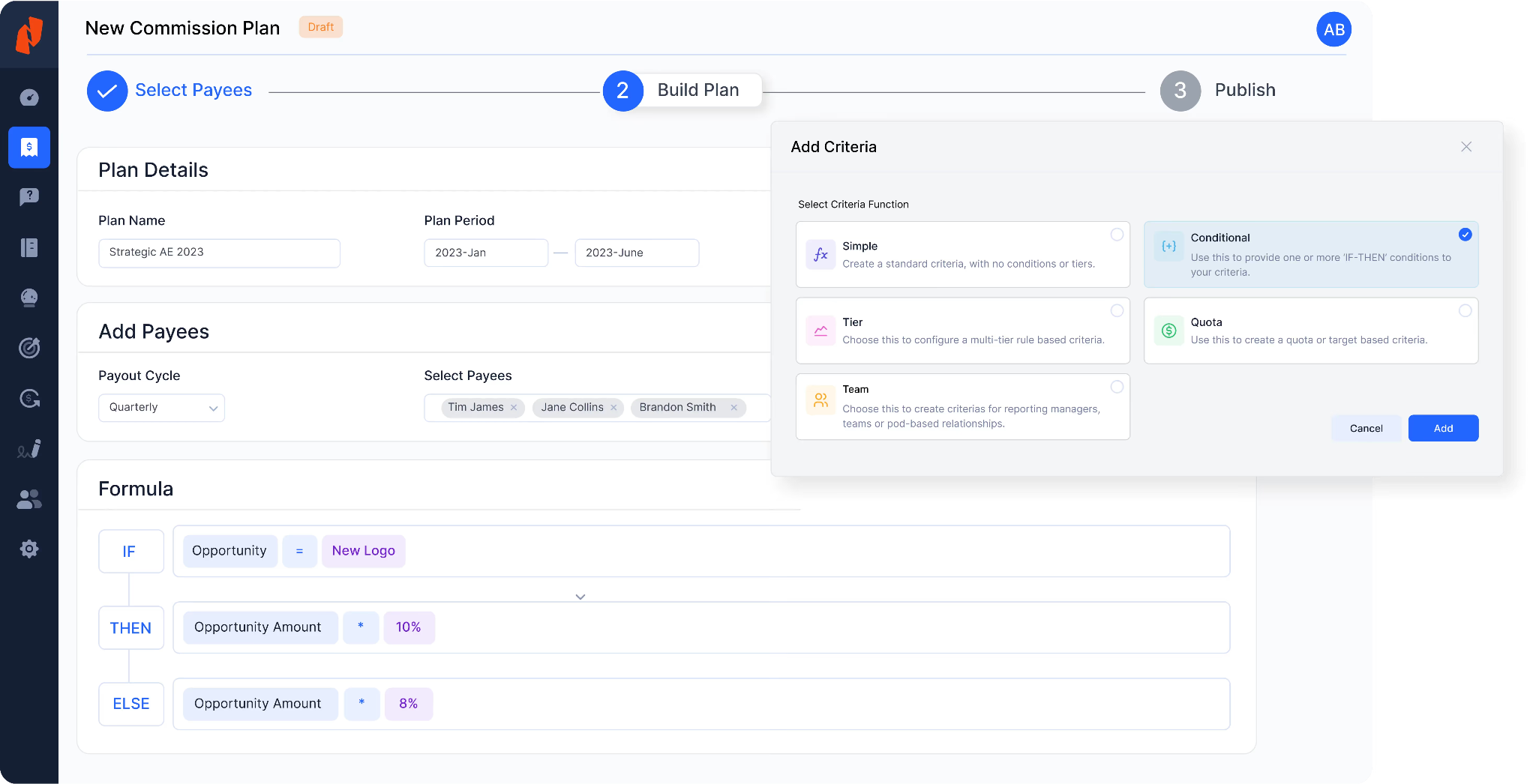
Everstage adds four features beyond the base tool set.
- Advanced Plan Logic: Everstage runs tiered, multi-rule plans using its no-code builder.
- Payee Mobile View: Reps access live payout data via a mobile app.
What Customers Say About Everstage
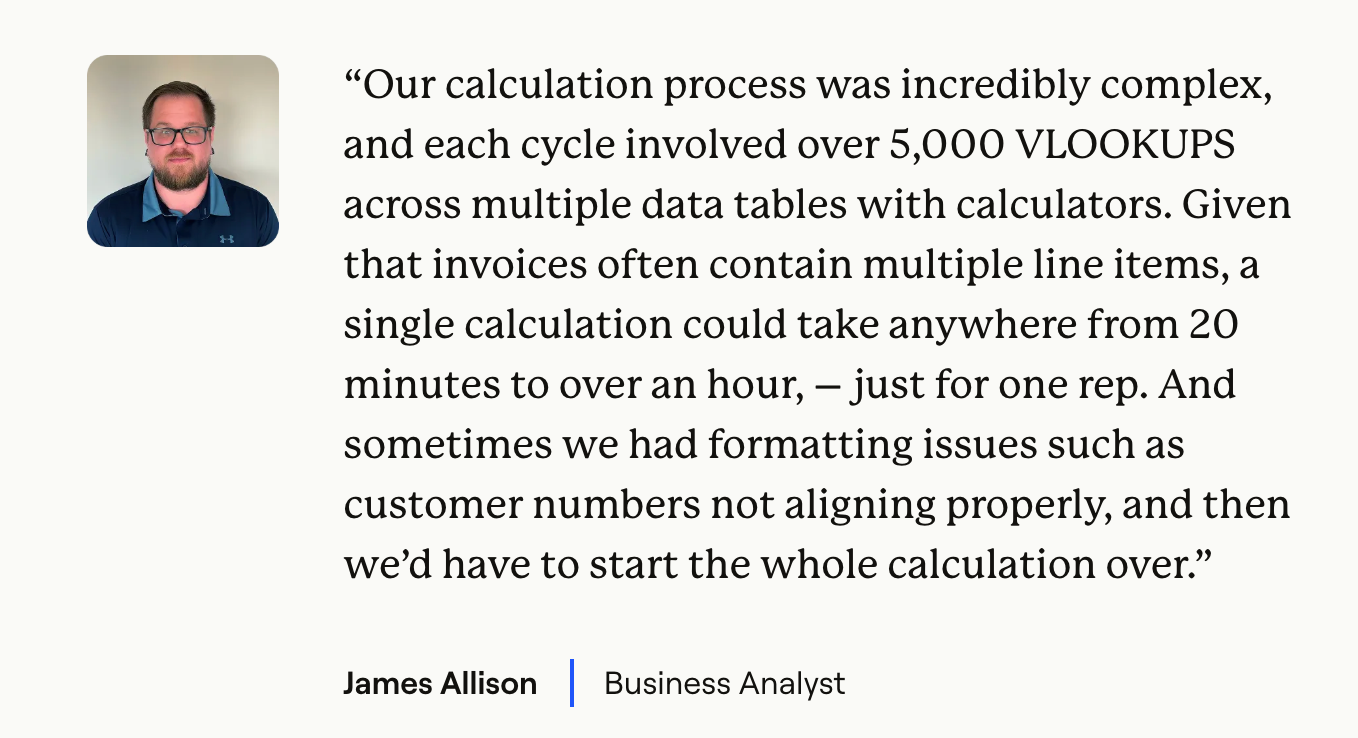
Everstage has strong third-party validation across analyst and review platforms. Its Forrester evaluation highlights strong performance in payee engagement in SPM Q1 2025, while its G2 presence shows strong traction in the sales compensation category as of June 2026.
Everstage also supports global sales teams with multi-currency payout capabilities. Teams with reps across multiple countries can manage compensation on a single shared platform instead of running separate regional payout workflows.
Customer proof is a strong part of Everstage’s story.
Hood Container set up the platform in one month and moved from a compensation process that involved more than 5,000 VLOOKUP formulas per run. Their ops team now manages the full compensation cycle independently. Postman, Popmenu, and Chargebee also use Everstage to manage sales compensation.
Read all the customer stories here.
Everstage’s Pricing
Pricing is custom and quote-based, with per-payee charges and implementation costs included.
Contact Everstage directly for a quote tailored to your payee count and needs. Also, ask about free trial or POC options when speaking with the sales team.
To see how much your organization can save on annual earnings and the potential ROI with Everstage, check out our ROI calculator.
See Everstage in action. Book a Demo today.
Things to Check Before Choosing Everstage
Everstage follows a demo-led free trial process, so teams should confirm what is included in the trial before evaluation.
Pricing scales with the number of payees, making it a stronger fit for teams with larger sales compensation workflows.
Note:
Everstage is scoped for teams with 50 or more payees. Smaller teams gain more value from lighter, simpler tools. Some G2 reviewers note that setup needs close vendor support.
2. Salesforce Sales Cloud
Best For: Mid-market and enterprise sales teams that need a flexible CRM system of record for managing pipeline, forecasting, and sales execution at scale.
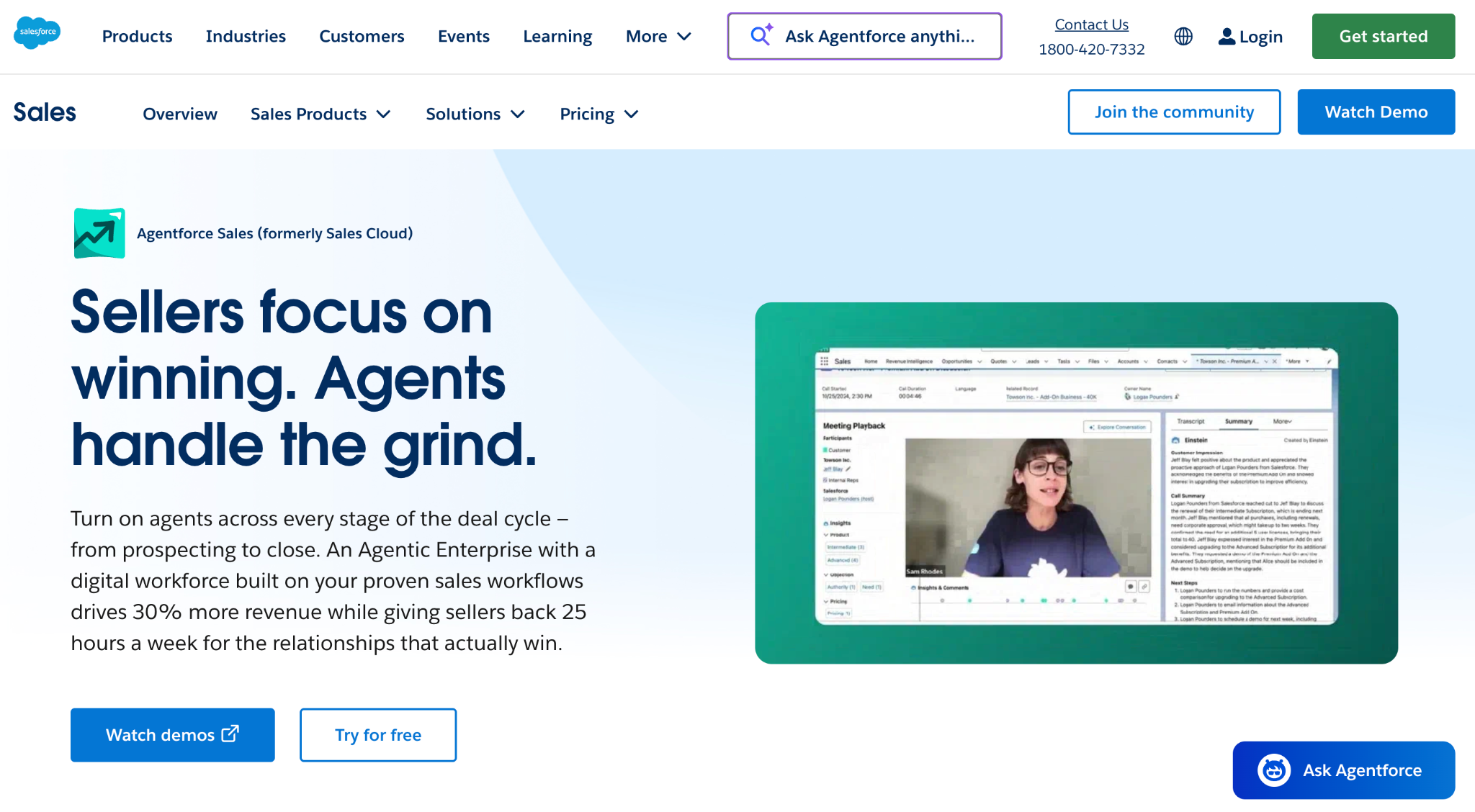
Salesforce Sales Cloud is a CRM platform built to centralize deal, account, contact, and activity data in one place. In a sales productivity context, it helps reduce scattered tracking across spreadsheets, emails, and disconnected tools by giving teams a unified view of pipeline and performance.
Reps and managers use it to track deals, manage tasks, and monitor pipeline progress across the sales cycle. It also acts as the foundation for many other sales tools in the stack.
Salesforce Sales Cloud Ratings
What makes Salesforce Sales Cloud Unique
Salesforce Sales Cloud improves sales productivity by centralizing sales data and reducing manual tracking across tools and spreadsheets.
It helps teams by:
- Centralizing deal, account, contact, and activity data in one CRM system
- Giving real-time visibility into pipeline stages, ownership, and forecasts
- Automating repetitive tasks like updates, task creation, and workflow handoffs
- Connecting with a large ecosystem of sales tools through integrations
Salesforce Sales Cloud’s Pricing
- Tiered pricing from $25 to $550 per user/month based on features and scale
- Higher plans add AI, forecasting, conversation intelligence, and advanced sales tools
- Enterprise add-ons and success plans increase the total cost, depending on support and modules
Things to check before choosing Salesforce Sales Cloud
Salesforce Sales Cloud is best suited for teams that need deep customization and structured sales processes. However, it typically requires admin effort to configure and maintain.
3. HubSpot Sales Hub
Best For: SMB and mid-market teams that want an easy-to-use CRM with built-in sales engagement, automation, and reporting capabilities.
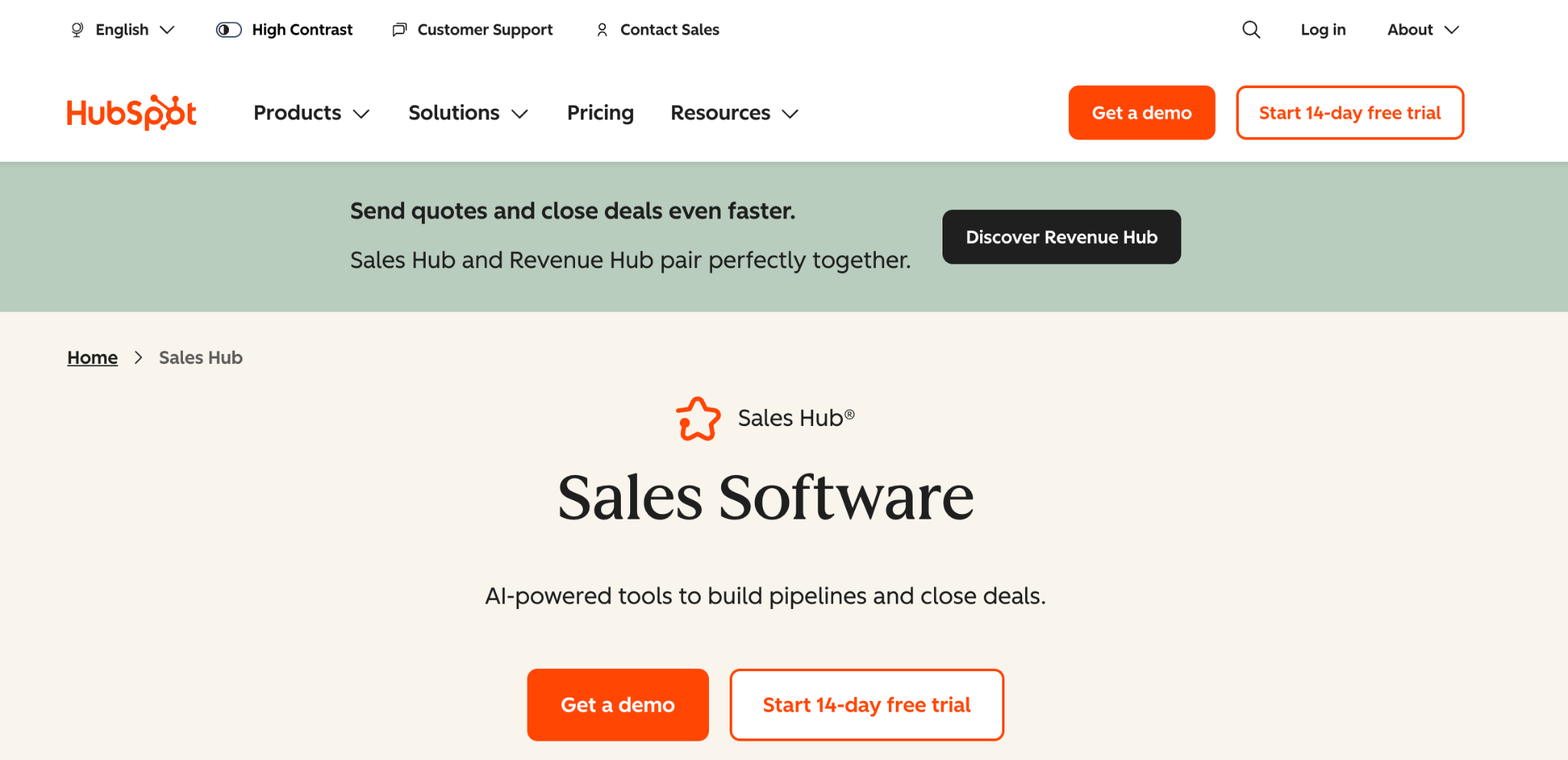
HubSpot Sales Hub is a CRM-based sales platform that combines pipeline management, email tracking, automation, and reporting in one system. It is commonly used by teams that want a fast-to-adopt sales stack without heavy setup or administration.
Reps use it to manage deals, track emails and meetings, and run follow-ups directly from the CRM. Managers get visibility into pipeline health, activity levels, and conversion trends through built-in dashboards.
HubSpot Sales Hub User Ratings
What Makes HubSpot Sales Hub Unique
- Built-in Sales Productivity Stack: Combines email tracking, templates, scheduling, and document sharing in one workspace, reducing the need for multiple point tools
- AI-Assisted Selling: Surfaces next-best actions and deal insights to help reps prioritize follow-ups and reduce manual decision-making
- Unified Customer Context: Brings together deal history, marketing interactions, and support data so reps spend less time searching for information before engaging buyers
HubSpot Sales Hub Pricing
- Free HubSpot CRM: $0 per user/month. Basic CRM with contact management, email tracking, and task tracking for up to 2 users
- Sales Hub Starter: $20 per user/month. Core sales tools including email tracking, calling, templates, and 500 HubSpot credits
- Sales Hub Professional: $100 per user/month. Adds sales automation, forecasting, conversation intelligence, and productivity analytics
- Sales Hub Enterprise: $150 per user/month. Includes advanced automation, AI-powered features, deal splits, pipeline approvals, and deeper reporting capabilities
Things to Check Before Choosing HubSpot Sales Hub
Advanced sales productivity features such as forecasting, automation, and AI-driven insights are mainly available in the Professional and Enterprise tiers. Teams on the Starter plan may need to upgrade to access meaningful productivity automation.
4. Gong
Best for: Sales orgs that want to scale coaching, surface deal risks from conversations, and capture customer and market intelligence from sales calls.
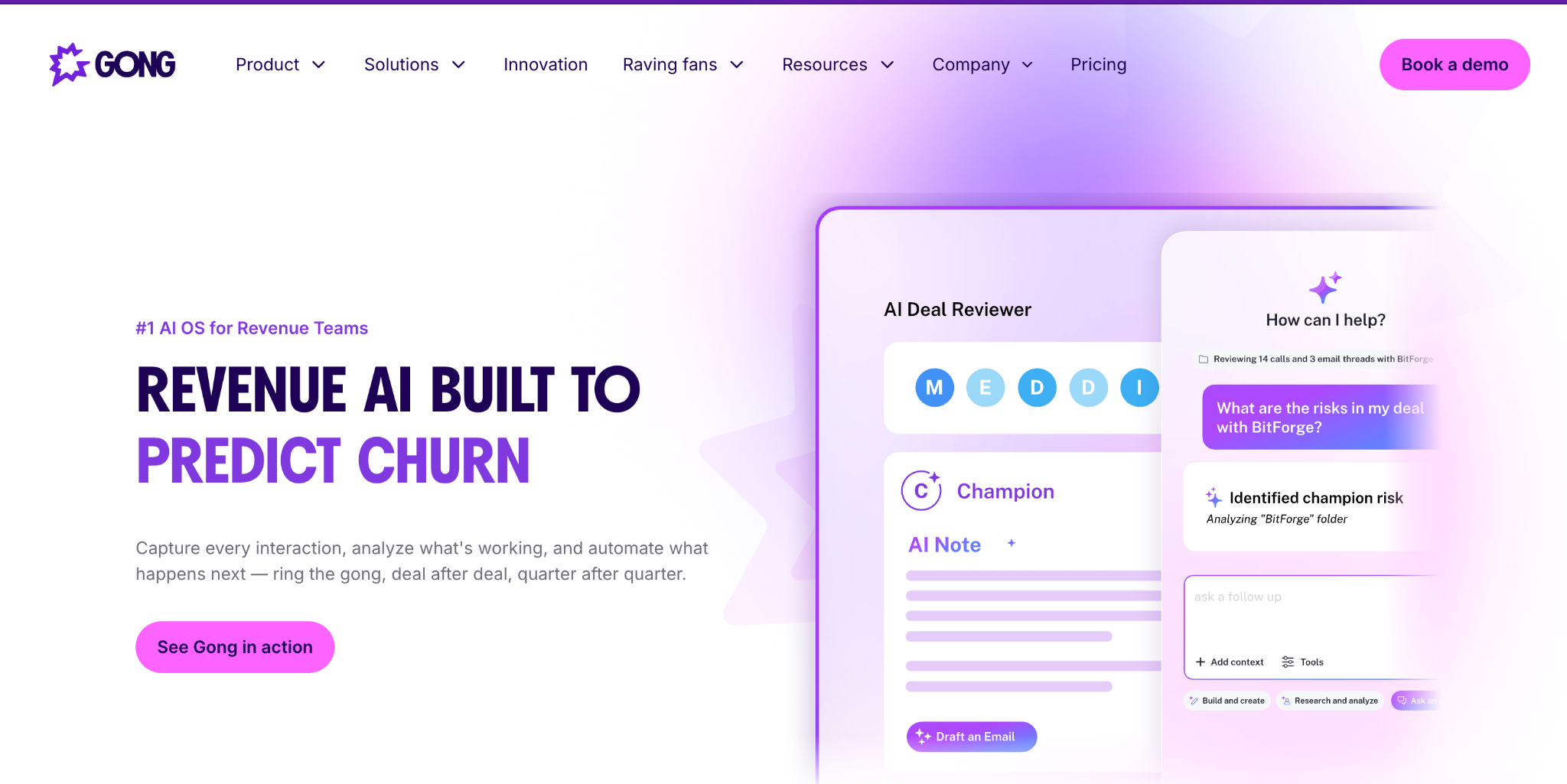
Gong is a conversation intelligence platform that records and analyzes sales calls, emails, and meetings. It helps sales teams identify patterns in customer conversations such as objections, competitor mentions, pricing pushback, and deal risks that are often missed in manual reviews.
It is widely used to scale coaching across large sales teams and improve visibility into deal execution. Beyond coaching, Gong also serves as an intelligence layer for revenue teams, surfacing insights that support forecasting, product feedback, and competitive analysis.
Gong User Ratings
What Makes Gong Unique
- Conversation Intelligence at Scale: Helps teams analyze large volumes of sales conversations without manual review
- Deal Risk Visibility: Highlights patterns like stalled deals, objections, and competitor threats
- Customer Insight Layer: Turns sales conversations into structured insights for revenue and product teams
Gong Pricing
Custom pricing based on team size and selected modules. Contact Gong for a quote.
Things to Check Before Choosing Gong
Gong is most effective for teams with high call volume and structured sales processes. Smaller teams may find it more feature-heavy than needed. Implementation and rollout typically require coordination across sales and RevOps teams.
5. Outreach
Best for: Mid-market to enterprise sales teams that want a unified sales engagement platform for prospecting, follow-ups, and sales workflow automation.
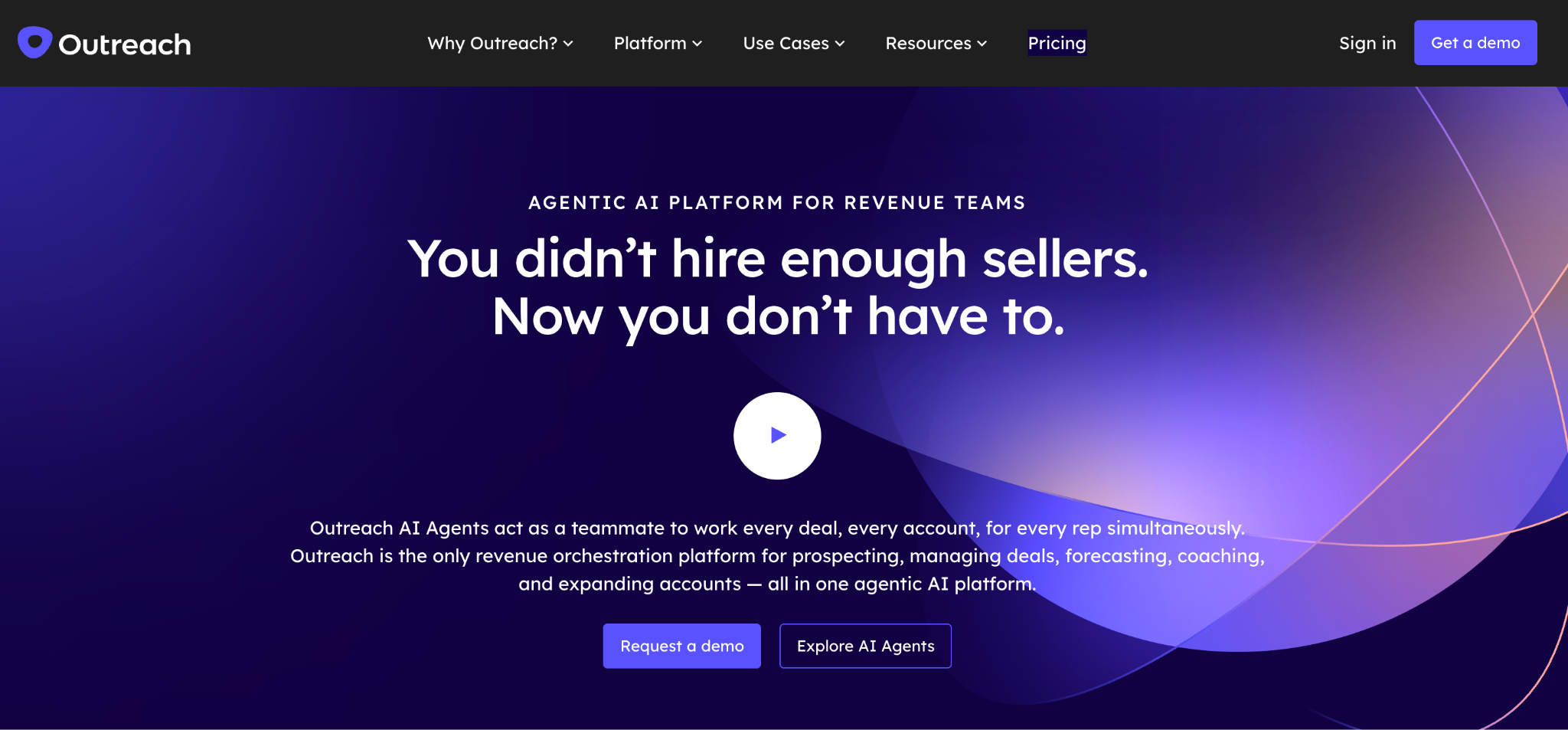
Outreach is a sales execution platform that helps teams manage prospecting, engagement, and deal execution in one system. It automates repetitive sales tasks such as outreach sequences, follow-ups, and activity tracking, helping reps spend more time on active selling.
It is commonly used by SDR and AE teams to run structured outbound motion and by RevOps teams to standardize sales workflows across the organization. The platform integrates with CRMs like Salesforce and HubSpot to keep activity and pipeline data in sync.
Outreach User Ratings
What Makes Outreach Unique
- End-to-End Sales Engagement: Combines sequencing, communication, and workflow automation in one platform
- Rep Productivity Automation: Reduces manual follow-ups through structured cadences and task automation
- AI-Driven Sales Execution: Uses AI to improve prioritization, outreach timing, and deal insights
Outreach Pricing
Custom pricing based on team size, usage, and modules. Contact Outreach for a quote.
Things to Check Before Choosing Outreach
Outreach works best for teams running structured outbound sales motions. The platform can feel complex for smaller teams due to its depth of features, and setup typically requires alignment between sales and RevOps teams.
6. Pipedrive
Best For: Small to mid-size sales teams using Pipedrive CRM that want simple, deal-level commission visibility without adding a separate compensation platform.
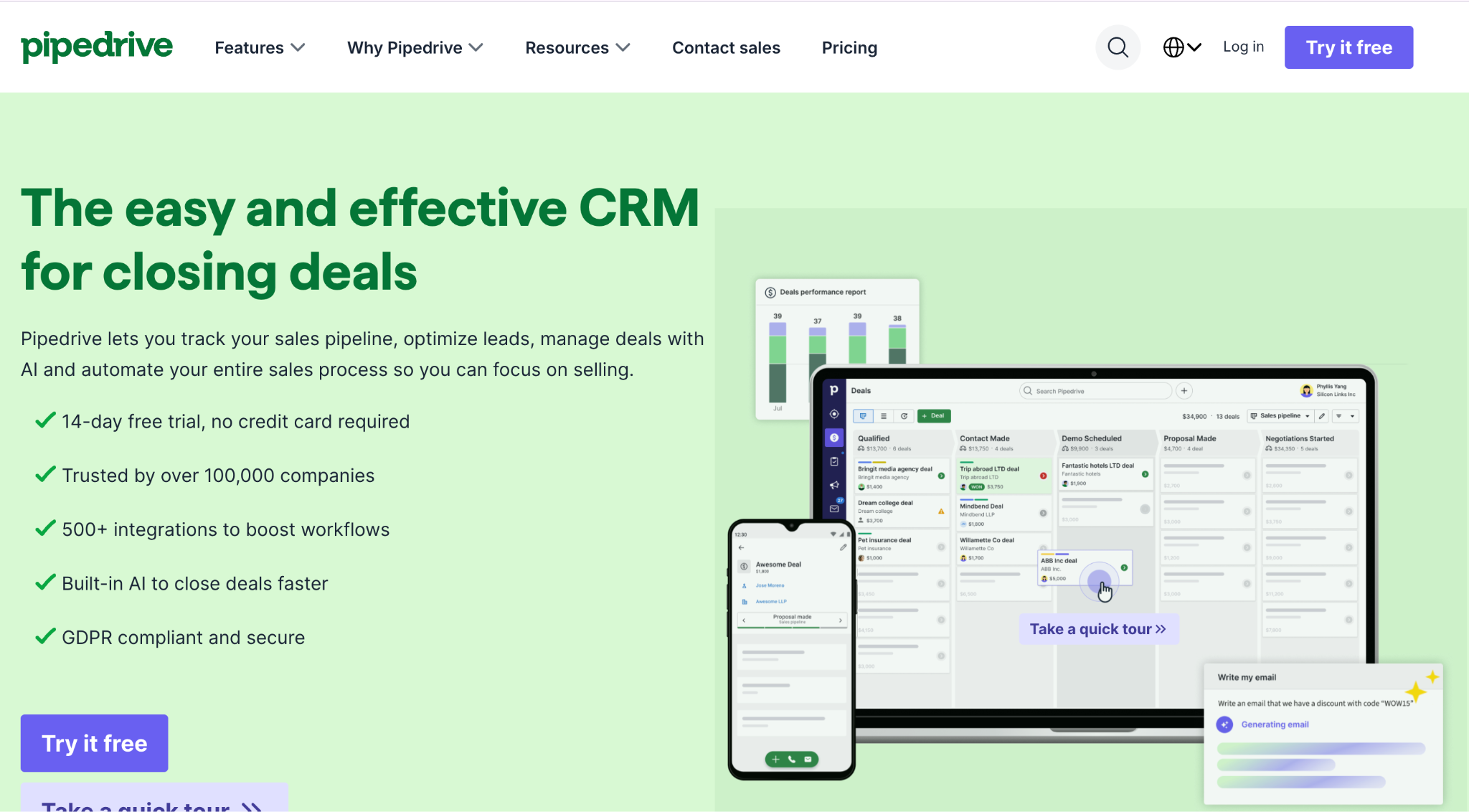
Pipedrive is a pipeline-first CRM used by over 100,000 companies. In a sales productivity context, it helps teams keep deal tracking and basic earnings visibility in the same system, reducing the need for separate commission tracking workflows or spreadsheets.
Reps can view deal-level earnings directly within the pipeline view once deals are closed. Managers can use built-in reporting to track performance and simple commission outputs without exporting data or maintaining external tools.
Pipedrive User Ratings
What Makes Pipedrive Unique
- CRM-Native Deal Visibility: Earnings and deal progress sit directly inside the pipeline, removing the need for separate tools
- Visual Pipeline Management: Drag-and-drop interface makes it easy for reps to track deals and understand potential earnings
- Built-In Reporting: Managers can view pipeline and performance insights without external reporting tools
Pipedrive Pricing
- Lite: $14/user/month billed per year, or $24/month billed monthly.
- Growth: $24/user/month billed per year.
- Premium: $49/user/month billed per year. Verify current rate on Pipedrive's pricing page before publishing.
- Ultimate: $69/user/month billed per year.
- Free trial offered with no credit card required. No permanent free plan.
Things to Check Before Choosing Pipedrive
Pipedrive supports basic deal-level and percentage-based commission visibility, but it is not designed for complex compensation structures. Teams with tiered commissions, clawbacks, or advanced payout rules may need a dedicated compensation platform alongside it.
7. LinkedIn Sales Navigator
Best For: Prospecting-heavy sales teams that rely on outbound outreach and need better visibility into buyers, accounts, and relationship signals.
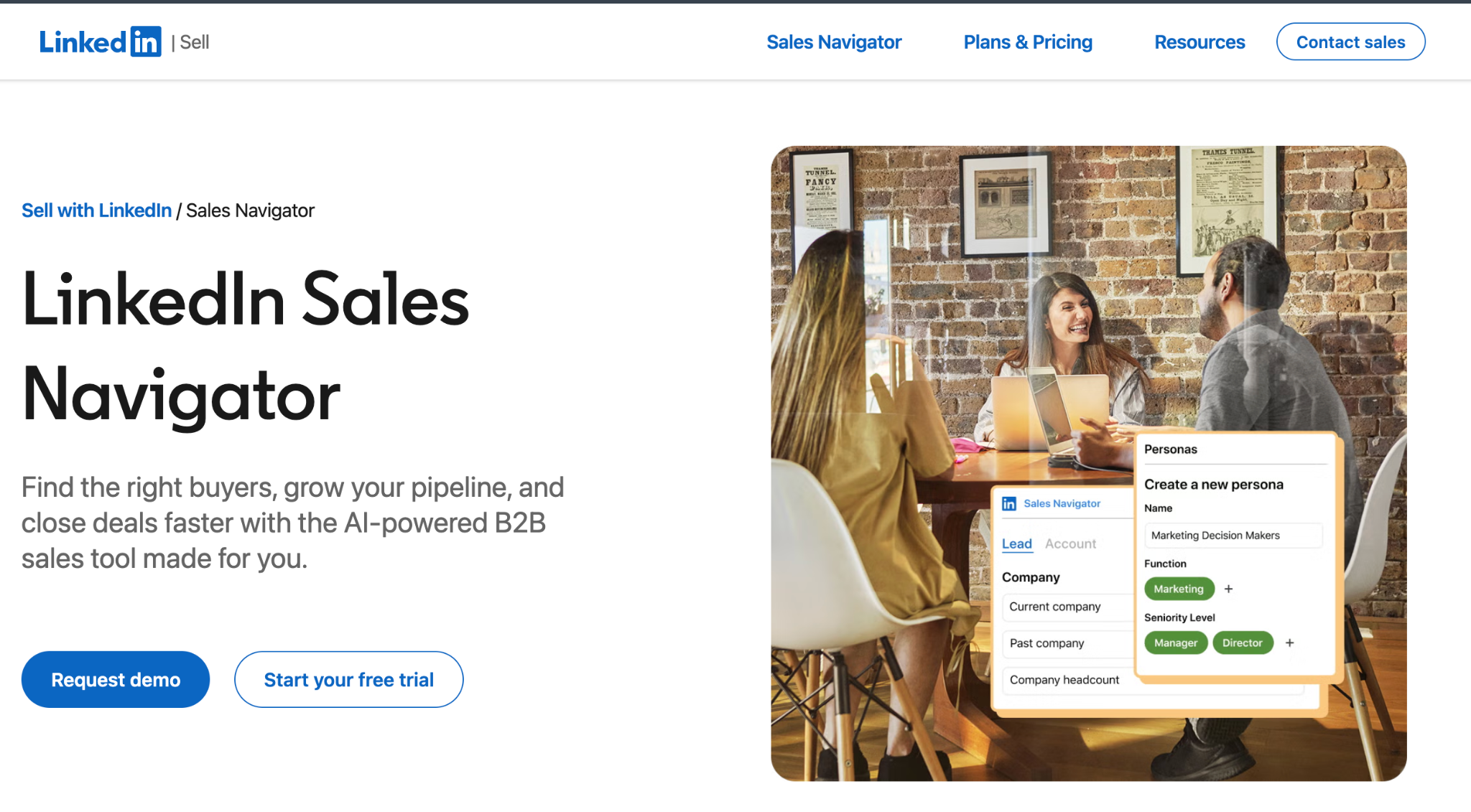
LinkedIn Sales Navigator is a prospecting and lead intelligence tool built on LinkedIn’s professional network. In a sales productivity context, it helps reps reduce time spent searching for the right prospects by giving them structured access to buyer data, account insights, and real-time signals.
Reps use it to identify target accounts, track buying signals, and build pipeline through more focused outreach. It is commonly used alongside CRMs like Salesforce and HubSpot rather than replacing them.
LinkedIn Sales Navigator User Ratings
What Makes LinkedIn Sales Navigator Unique
- Advanced Prospecting Filters: Helps reps find and segment buyers based on role, company, geography, and intent signals
- Account and Lead Insights: Surfaces updates like job changes, company news, and hiring trends to support timely outreach
- CRM Integration: Syncs lead and account data with Salesforce and HubSpot to reduce manual data entry
- Relationship Mapping: Shows connections between buyers and internal networks to improve outreach targeting
LinkedIn Sales Navigator Pricing
- Core: Entry-level plan with basic search, lead recommendations, and InMail
- Advanced: Adds CRM sync, alerts, and expanded prospecting capabilities
- Advanced Plus: Enterprise plan with deeper integrations and account-level insights
- Pricing is per-seat and varies by region and contract terms
Things to Check Before Choosing LinkedIn Sales Navigator
Sales Navigator is most effective when used as a prospecting layer on top of a CRM rather than a standalone system. Its value depends heavily on outbound motion and active prospecting usage.
8. Highspot
Best for: Enablement-driven sales teams that need centralized content, playbooks, training, and guidance to help reps find the right resources faster.
Highspot is a sales enablement platform built for content management, playbooks, training, and coaching. In a sales productivity context, it helps reduce the time reps spend searching for decks, case studies, pricing sheets, and other buyer-facing assets.
The platform gives reps one place to find approved content, follow guided sales plays, and access enablement materials during the sales cycle. Managers and enablement teams can also track content usage and understand which assets support deal progression.
Highspot User Ratings
What Makes Highspot Unique
- Centralized Content Management: Helps reps quickly find approved sales content instead of searching across folders or Slack
- Sales Playbooks: Guides reps through stage-specific plays, messaging, and recommended resources
- Training and Coaching: Supports onboarding and skill development through embedded enablement materials
- Content Analytics: Shows which assets reps use and which content supports sales conversations
Highspot Pricing
Custom, quote-based pricing. Contact Highspot directly for pricing based on team size, modules, and enablement needs.
Things to Check Before Choosing Highspot
Highspot works best for teams with strong enablement processes and enough content volume to justify a dedicated platform. Smaller teams may find it expensive or heavier than needed.
Match the Right Sales Productivity Tool to Your Team Size, CRM, and Bottleneck
The best sales productivity software is the one that removes your biggest time drain, whether that is prospecting, coaching, pipeline visibility, or rep admin work.
Use These Five Factors to Pick the Right Sales Productivity Tool
Use this checklist to match each sales productivity tool to your team’s biggest bottleneck, whether it is pipeline visibility, rep productivity, or sales execution. For deeper evaluation, refer to the buyer’s guide section above.
☐ Time Saved on Non-Selling Work
Does the tool actually reduce manual work, such as CRM updates, follow-ups, reporting, or internal coordination?
Ask the vendor: Which daily rep tasks does this replace or automate?
☐ Workflow Automation Depth
Can the tool automate key parts of the sales motion such as outreach, task creation, pipeline updates, or handoffs?
Ask the vendor: What workflows run without manual input once set up?
☐ CRM and Stack Integration Quality
Does it integrate deeply with Salesforce or HubSpot with bi-directional sync and reliable data updates?
Ask the vendor: Is this a native workflow or a surface-level integration?
☐ Sales Visibility and Insight
Do reps and managers get real-time visibility into pipeline, activity, performance, or deal progress?
Ask the vendor: What decisions can we make directly from the dashboard?
☐ Adoption and Time to Value
Can the team realistically start using it and see the impact within weeks?
Ask the vendor: What does onboarding look like for a 10-to 50-rep team?
Use the recommendations below to narrow your shortlist faster.
Pick by Team Size
Pick by Primary Sales Motion
What to Check During Every Demo
☐ Does this tool actually reduce non-selling work or just add reporting?
Ask how much time reps save weekly in real workflows, not feature lists.
☐ How does it integrate with my CRM?
Check whether Salesforce or HubSpot sync is real-time, bi-directional, and field-level accurate.
☐ What changes for a rep on day one?
If reps need training or behavior change, adoption risk is high.
☐ Can I measure productivity impact?
Look for metrics like time saved, ramp time reduction, or increase in rep activity.
Q: What Happens If I Choose the Wrong Sales Productivity Tool?
A: The impact is usually operational friction rather than just software waste. Reps revert to old tools, managers lose visibility, and RevOps ends up maintaining multiple overlapping systems. In most cases, the issue is not feature gaps but choosing a tool that does not match the actual bottleneck.
Bring Sales Productivity Into One Platform
Sales productivity improves when reps spend less time checking payouts, chasing clarity, or maintaining side spreadsheets. Everstage brings the commission cycle into one workflow, from plan design and CRM sync to real-time earnings visibility, dispute handling, and payroll-ready reporting.
For RevOps and Sales Ops teams in mid-market SaaS and IT companies, Everstage helps reduce manual compensation work while giving reps the clarity they need to stay focused on selling.
Want to see how it works with your compensation data?
Book your demo with Everstage and see the results yourself.
Questions worth asking
The things most people want to know before they commit.
What is the difference between a CRM and sales productivity software?
A CRM is a system of record for managing customer and deal data. Sales productivity software sits on top of or alongside a CRM to reduce manual effort, improve execution speed, and help reps spend more time selling instead of updating systems.
Do sales productivity tools replace CRMs?
No. Most sales productivity tools are designed to work with CRMs like Salesforce or HubSpot. They enhance the CRM by adding automation, engagement layers, coaching insights, or enablement workflows rather than replacing it.
Which sales productivity tool should I start with first?
It depends on your bottleneck. Teams usually start with CRM and pipeline tools first, then add engagement, coaching, or enablement layers based on where rep time is being lost.
How do sales productivity tools actually improve rep performance?
They reduce time spent on repetitive tasks like manual follow-ups, searching for content, logging activity, or reviewing pipeline data. This increases time spent on actual selling activities and improves consistency across reps.
Are sales productivity tools useful for small teams?
Yes, but impact varies. Smaller teams usually benefit most from lightweight CRM and engagement tools that require minimal setup, while advanced coaching, enablement, or analytics tools tend to deliver more value at scale.
What is the biggest mistake companies make when choosing these tools?
Choosing tools based on features instead of the specific productivity bottleneck. The most effective stacks are built around removing one major constraint rather than adding overlapping capabilities.