TL;DR
- Sales operations software is not a single platform. It is a connected stack that can include CRM, forecasting, sales engagement, conversation intelligence, and commission management software.
- Salesforce Sales Cloud and HubSpot Sales Hub are best suited for teams that need a strong CRM foundation to manage leads, deals, pipeline data, and sales workflows.
- Clari, Gong, Outreach, and Salesloft support specific sales operations needs like forecasting accuracy, call insights, coaching, outbound sequencing, and rep productivity.
- CaptivateIQ, Xactly, and Varicent are useful for teams that need structured commission management, complex incentive plans, enterprise controls, and payout governance.
- Everstage stands out for teams that want to connect CRM data with automated commission calculations, real-time rep visibility, payout statements, and audit-ready records in one commission workflow.
Introduction
What if your sales team could predict which deals will close with near-perfect accuracy before a single call is made, and instantly calculate every rep’s commission correctly without touching a spreadsheet?
In reality, most sales teams spend the majority of their time on manual tasks that block them from selling. According to Salesforce's State of Sales 2024, reps spend only 28% of their week actually selling. The rest goes to administrative work, such as updating CRM data, tracking deals, and calculating payouts.
These numbers show that sales teams spend too much time on repetitive tasks, leaving less time for selling. The right sales operations software helps improve forecasts, speed up sales processes, and increase revenue.
Despite what it sounds like, you do not need a developer or a complex tech stack to make this happen. All of this can be done with the right sales operations software.
In this guide, we will show you 10 of the best tools in 2026, highlighting which ones handle CRM, forecasting, conversation intelligence, sales engagement, and commission management. Find the one that fits your workflow.
Quick Comparison: 12 Sales Operations Software at a Glance
Here is a snapshot of all 10 tools before we get into the details
Comparison table of the best sales operations software across stack layers
** Pricing verified as of May 2026. Confirm current rates directly on each vendor's site before purchasing.
Top 10 Sales Operations Software in-Depth
Let us understand what each tool actually does, who it works best for, and what real users say about it.
1.Everstage
Best for: Mid-market to enterprise teams managing Sales Ops, RevOps, and Finance who need an automated, accurate, and auditable commission and incentive layer within their sales operations stack.
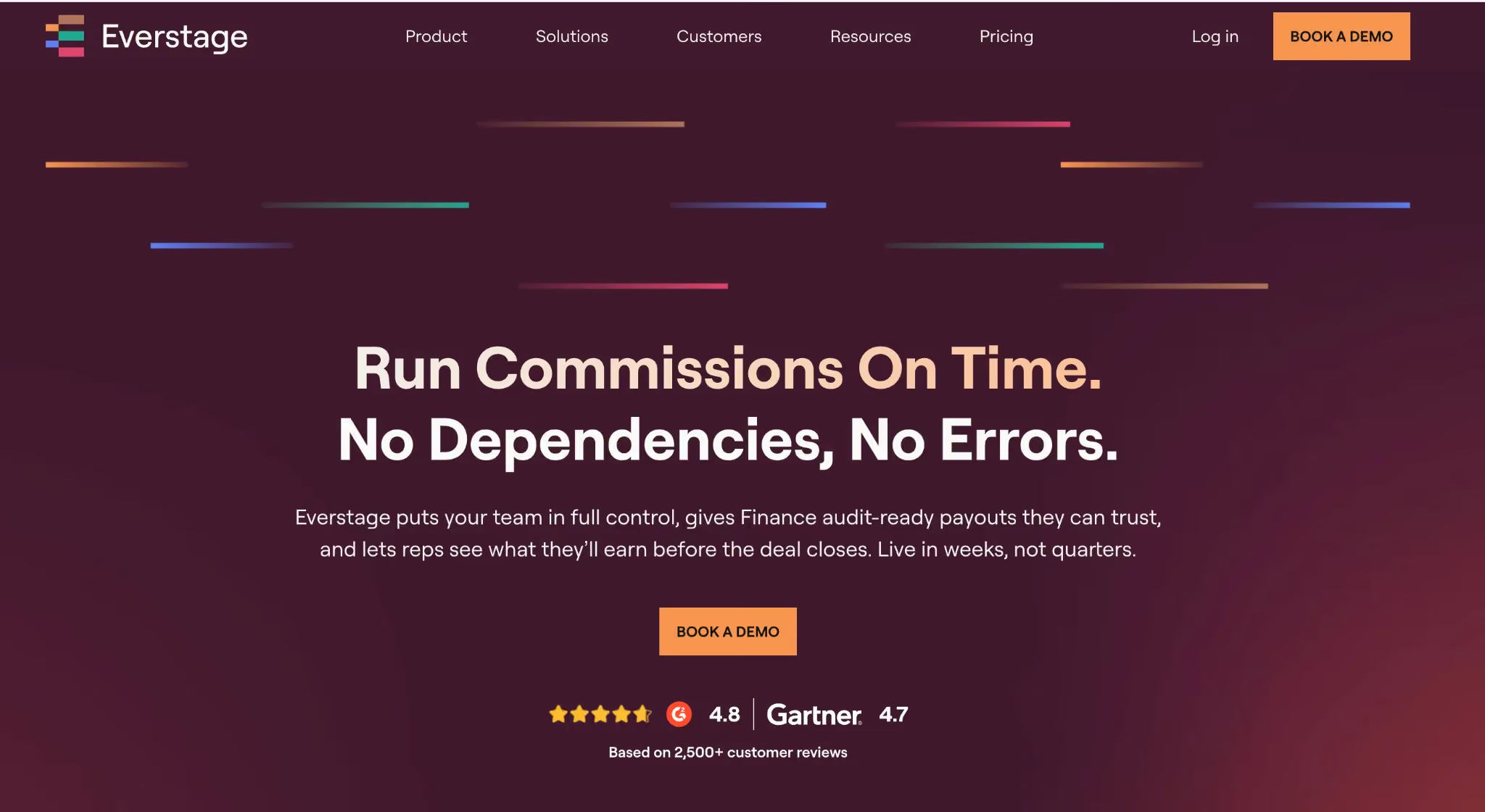
Everstage is a sales operations software that simplifies and automates the critical end-to-end workflow for commission and incentive management. It ensures that complex compensation rules, multi-product splits, and multi-currency payouts are calculated automatically, reducing errors and freeing teams from repetitive administrative tasks.
Admins can design, update, and version the compensation plans through a self-serve interface, while reps gain real-time visibility into deal-level earnings. Finance teams have full access to historical plan versions and payout data, providing a reliable audit trail for compliance and dispute resolution. When the calculations run automatically, ops spends less time on manual work, and finance gets accurate numbers to plan and forecast against.
Everstage Key Features
- Plan Configuration & Automation: Build and update complex plans without engineering support. Accelerators, SPIFFs, and tiered commissions are handled automatically.
- CRM Integration: Native integration with Salesforce ensures all compensation data flows seamlessly into the sales platform, linking operations and performance.
- Audit & Version Control: Full history of all plan changes and payouts ensures operational transparency and audit readiness.
- Forecasting & Accruals: Provides finance-ready payout projections integrated into the sales cycle, supporting planning and revenue recognition.
- AI Assistance:
- Crystal: Simulates plan edits and scenario modeling before going live.
- Agent Core: Automates routine operations, such as dispute handling and statement queries.
Everstage’s Pros and Cons
Pros:
- Automates commission calculations and removes manual spreadsheet work
- Commission data accuracy reduces disputes between reps and finance teams
- Salesforce integration syncs compensation data directly into the CRM
- Customer support response time rated consistently high across reviews
Cons:
- Configuring complex compensation structures requires significant initial setup time
- Historical data migration from prior systems has limitations during transition
- Admin workflows involve more steps than necessary for routine tasks
How Everstage Helped Nitro Automate Commissions for 100+ Payees
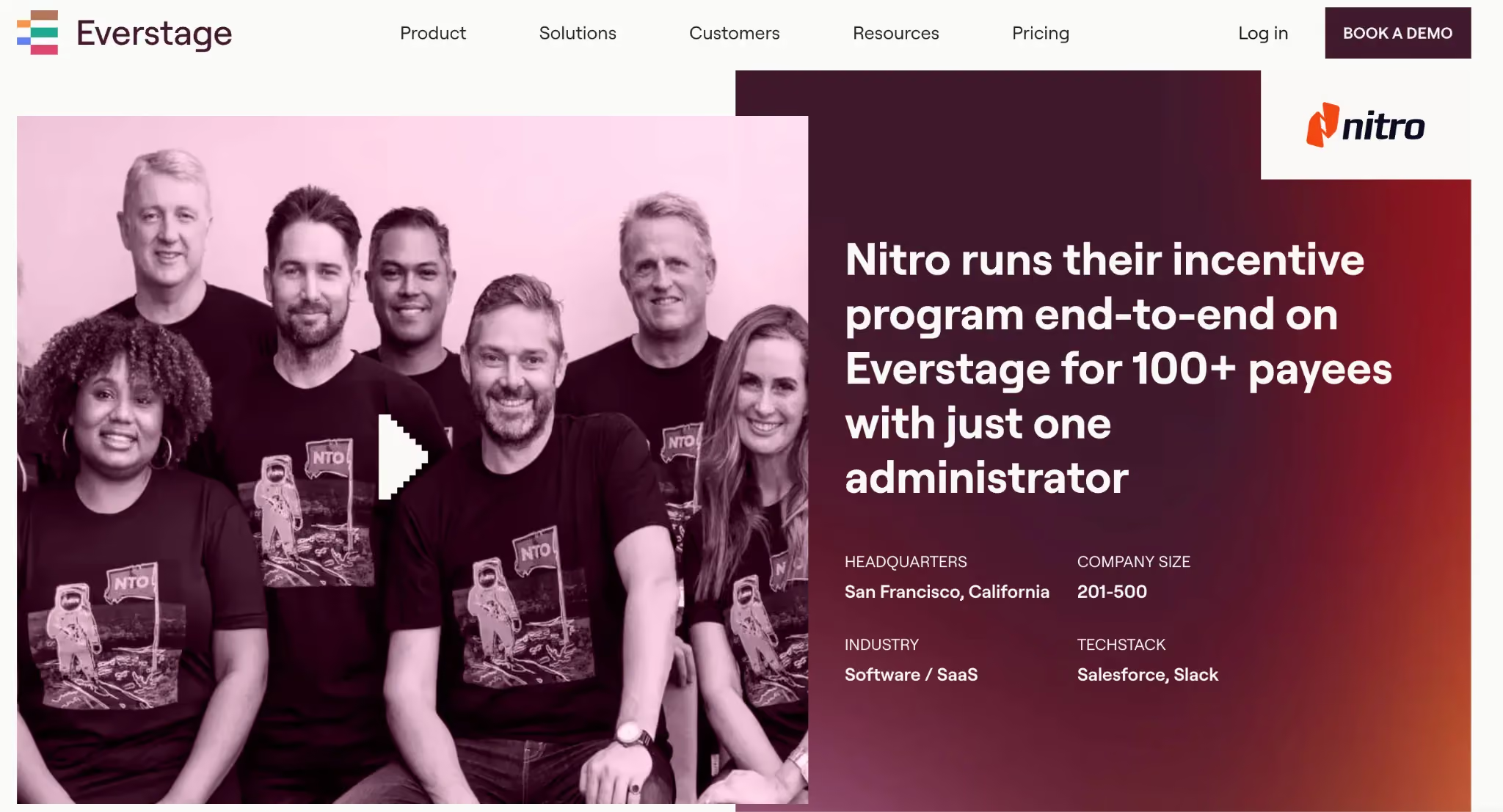
Nitro's finance and RevOps teams were manually calculating commissions for more than 100 payees every month. Their plans included MBO components that could not be tracked in Salesforce. Validation alone took more than 10 days before each payroll run.
After moving to Everstage, Nitro's Senior Compensation Analyst, who had no technical background, rebuilt every active plan herself, including MBO components.
Quota changes that used to take hours now take minutes, with a full audit trail. Reps can see their attainment in real time, and finance gets fewer commission questions. Deferred commissions are tracked automatically, and Nitro has used the system since 2022.
Read the full Nitro story on Everstage's customer stories page.
Everstage’s Ratings
Everstage’s Pricing
Pricing is custom and quote-based, with per-payee charges and implementation costs included.
Contact Everstage directly for a quote tailored to your payee count and needs. Also, ask about free trial or POC options when speaking with the sales team.
To see how much your organization can save on annual earnings and the potential ROI with Everstage, check out our ROI calculator.
2.Salesforce Sales Cloud
Best for: Mid-market and enterprise sales organizations that need the deepest, most extensible CRM in the market and have the budget and admin capacity to run it well.
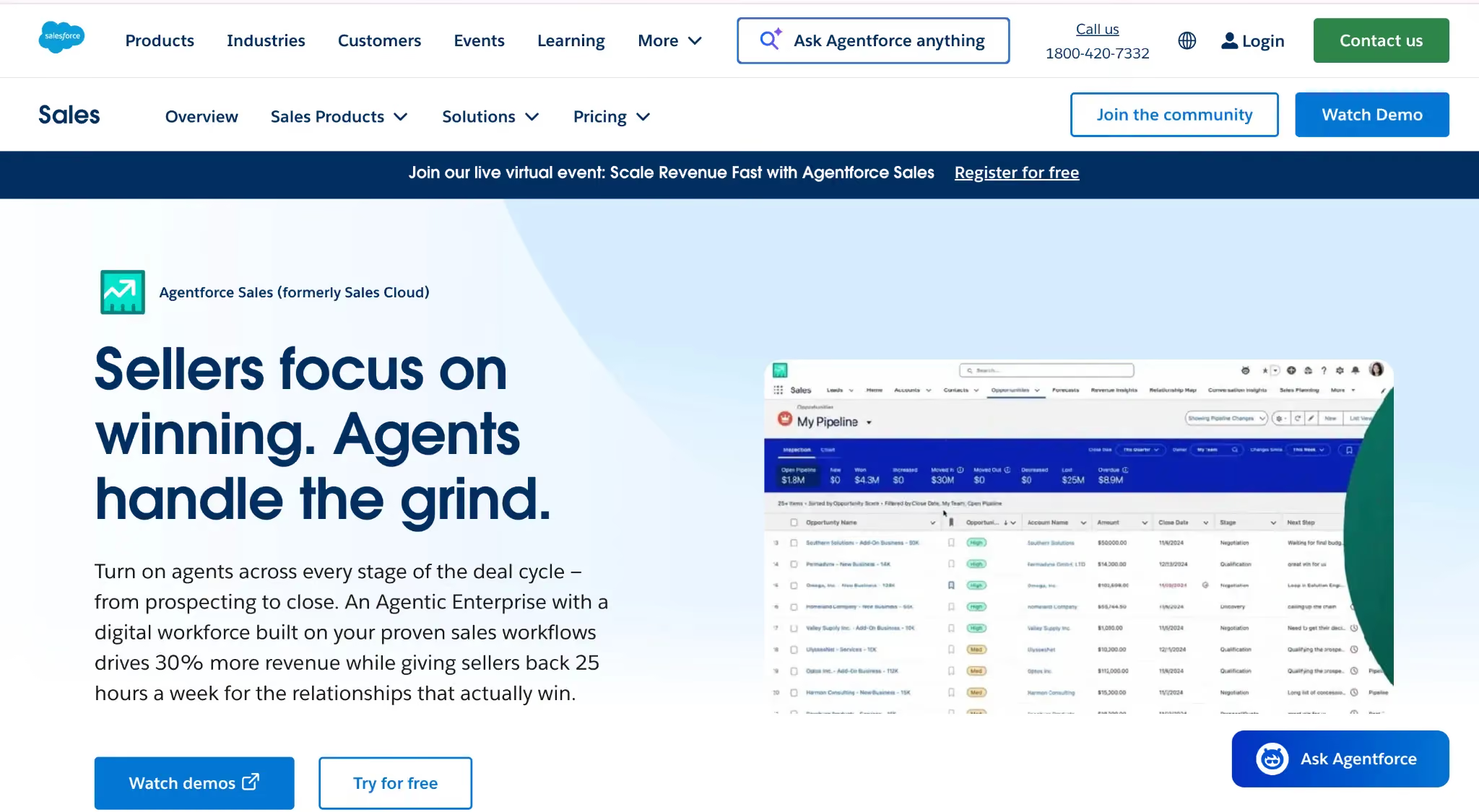
Salesforce Sales Cloud is a comprehensive sales operations software platform that serves as the CRM foundation for mid-market and enterprise sales teams. It centralizes all customer and deal data, enabling teams to track leads, contacts, accounts, and opportunities in one system.
Sales operations teams can configure workflows, automation rules, and dashboards to manage pipeline, forecast revenue, and monitor performance across geographies and product lines.
Salesforce Sales Cloud Key Features
- Extensible Data Model: Customize objects, fields, workflows, and validation rules to match your specific sales processes.
- AppExchange Ecosystem: Access thousands of integrations and packaged apps for adjacent categories, including Everstage, Clari, Gong, Outreach, and Salesloft.
- Einstein AI: Leverage embedded AI for opportunity scoring, activity capture, and forecasting assistance.
- Reports and Dashboards: Gain cross-object analytics and powerful reporting for sales leaders and RevOps teams.
Salesforce Sales Cloud Pros and Cons
Pros:
- Most extensible and ecosystem-rich CRM in the market.
- Deep customization supports any sales process.
- Widely adopted platform, making it easy to hire administrators and individual contributors who are already familiar with it.
Cons:
- High total cost of ownership, including required admin headcount.
- Steep learning curve for end-user adoption.
- Easy to over-customize into long-term technical debt.
Salesforce Sales Cloud Ratings
Salesforce Sales Cloud Pricing
- Starter: $25/user/month
- Pro: $100/user/month
- Enterprise: $165/user/month
- Unlimited: $330/user/month
Add-ons (Einstein, CPQ, etc.) are priced separately. Confirm current packaging with Salesforce directly.
3.HubSpot Sales Hub
HubSpot Sales Hub Best for: Small to enterprise sales teams that want a unified sales operations platform to manage deals, engagement, and workflow automation without juggling multiple tools.
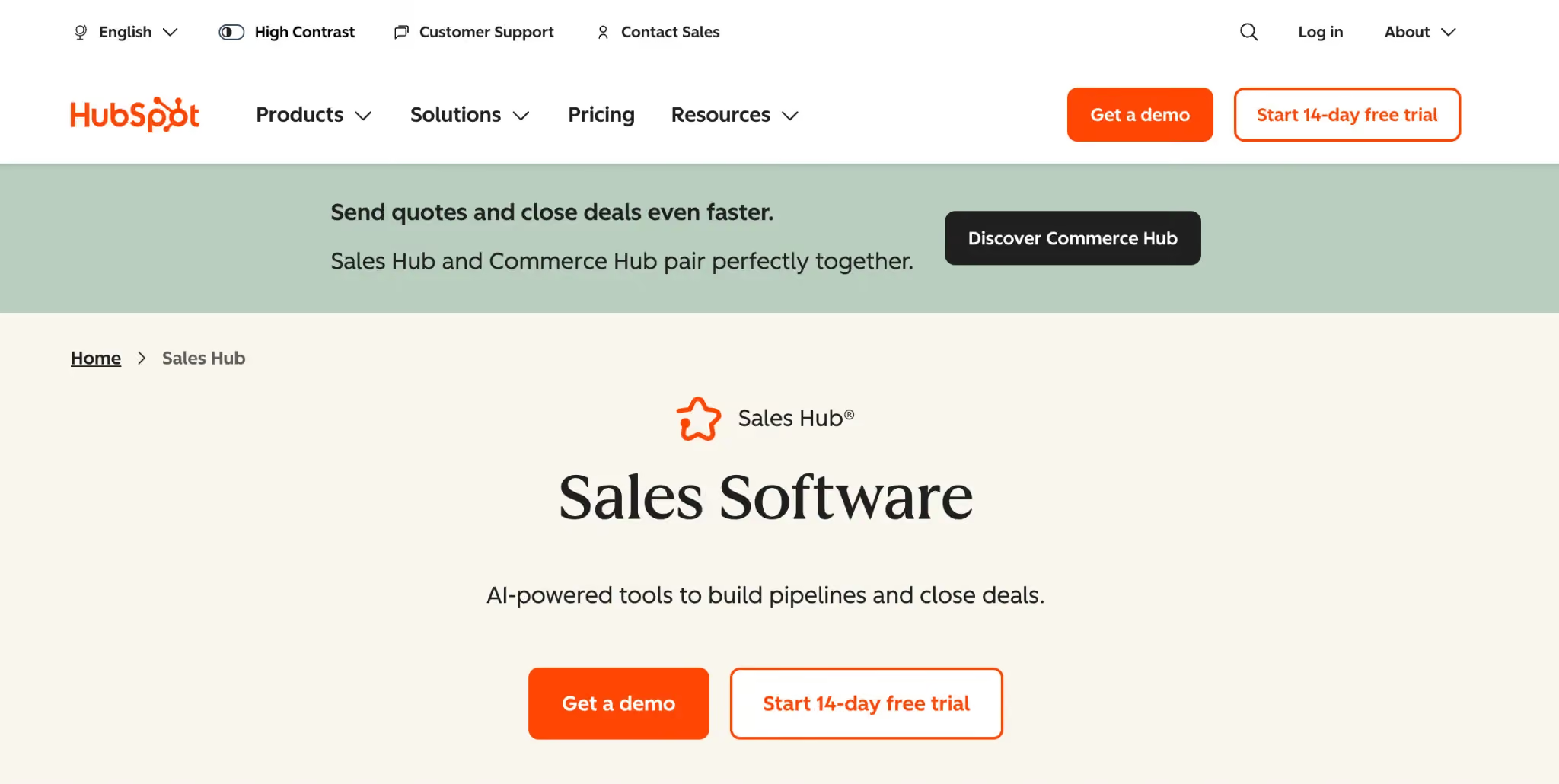
HubSpot Sales Hub is a sales operations software built on the HubSpot Smart CRM. It centralizes customer data, pipeline management, and sales engagement tools into a single platform. Sales reps gain complete visibility into contacts, accounts, and opportunities, while managers can track performance, forecast revenue, and optimize workflows in real time.
The platform addresses key sales operations challenges, including inefficient manual processes, fragmented customer information, and the complexity of traditional CRM systems. HubSpot integrates email tracking, meeting scheduling, document sharing, and workflow automation natively, eliminating the need for multiple third-party tools. Its intuitive interface reduces onboarding time and allows teams to scale without adding headcount.
HubSpot Sales Hub Key Features
- Sales Engagement Tools: Email tracking, templates, meeting scheduling, document management, and communication workflows to accelerate prospecting and reduce administrative work.
- AI-Powered Productivity: Automates repetitive tasks, surfaces relevant customer insights, and recommends next actions based on deal context.
- Unified Customer View: Centralized access to all interactions, including marketing, service tickets, and past sales conversations, giving reps complete context during buyer interactions.
- Workflow Automation: Automates routine sales processes to ensure consistent execution, reduce manual effort, and maintain pipeline accuracy.
- Pipeline & Deal Management: Supports multiple deal pipelines, pipeline approvals, and deal journey analytics for better operational visibility.
HubSpot Sales Hub User Ratings
HubSpot Sales Hub Pros and Cons
Pros:
- Combines sales engagement, workflow automation, and AI-powered productivity in one platform
- Reduces manual administrative work for reps and operations teams
- Provides full visibility into pipeline and customer context
- Intuitive UI with fast onboarding and minimal training requirements
Cons:
- Some advanced features, like AI automation and forecasting, are limited to higher-tier plans
- Customization for large-scale enterprise workflows may require additional configuration
- Certain advanced reporting features can be less flexible than enterprise-only CRM solutions
HubSpot Sales Hub Pricing:
- Free HubSpot CRM: $0/user/month. Basic CRM for up to 2 users with email tracking, contact management, and task tracking
- Sales Hub Starter: $20/user/month. Essential sales tools, calling, email tracking, and 500 HubSpot credits
- Sales Hub Professional: $100/user/month. Includes AI-powered productivity, conversation intelligence, forecasting, and analytics
- Sales Hub Enterprise: $150/user/month. Advanced workflow automation, AI transcript enrichment, deal splits, and pipeline approvals
4.Clari
Best for: Enterprise sales orgs where forecast accuracy is a CRO-level problem and pipeline visibility across multiple deal stages, segments, and regions has outgrown CRM-native reports.
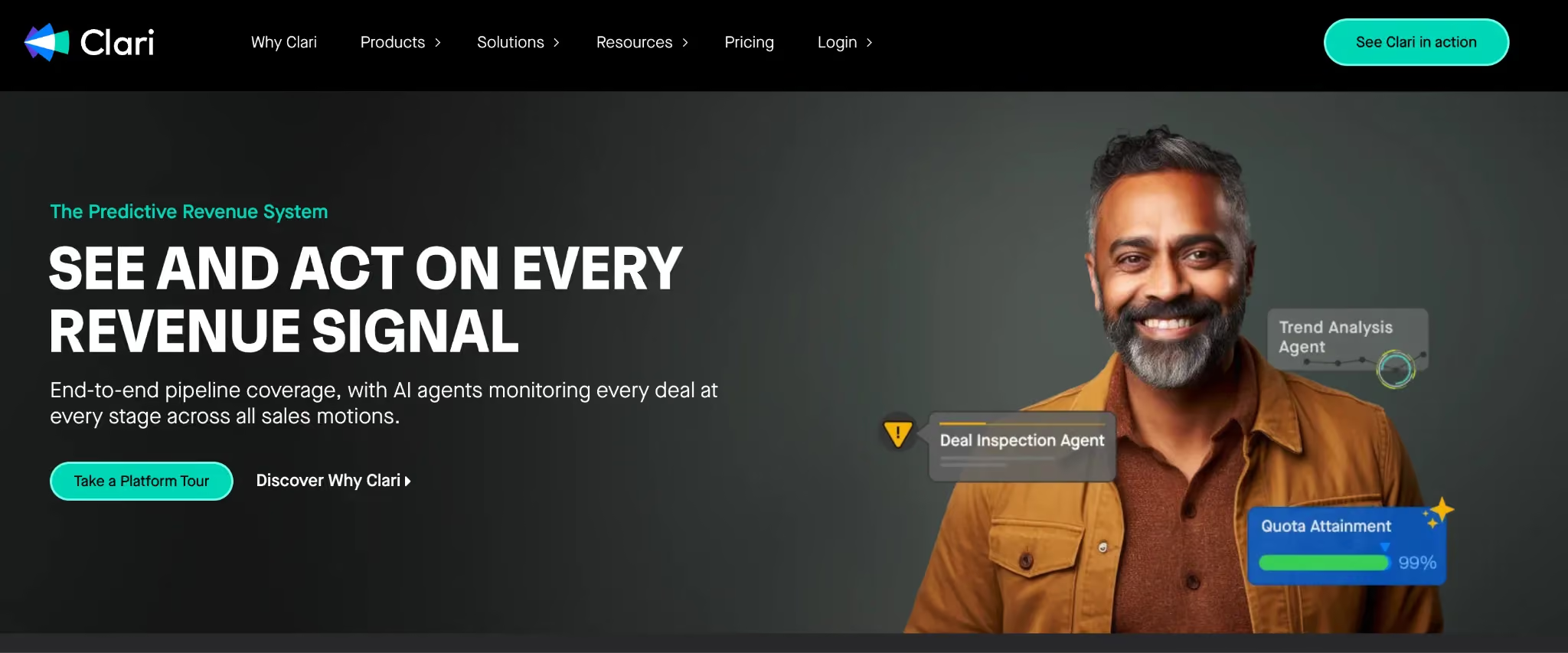
Clari sits atop your CRM and turns activity data, deal progression, and rep submissions into a continuously updated forecast. For enterprise sales orgs where the monthly forecast call has become a credibility risk, Clari is one of the most established choices in the category.
It's a layer that sits above the CRM, pulls in activity from email, calendar, and the dialer, and gives sales leaders, finance, and the CRO a forecast they can defend.
Clari Key Features
- AI-driven forecasting: Continuously updated forecasts based on deal progression, activity, and historical patterns.
- Pipeline inspection: Drill into deals at risk, slipping commits, and pipeline health across segments and regions.
- Activity capture: Automatically captures email and calendar activity from reps, reducing manual CRM hygiene.
- Revenue cadence workflows: Structured forecast call cadences and submission workflows for sales leaders.
Clari Pros and Cons
Clari Pros:
- Highly intuitive forecasting and pipeline visibility.
- Strong ease of use and fast onboarding for teams.
- Excellent customer support with dedicated success managers.
Clari Cons:
- Customization for large enterprise workflows can require significant setup.
- Higher price point for full enterprise feature set.
- Some feature overlap with existing sales tools in the tech stack.
Clari User Ratings
Clari Pricing
Custom enterprise pricing scoped by user count and modules (Forecast, RevDB, Copilot). Contact Clari directly for a quote.
5.Gong
Best for: Sales orgs that want to scale coaching, surface deal risk from calls, and capture market intelligence from the conversations reps are already having.
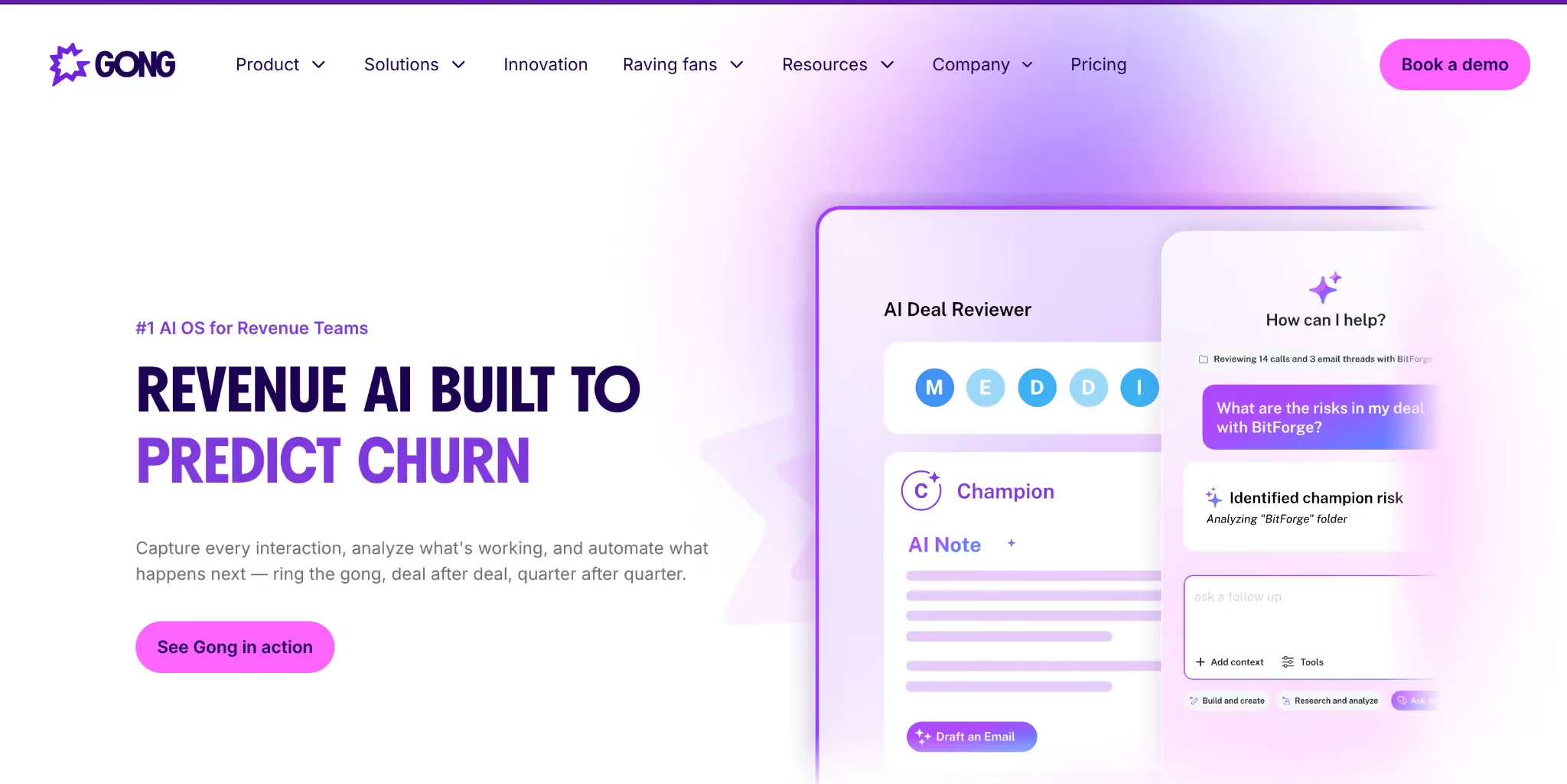
Gong records and analyzes sales calls, emails, and meetings, surfacing patterns that humans would miss: competitor mentions, objection types, pricing pushback, deal-killing red flags. For sales orgs trying to scale coaching beyond what individual managers can deliver, Gong is the category-defining choice.
It's also become an executive intelligence tool. The conversations Gong captures are a primary source of voice-of-customer data, competitive intelligence, and product feedback that would otherwise sit in individual reps' heads.
Gong Key Features
- Call and meeting recording: Automatic capture and transcription of sales calls and video meetings.
- AI-driven deal intelligence: Surfaces risk signals, objection patterns, and competitive mentions from conversations.
- Coaching workflows: Identify coaching opportunities and lets managers review calls with timestamps and shared notes.
- Market and product insights: Aggregated insights from conversations across the org, such as pricing pushback, competitor mentions, feature requests.
Gong Pros and Cons
Pros:
- Comprehensive conversation intelligence with detailed call recording and analytics.
- AI-driven insights reduce time spent on manual data analysis, improving forecasting and deal visibility.
- Strong usability with an intuitive interface for sales teams.
Cons:
- Can be feature-heavy for smaller teams, creating a steeper learning curve.
- AI functionality may not uniformly cover all call transcripts.
- Dependence on external tools (like ChatGPT or scripts) for some follow-up content or advanced summaries.
Gong User Ratings
Gong Pricing
Custom pricing is scoped by user count and modules. Contact Gong directly for a quote.
6.Outreach
Best for: Mid-market to enterprise sales teams and RevOps organizations that want a unified sales engagement and workflow automation platform to manage prospecting, deals, and team performance without juggling multiple tools.
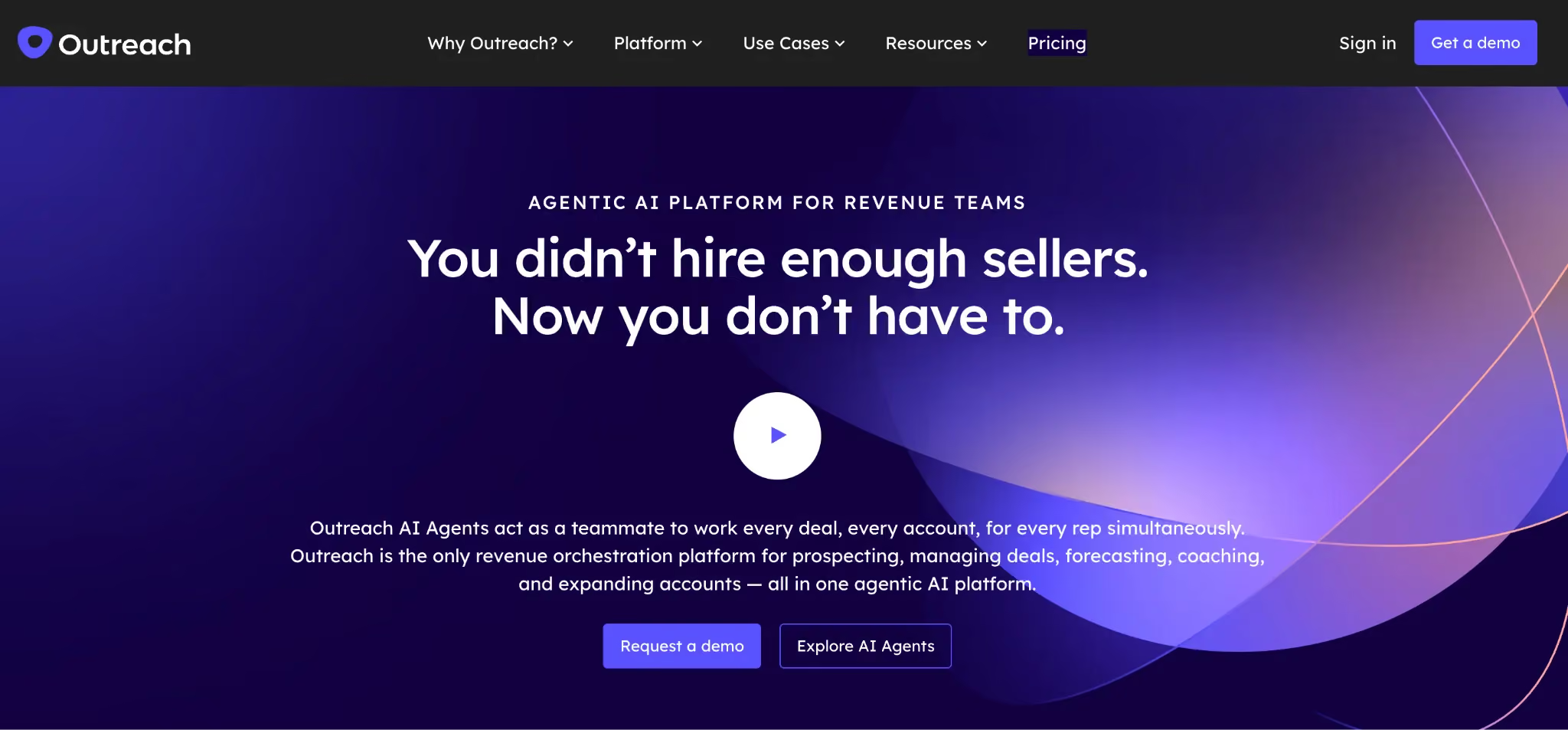
Outreach is a workflow-first sales execution platform designed to empower AEs, sales managers, RevOps, and revenue leaders. It centralizes sales engagement, account management, conversation intelligence, forecasting, and pipeline management in a single platform.
The tool automates repetitive tasks, sequences multi-channel outreach, and provides actionable insights to help teams focus on strategic selling. Outreach integrates seamlessly with CRMs like Salesforce and HubSpot, enabling revenue teams to track activity, performance, and engagement without manual intervention.
Outreach Key Features
- Sales Engagement Tools: Multi-touch sequences, automated email and call campaigns, and integrated sales dialer to streamline prospecting.
- Workflow Automation: Automates repetitive tasks, sequences, and follow-ups to reduce manual effort and improve lead conversion.
- Conversation Intelligence: AI-driven meeting summaries, call insights, and real-time coaching to improve forecasting and deal outcomes.
- Pipeline & Deal Management: Visibility into all deals, stages, and activities with advanced reporting and analytics.
- AI-Powered Productivity: Kaia and AI agents assist reps with campaign setup, prioritization, and predictive insights for better execution.
Outreach User Ratings
Outreach Pros and Cons
Pros:
- Powerful automation and multi-channel sequencing reduce manual follow-up work.
- AI-driven insights, including conversation intelligence, improve forecasting accuracy.
- Integrates seamlessly with CRM systems to provide a unified sales workflow.
Cons:
- The interface can be dense, leading to a steep learning curve for new users.
- Customization options may be limited for very complex enterprise workflows.
- Occasional technical glitches with CRM syncing and duplicate lead handling.
Outreach Pricing
Contact Sales for a Quote. Pricing is customized based on team size, usage, and workflows.
7.Salesloft
Best for: Mid-market and enterprise sales teams that want a sales engagement platform with built-in coaching and conversation intelligence.
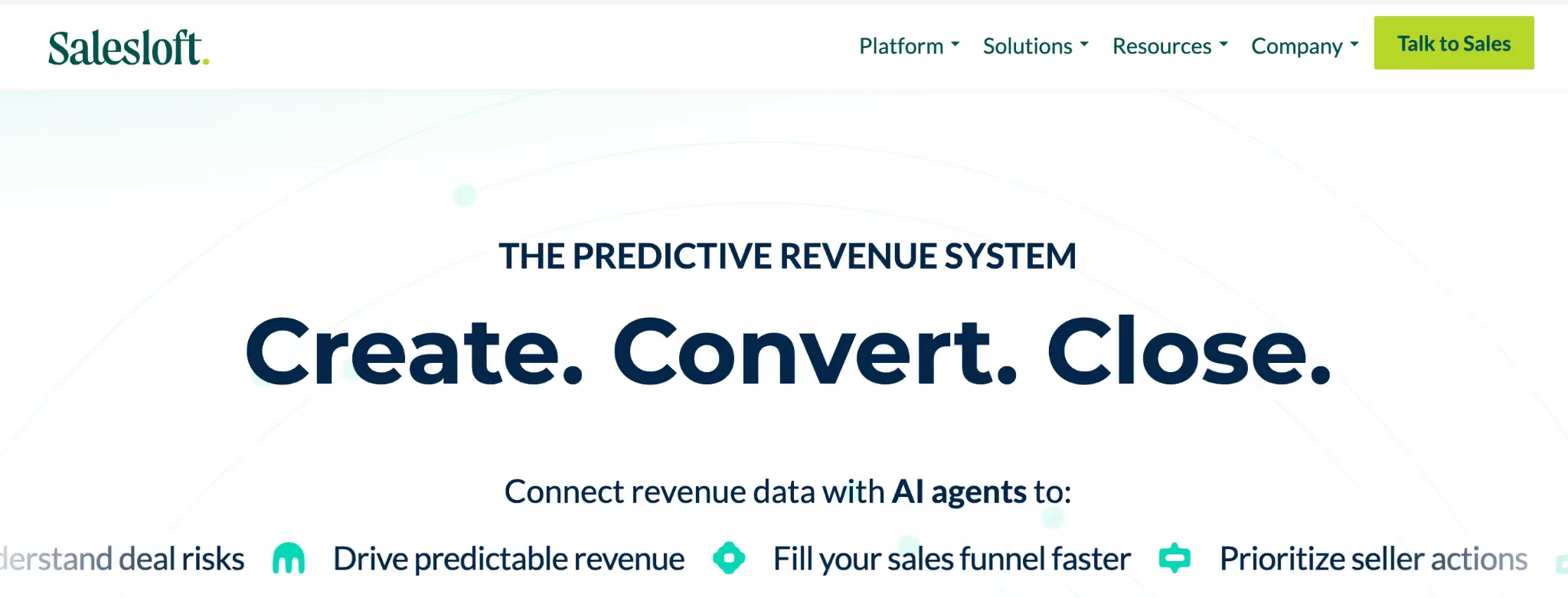
Salesloft competes directly with Outreach in the sales engagement layer, with similar core capabilities such as sequences, multi-channel cadences, and CRM integration. It has a slightly different emphasis on coaching, conversation intelligence after its Drift integration, and analytics.
Teams that prioritize coaching as part of engagement often prefer Salesloft. Teams that prioritize raw outbound scale often prefer Outreach.
Salesloft Key Features
- Cadence builder: Multi-step, multi-channel sequences with conditional steps and analytics.
- Conversation intelligence: Native call recording and analysis (especially strong post-Drift integration).
- Deal management: Pipeline insights and risk scoring layered on top of CRM data.
- Coaching workflows: Manager dashboards and shared call reviews for structured coaching.
Salesloft Pros and Cons
Pros:
- Strong coaching and conversation intelligence integration.
- Clean UX with high rep adoption.
- Tight CRM integration with Salesforce and HubSpot.
Cons:
- Functional overlap with Outreach makes the decision close.
- Some reports of integration lag with very large Salesforce instances.
Salesloft Ratings
Salesloft Pricing
Custom pricing is scoped by user count and modules. Contact Salesloft directly for a quote.
8.CaptivateIQ
Best for: Scale-ups and modern enterprises that need plan agility, the ability to change comp logic quickly without engineering tickets or long implementation cycles.
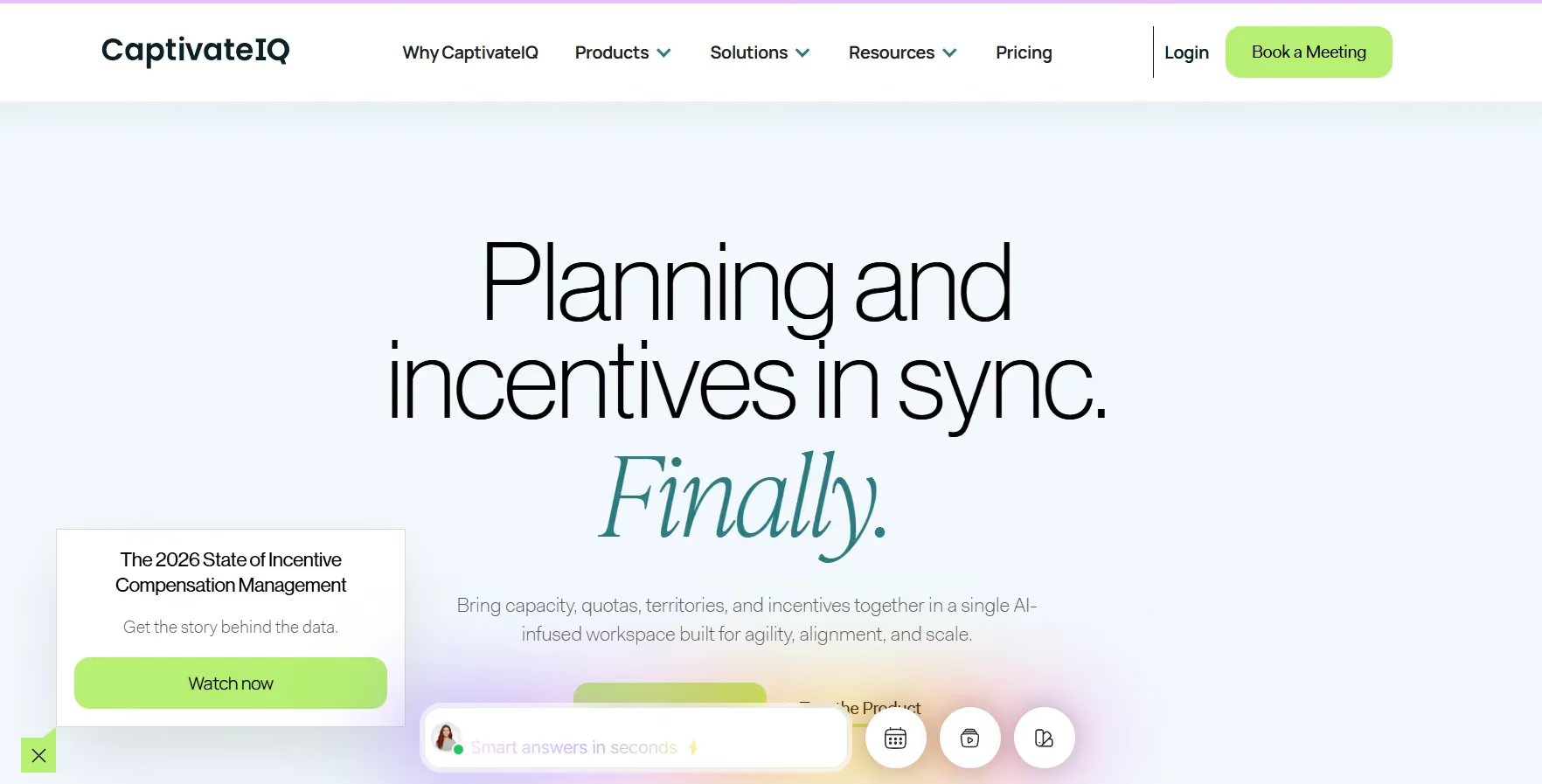
CaptivateIQ is popular with scale-ups and modern enterprises that want plan agility without waiting on engineering tickets. The no-code calculation builder is genuinely flexible, you can express complex formulas and conditional logic without dev cycles. RevOps teams consistently cite speed of plan iteration as CaptivateIQ's biggest draw.
CaptivateIQ Key Features
- No-code plan builder: Build and modify complex commission formulas without writing code or filing engineering requests.
- Sandbox testing: Validate plan logic and data against real scenarios before pushing anything live.
- Workflow automation: Approvals, attestations, and sign-off flows that give Finance the paper trail they need.
- Rep transparency: Clean, readable commission statements with clear explanations of how numbers were calculated, one of the biggest drivers of rep trust.
CaptivateIQ Pros and Cons
Pros:
- No-code plan builder enables fast compensation plan changes.
- Sandbox testing reduces risk before pushing updates live.
- Clean rep-facing commission statements improve transparency and trust.
Cons:
- Complex plans can still require technical support or operations involvement.
- Reporting customization can feel limited for advanced enterprise needs.
- Pricing can scale quickly with larger participant counts.
CaptivateIQ User Ratings
CaptivateIQ Pricing
Custom subscription pricing structured around number of participants and selected capabilities. Implementation is a separate one-time cost. Contact CaptivateIQ's sales team for a quote.
9.Xactly Incent
Best for: Large regulated enterprises where Finance is deeply involved in accruals, revenue recognition, audit cycles, and where SOX-ready controls are non-negotiable.
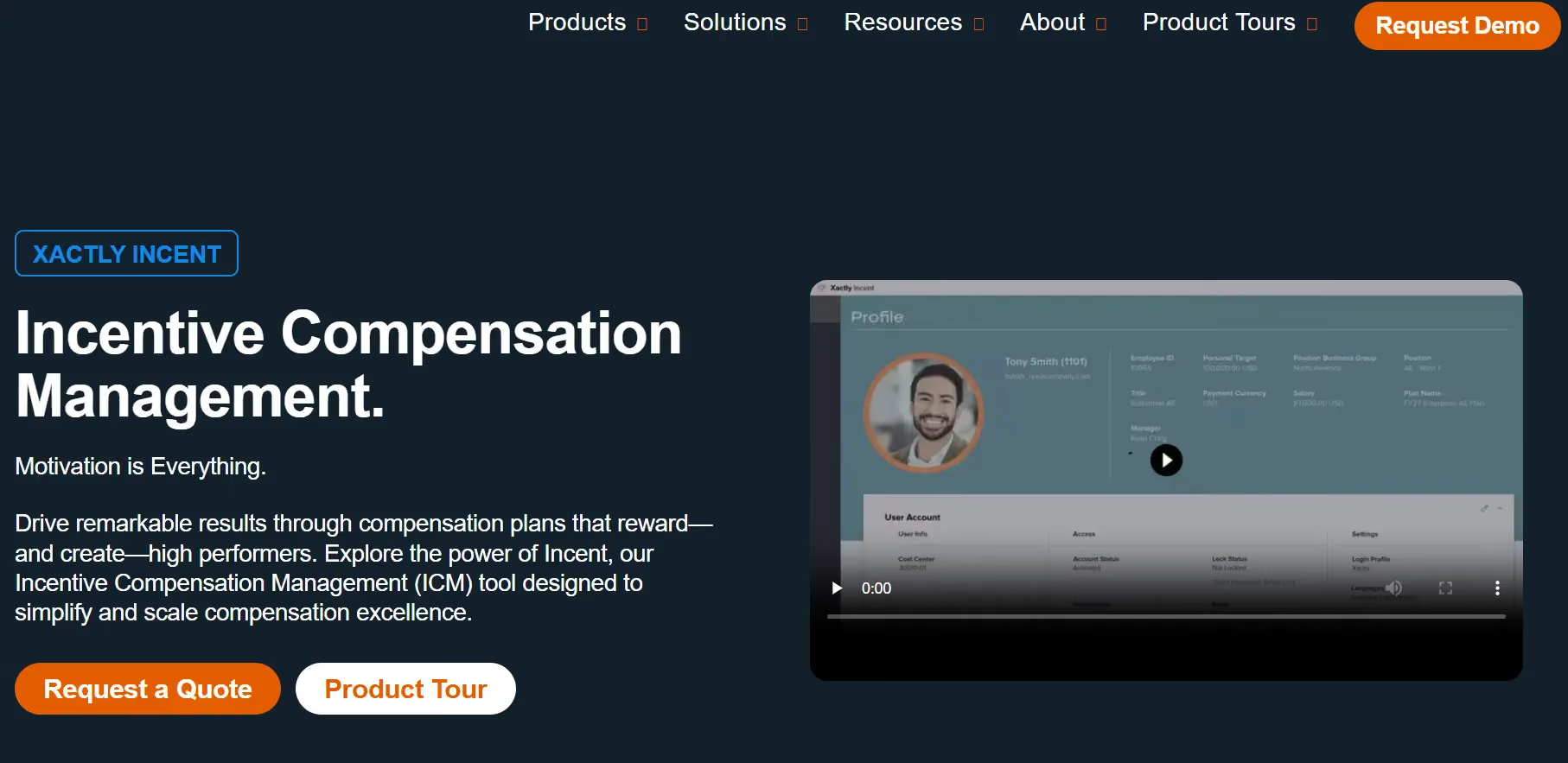
Xactly Incent fits complex enterprise ICM needs where Finance is deeply involved in accruals, revenue recognition, and audit cycles. If your org needs SOX-ready controls and forecast-grade payout data, Xactly has been a go-to for years. It's not the fastest to implement, and the learning curve reflects its depth. But for large, regulated environments where accuracy and governance trump speed-to-launch, it earns its place.
Xactly Incent Key Features
- Forecast-grade accruals: Finance-ready accrual calculations and revenue recognition support that hold up under audit scrutiny.
- Scenario modeling: Test plan changes to rate tables, thresholds, and accelerators against historical attainment data before committing.
- Benchmarking (Xactly Insights): Compare your pay curves against anonymized market data, useful when defending plan design to leadership.
- Audit and governance: Robust approval workflows, change logs, and compliance tooling built for enterprises that cannot afford gaps.
Xactly Incent Pros and Cons
Pros:
- Automated commission calculations reduce manual errors and payout disputes.
- Strong SOX-ready audit controls and approval workflows for enterprise governance.
- Xactly Insights benchmarking helps teams compare compensation structures against industry data.
Cons:
- Dashboard loading and reporting can feel slow with large datasets.
- Advanced configuration changes require specialized admin expertise.
- Implementation timelines and professional services costs can be high.
Xactly Incent Ratings
Xactly Incent Pricing
Custom enterprise pricing with modular packaging across Incent Core, Incent Plus, and Incent Ultimate. Contact the sales team for a scoped estimate.
10.Varicent Incentive Compensation
Best for: Organizations with complex crediting logic, multi-layer splits, territory overlays, and large data volumes that simpler ICM tools struggle to handle.
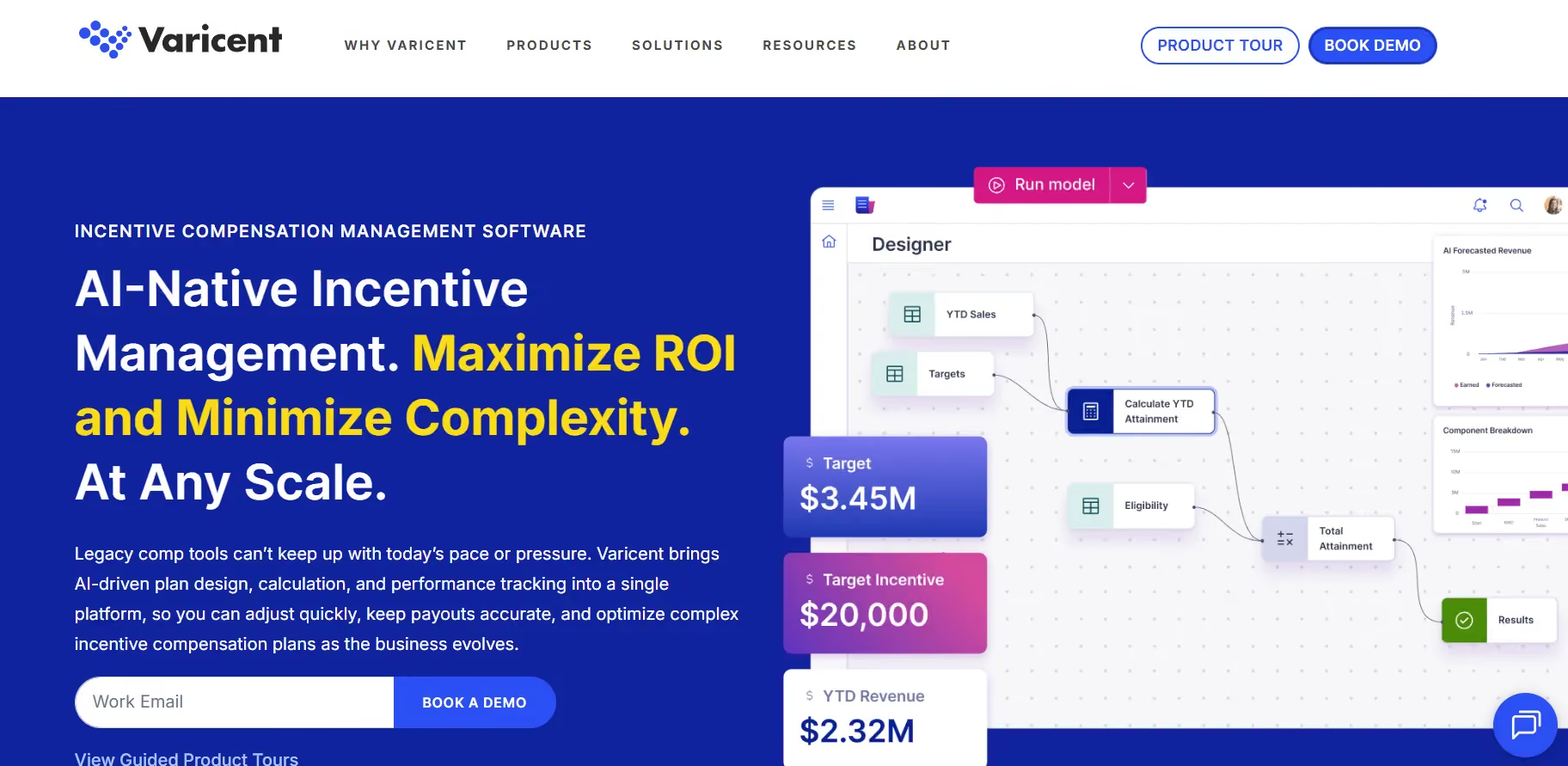
Varicent handles gnarly crediting logic and large data volumes without flinching. Its engine is built for complex hierarchies, multi-layer splits, and territory overlays. The Symon.AI layer is underrated, anomaly detection and data prep can save hours of manual cleanup every pay period.
Varicent Key Features
- Advanced crediting: Complex hierarchies, splits, and territory assignments at scale without brittle workarounds.
- What-if simulations: Model cost and attainment impacts of proposed plan changes before you launch them to the field.
- Symon.AI enrichment: AI-powered data prep and anomaly spotting that helps you catch data issues before they become payout disputes.
- Controls and workflow: Budget guardrails, approval chains, and audit trails that satisfy both RevOps and Finance.
Varicent Pros and Cons
Pros:
- Handles highly complex crediting logic, territory splits, and enterprise-scale datasets.
- Symon.AI helps detect anomalies before they become payout disputes.
- Strong customer support with responsive enterprise assistance.
Cons:
- Steep learning curve for non-technical admins.
- Interface feels legacy and spreadsheet-heavy compared to newer platforms.
- Limited public review volume on Capterra.
Varicent Ratings
Varicent Pricing
Custom and module-based. Packaging spans ICM, Territory, Quota, and Sales Planning. Contact Varicent directly for a quote tailored to your needs.
Comparison of Sales Operations Software (G2)
Comparison of Sales Operations Software (Capterra)
Final Roundup: Which Sales Operations Software Fits Your Situation
Choosing the right sales operations software depends on your team’s size, sales complexity, and the workflows you want to optimize. Here’s how each of the Top 10 tools aligns with different scenarios:
- HubSpot Sales Hub: Best for small to mid-market teams that want a unified platform to manage deals, sales engagement, and workflow automation without juggling multiple tools. Great for teams that value ease of use and quick onboarding.
- Salesforce Sales Cloud / Agentforce: Suited for mid-market to enterprise teams needing a highly configurable CRM with advanced pipeline management, forecasting, and sales performance insights. Ideal for organizations with complex sales processes and large teams.
- Clari: Designed for mid-market to enterprise teams focused on revenue operations and predictive forecasting. Best for organizations that want real-time pipeline visibility and proactive deal risk management.
- Gong: Perfect for teams that prioritize conversation intelligence, coaching, and analytics. Best for organizations that want to capture and analyze every sales interaction for better deal execution and training.
- Outreach: Ideal for mid-market to enterprise teams focused on outbound prospecting at scale. Strong in multi-channel sequences, automation, and workflow orchestration. Best for teams looking to increase productivity and lead engagement.
- Everstage: Best for teams that need real-time commission visibility and automated calculation inside CRM, integrated with sales operations. Useful for teams where forecasting, pipeline, and payouts need to be tracked simultaneously.
- Salesloft: Suited for teams that emphasize coaching, conversation intelligence, and engagement analytics alongside outbound sequences. Ideal for SDR-led teams or organizations emphasizing sales development effectiveness.
- CaptivateIQ: Useful for teams seeking robust pipeline insights, easy commission visibility, and simple reporting. Best for smaller teams or those that want lightweight automation with fast ROI.
- Xactly: Targeted at enterprise organizations needing advanced analytics, forecasting, and operational efficiency in managing revenue pipelines. Ideal for complex sales hierarchies and multi-region organizations.
- Varicent: Best for enterprise teams looking for end-to-end visibility into sales operations, revenue reporting, and analytics. Strong for organizations seeking centralized operational insights and control across multiple pipelines.
Which Sales Operations Software Is Right for Your Team?
Every platform on this list improves sales operations from a different angle. Salesforce Sales Cloud and HubSpot Sales Hub are strong choices for teams that need a reliable CRM foundation to manage leads, deals, activities, and pipeline data.
Clari is a good fit for revenue teams that need stronger forecasting and pipeline inspection. Gong works well for teams that want conversation intelligence, call insights, and coaching at scale. Outreach and Salesloft are built for sales engagement teams that need structured outbound workflows, sequences, and rep productivity.
Xactly and Varicent serve large enterprises where incentive governance, complex crediting, and financial controls are central to the sales operations process. CaptivateIQ is a strong option for teams that want flexible commission plan management with faster plan changes.
But if your problem is connecting the sales operations workflow to the commission layer, from CRM data to accurate calculations, real-time rep visibility, payout statements, and audit-ready records, Everstage is built specifically for that workflow.
It connects with the systems your team already uses, such as Salesforce, HubSpot, NetSuite, Workday, and 40+ others. Commission calculations run automatically each cycle. Reps see a deal-by-deal earnings breakdown inside Salesforce. Finance gets a replayable audit trail from day one.
If your team is still spending hours reconciling sales data, resolving payout disputes, and explaining commissions manually, Everstage can help you bring that part of sales operations under control.
Book a demo with Everstage and run a proof of concept with your real plans before you decide.
Questions worth asking
The things most people want to know before they commit.
What is sales operations software?
Sales operations software helps revenue teams manage pipeline, forecasting, prospect engagement, sales activity, performance analysis, and commissions. It is not one platform. It is usually a stack covering CRM, revenue intelligence, sales engagement, conversation intelligence, and commission management.
Do I need a separate tool for each layer of the sales operations stack?
Not always. Smaller teams may manage CRM, engagement, and forecasting inside HubSpot or Salesforce. As teams scale, specialized tools like Clari, Gong, Outreach, Salesloft, and Everstage add deeper capabilities where the main friction exists.
Can sales operations software integrate with Salesforce or HubSpot?
Yes. Most leading sales operations software integrates with Salesforce or HubSpot. When evaluating a platform, check field-level mapping, bidirectional sync, data refresh frequency, and workflow compatibility. Clean integration matters more than simply having a native connector.
How does sales operations software improve forecasting accuracy?
It combines CRM data, rep inputs, activity signals, historical patterns, and pipeline movement. This helps sales leaders move away from manual spreadsheet rollups and review forecasts using live deal data, risk signals, and real-time pipeline changes.
Where does commission management fit in the sales operations stack?
Commission management sits at the end of the sales operations workflow. It reads approved deal data from the CRM, applies plan rules, calculates payouts, and gives reps visibility into earnings. A strong commission layer reduces disputes and improves trust in the sales process.
Why should Everstage be considered for commission management?
Everstage is built for teams that need accurate commission calculations, real-time rep visibility, audit-ready records, and faster payout cycles. It connects with CRM, ERP, and HRIS systems, helping RevOps and Finance manage commissions without relying on manual spreadsheets.