
.avif)
TL;DR
- his guide reviews ten tools: Everstage, QuotaPath, Qobra, Visdum, Spiff, CaptivateIQ, Performio, Pipedrive, HubSpot Sales Hub, and Zoho CRM.
- Each tool was scored on five factors: self-serve plan control, payout precision, CRM sync, payout clarity, and time to first payout.
- Tools were scored using public G2 and Capterra review data plus vendor docs verified as of June 2026.
- The decision framework covers company size, CRM stack, and plan depth to help you match the right tool.
- Everstage is best for RevOps and Sales Ops leaders at mid-market SaaS and IT firms with 50 to 1,000 payees.
Book a demo with Everstage to see the results yourself.
Clear commission tracking helps sales teams keep payouts accurate, transparent, timely, and easy to verify.
When reps can see how their commission is calculated, they understand which deals count, how rates apply, what has been approved, and when payouts will be released. Sales ops gets a cleaner way to manage rules, validate deal data, review exceptions, and close each payout cycle with fewer back-and-forth questions.
Commission tracking software brings plan rules, CRM data, payout calculations, and rep visibility into one workflow. This helps teams improve payout accuracy, build rep trust, and give managers a clearer view of sales performance.
This guide reviews 10 free commission tracking software tools based on five factors: plan control, payout accuracy, CRM sync, rep visibility, and time to first payout. Ratings are based on G2 and Capterra user data.
8 Base Features You Get From Every Tool on This List
Every tool in this guide was reviewed against a shared feature set. These features form the baseline for commission tracking, so each tool review can focus on what makes the product different.
Each tool in this guide builds on these baseline capabilities. The scoring method below explains how we evaluated them across plan control, payout accuracy, CRM sync, rep visibility, and time to first payout.
Free Commission Tracking Software: All 10 Tools Compared at a Glance
The table below shows all 10 tools in one view.
Caption: 10 Free Commission Tracking Software
Use These Five Factors to Pick the Right Tool
Use this checklist to match each commission tracking tool to your team size, payout workflow, and CRM setup. For deeper evaluation, refer to the sales commission software buyer's guide.
☐ Self-Serve Plan Control
Can your admin team build, edit, and manage commission plans after go-live?
Ask the vendor: Who owns plan changes after setup?
☐ Payout Precision
Can the tool calculate payouts using deal data, plan rules, rates, tiers, bonuses, and adjustments?
Ask the vendor: How does the tool handle mid-cycle plan changes?
☐ CRM Sync Quality
Can the tool pull updated deals, accounts, owner, and revenue data from your CRM?
Ask the vendor: How soon does payout data update after a deal closes?
☐ Rep Pay Clarity
Can reps view their live earnings, payout status, and commission breakdown?
Ask the vendor: Can you show the rep-facing earnings dashboard?
☐ Time to First Payout
Can the tool support your first live payout cycle within your required timeline?
Ask the vendor: How long does it take to run the first payout cycle?
☐ Free Plan Limits
Does the free plan include the CRM sync, user seats, payout workflows, and reports your team needs?
Ask the vendor: Which features are included for free, and which ones require a paid plan?
Full Reviews: Ratings, Known Issues, and Best Fit for All 10 Tools
1. Everstage
Best For: Growing RevOps, Sales Ops, and Finance teams that want no-code commission tracking, live rep dashboards, detailed earnings statements, and a clear path from basic payout tracking to a full sales compensation workflow.
Everstage is a sales commission management platform built for RevOps teams that manage compensation across multiple reps, plans, and payout cycles. It helps teams bring plan rules, CRM data, payout calculations, rep dashboards, and dispute tracking into one workflow.
Everstage Ratings
What makes Everstage unique
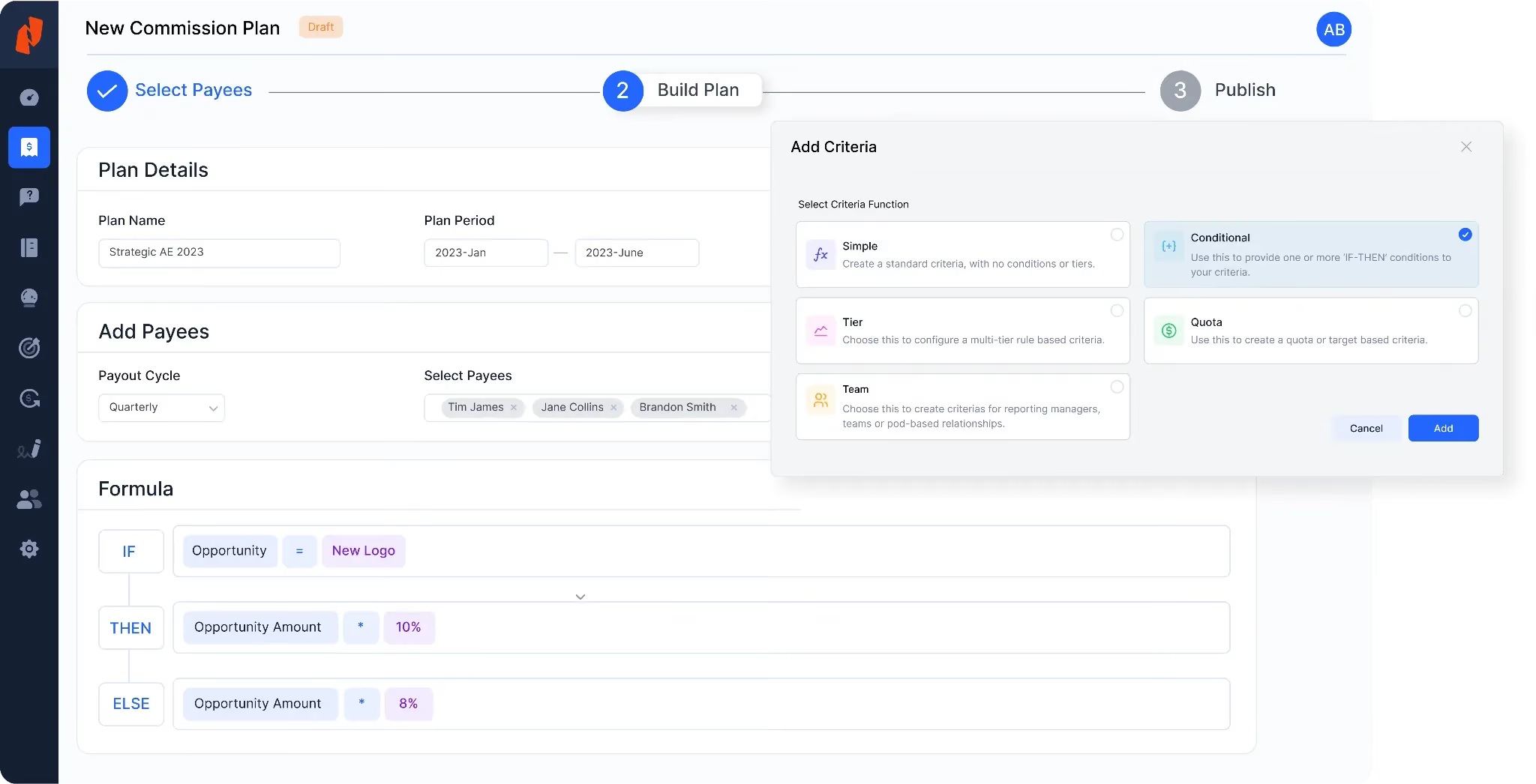
Everstage gives RevOps teams a live, rule-based commission engine for managing complex sales compensation at scale. Admins can build and edit plans, including ramp plans, SPIFFs, tiered rates, split credits, and manual overrides, through the plan builder.
The platform connects with Salesforce, HubSpot, and other major CRM systems to bring deal data into the payout workflow. Reps can view OTE, actual earnings, period progress, and payout status from their own dashboard. A built-in dispute log also helps reps raise pay queries and gives ops teams a cleaner way to review and close cases.
Everstage adds four features beyond the base tool set.
- Advanced Plan Logic: Everstage runs tiered, multi-rule plans using its no-code builder.
Source: Everstage
What Customers Say About Everstage
Everstage has strong third-party validation across analyst and review platforms. Its Forrester evaluation highlights strong performance in payee engagement in SPM Q1 2025, while its G2 presence shows strong traction in the sales compensation category as of June 2026.
Everstage also supports global sales teams with multi-currency payout capabilities. Teams with reps across different countries can manage compensation on one shared platform instead of running separate regional payout workflows.
Customer proof is a strong part of Everstage’s story.
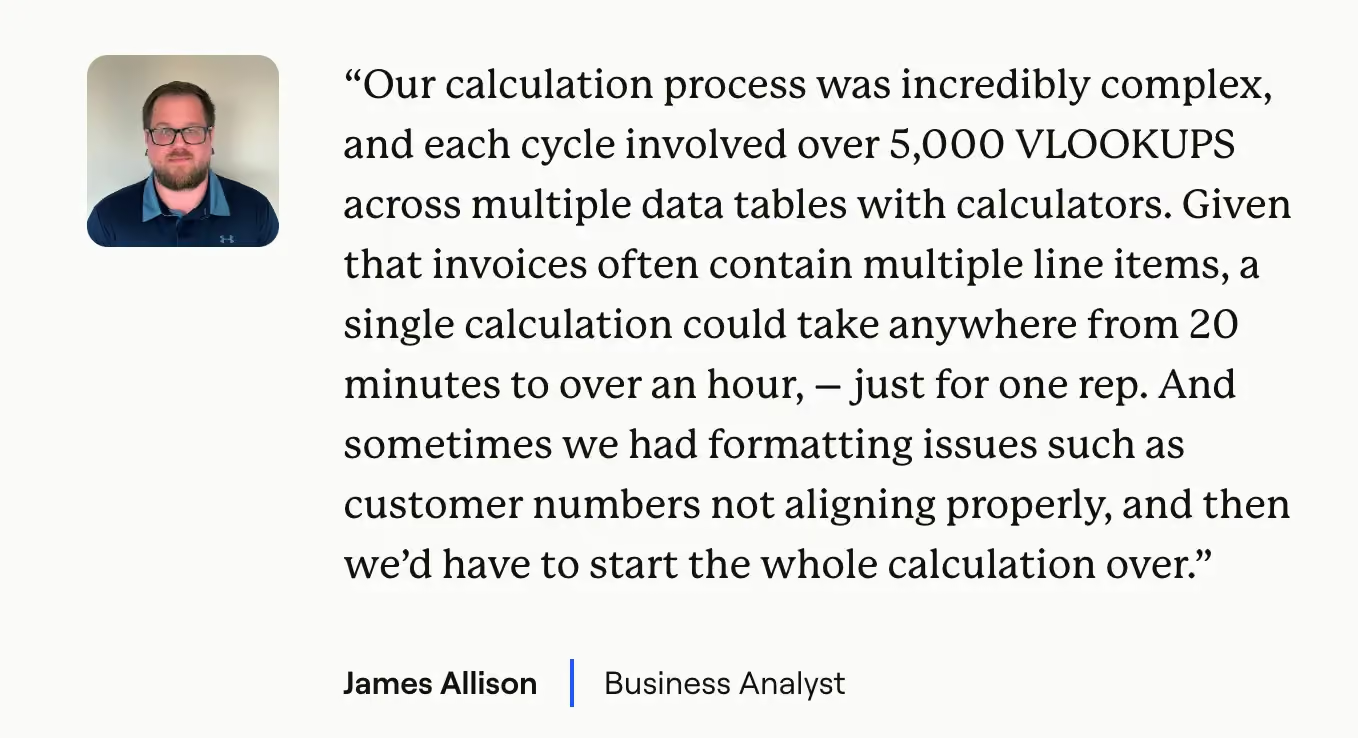
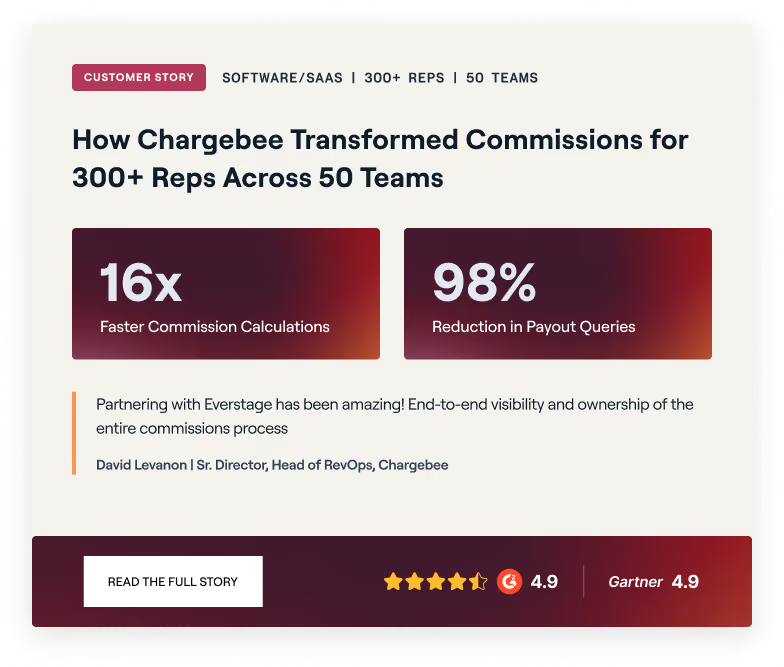
Hood Container set up the platform in one month and moved from a compensation process that involved more than 5,000 VLOOKUP formulas per run. Their ops team now manages the full compensation cycle independently. Postman, Popmenu, and Chargebee also use Everstage to manage sales compensation.
Read all the customer stories here.
Everstage’s Pricing
Pricing is custom and quote-based, with per-payee charges and implementation costs included.
Contact Everstage directly for a quote tailored to your payee count and needs. Also, ask about free trial or POC options when speaking with the sales team.
To see how much your organization can save on annual earnings and the potential ROI with Everstage, check out our ROI calculator.
Things to Check Before Choosing Everstage
Everstage follows a demo-led free trial process, so teams should confirm what is included in the trial before evaluation.
Pricing scales with the number of payees, making it a stronger fit for teams with larger sales compensation workflows.
2.QuotaPath
Best For: Small sales teams with fewer than 10 reps who need a free starter tier.
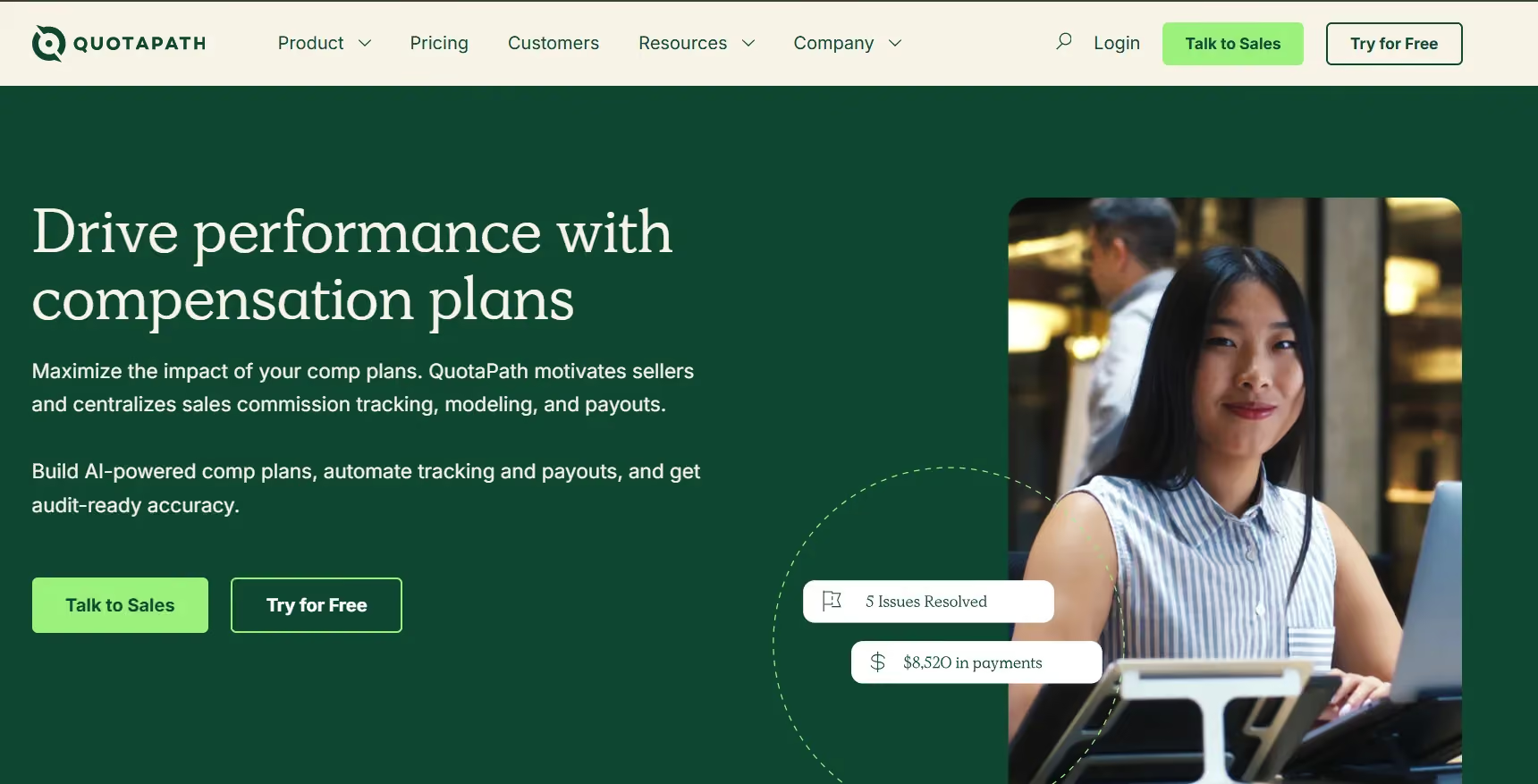
QuotaPath is a good fit for small sales teams that want to start with a free commission tracking plan. Its free tier is best suited for teams with one or two reps managing simple commission structures.
Reps can track quota progress, payout details, goals, current pace, and payout rates from their own dashboard. This makes QuotaPath especially useful for SDR and BDR teams that need clear visibility into performance and earnings.
Teams that grow beyond two users can move to a paid plan for more seats and advanced plan logic.
QuotaPath User Ratings
What Makes QuotaPath Unique
- Free Plan for Small Teams: QuotaPath offers a free tier for up to two users, making it useful for early-stage sales teams with simple commission needs.
- Rep-Facing Quota View: Reps can see quota progress, current pace, and expected payout in a clean visual dashboard.
- Comp Plan Modeling: Teams can model new compensation plans before they go live, helping admins assess plan impact before rollout.
QuotaPath Pricing
- Growth: $35/user/month (billed annually). ASC-606 compliant accounting, leadership attainment boards, in-app dispute collaboration. Free trial available.
- Premium: $50/user/month (billed annually). Adds multi-source payouts, Okta SSO, and HRIS integrations.
Things to Check Before Choosing Quotapath
QuotaPath's free plan limits access to a two-user ceiling. Complex comp plans with many tiers need the paid tier. Some G2 reviewers note limited support for non-standard plan types.
3.Qobra
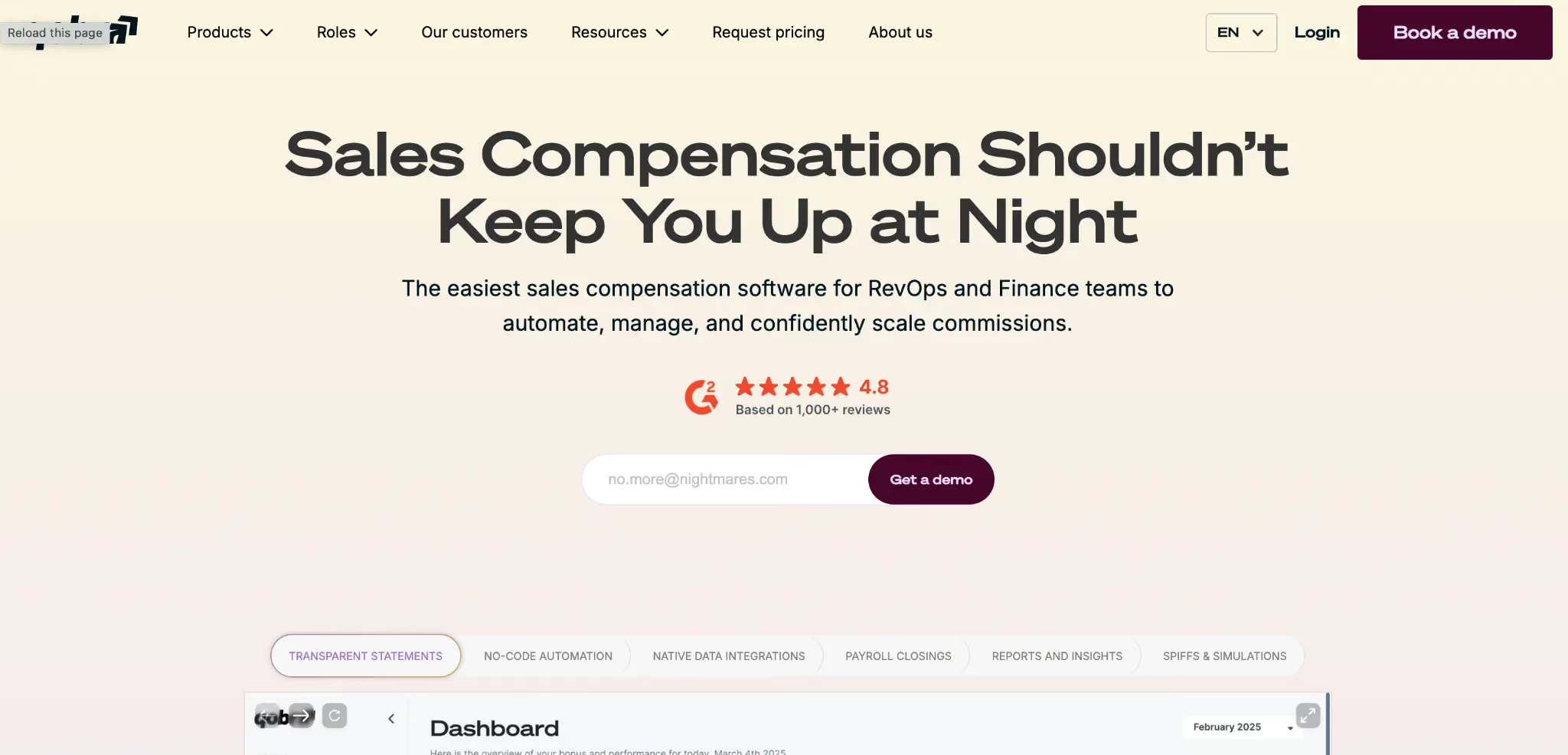
Qobra runs the full commission cycle in one place. It covers plan design, payout compute, rep statements, dispute handling, and payroll export, with deal-level audit trails at every step. Teams that previously ran commission on shared spreadsheets use it to cut cycle time and remove payout errors.
Admins build and edit plans through a no-code builder without dev support. Reps get a live dashboard showing quota progress, actual earnings, and projected payout based on their current pipeline. They can also model how different deal outcomes affect their total payout before the cycle closes.
Qobra User Ratings
What Makes Qobra Unique
- No-Code Plan Builder: Admins set up tiered rates, SPIFFs, draws, and split credits without dev input or vendor tickets.
- Real-Time CRM Sync: Deals closed in Salesforce appear in Qobra within minutes, keeping payout data current across the full sales cycle.
- Rep Payout Model: Reps project how different deal outcomes affect their total payout before the cycle closes, giving them a forward view on earnings.
Qobra Pricing
Custom across three tiers. The Core tier covers no-code plan design, native CRM integration, and live statement calculations. Contact Qobra directly for a quote scoped to your team size and plan complexity.
Things to Check Before Choosing Qobra
Qobra's pricing is quote-based with no published per-seat rate, which makes budget planning harder before a demo. Report and dashboard setup has limited custom options for teams with specific data needs.
4.Visdum
Best For: Finance, RevOps, and Sales teams at SaaS companies from SMB through enterprise that manage comp around ARR, MRR, churn, and growth metrics.
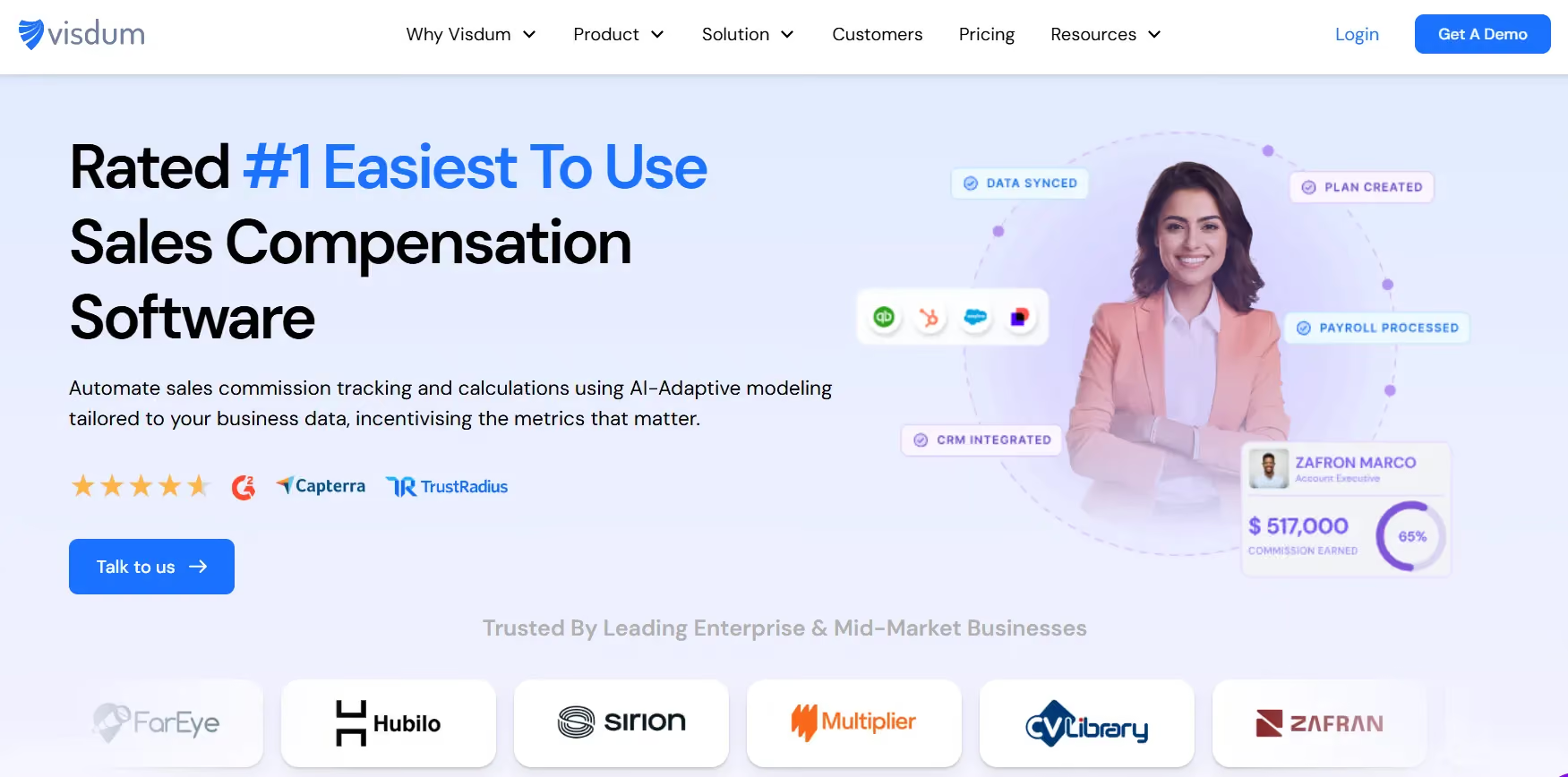
Visdum is a commission platform built for SaaS companies. It handles ARR, MRR, churn, and expansion revenue as first-class inputs in plan design, not as workarounds bolted on after setup. Standard comp tools often struggle with these metric types. Visdum was built for them from the ground up.
Admins build and deploy plans through a no-code, Excel-style rule builder that Finance and RevOps teams can own without dev input. The platform syncs to Salesforce, HubSpot, Stripe, QuickBooks, and NetSuite, pulling deal, billing, and HR data into one comp workflow. Reps see live earnings, quota progress, and period output from their own dashboard.
Visdum's User Ratings
What Makes Visdum Unique
- SaaS Metric Logic: Plans are built natively around ARR, MRR, churn, and growth revenue, with no custom setup needed.
- AI Copilot: Flags compute errors in-cycle before payroll runs, giving ops teams time to fix issues before rep statements go out.
Visdum’s pricing
Pricing is custom. However, it offers three tiers:
- Growth: Covers early-stage teams of up to 50 sellers with core commission calculation, CRM integration, payroll reporting, and plan documents.
- Dynamic: Steps up for mid-market teams of up to 100 sellers, adding unlimited comp plans, financial integrations (Stripe, QuickBooks, NetSuite), a commission estimator, and leadership dashboards.
- Scale: Enterprise tier for teams above 100 sellers, layering in ASC 606 compliance, gamification, budgeting, individual and team performance reports, and dedicated customer success.
Things to Check Before Choosing Visdum
Visdum's market presence is still growing relative to legacy ICM platforms with longer track records. Teams with complex, multi-region needs should confirm that Visdum's enterprise controls align with their setup before signing.
5.Spiff
Best For: Mid-market sales ops teams running complex comp plans natively on Salesforce, with 10 or more reps.
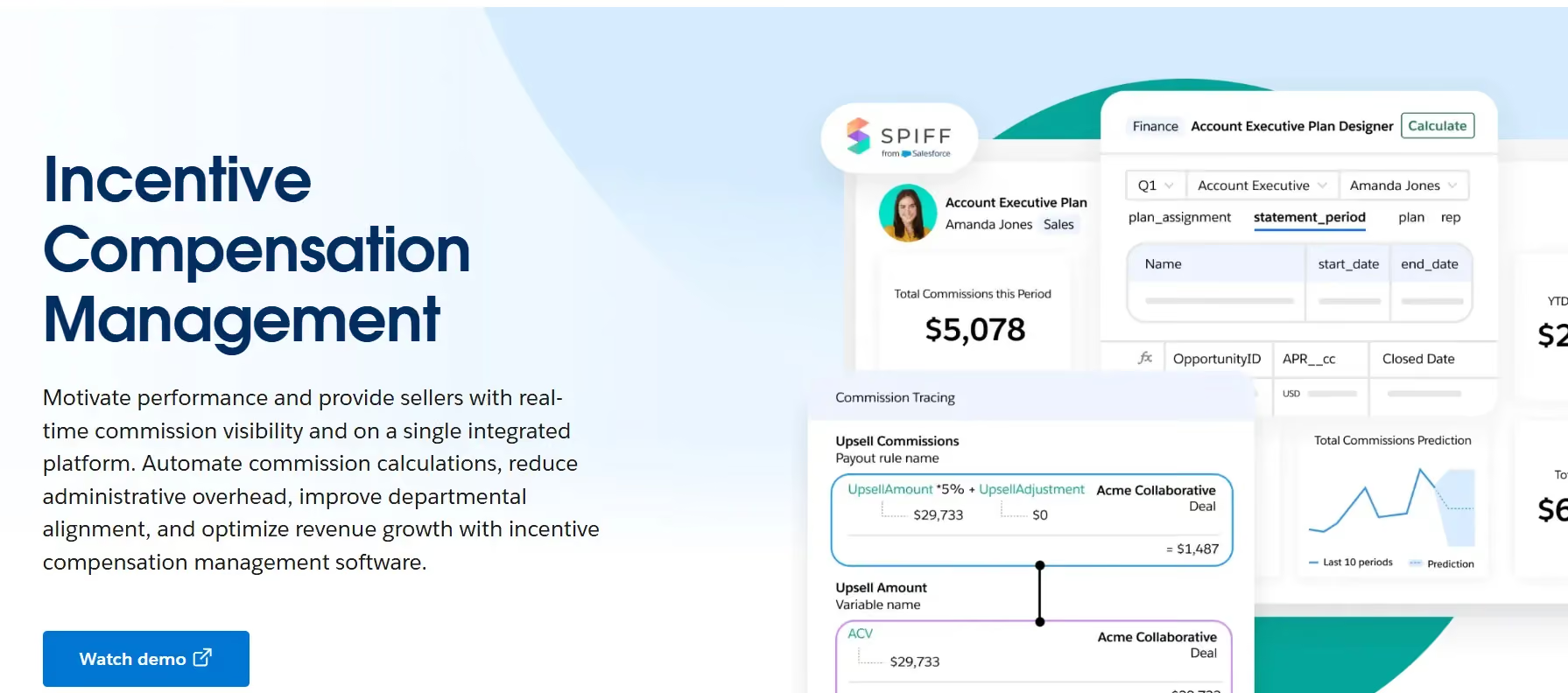
Spiff is now part of the Salesforce product suite, and its strongest fit sits inside that same stack. It was built for teams where waterfall logic, draw schedules, and clawback rules are a standard part of every comp cycle, not edge cases to work around.
The platform pulls real-time deal data from Salesforce CRM, keeping payout figures current as deals move through the pipeline. Admins set up tiered plans, draw schedules, and clawback rules through a spreadsheet-style interface. Reps see live earnings, quota progress, and deal-level commission breakdown from their own dashboard.
Spiff User Ratings
What Makes Spiff Unique
- Clawback Rules: The platform enforces clawback rules on its own when deals reverse or fall through.
- Salesforce Native Sync: Deal data from Salesforce updates payout figures in real time as the pipeline moves.
- Draw Schedules: Admins set and track draw plans for new and ramping reps across any pay cycle.
Spiff Pricing
$75 per user per month. One published pricing tier gives full platform access. Enterprise agreements may vary, confirming current packaging with Salesforce.
Things to Check Before Choosing Spiff
Teams without a Salesforce admin on staff will find that setup takes more time and requires more technical input than with most tools on this list. Teams outside the Salesforce stack should confirm which CRM syncs are native and which need additional setup before signing.
6.CaptivateIQ
Best For: Mid-market and enterprise sales ops teams running complex, multi-step comp plans across 50 or more reps, where audit depth and plan range are core needs.
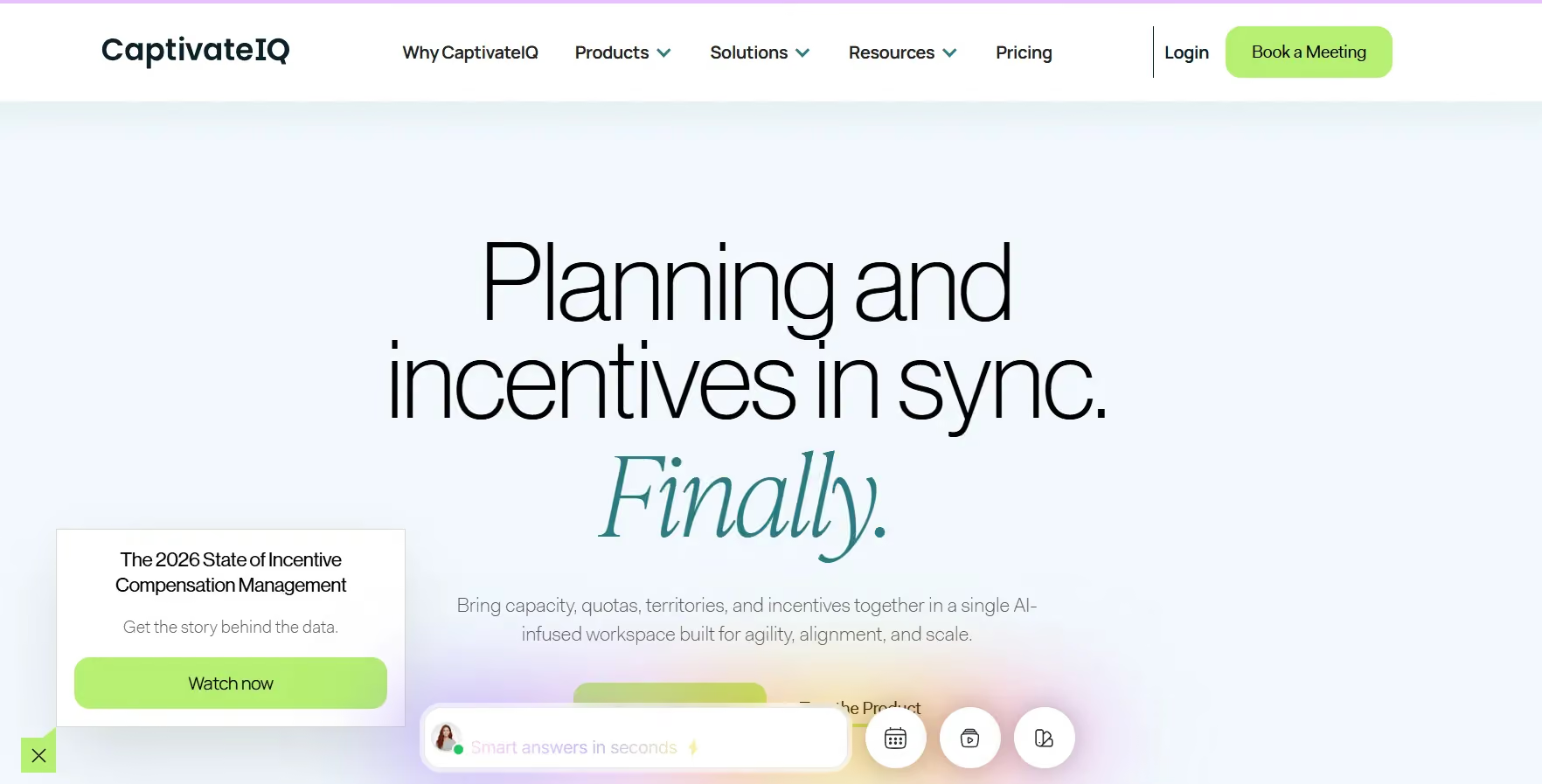
CaptivateIQ homepage
CaptivateIQ is a sales performance management platform trusted by 800-plus companies, including Gong, Expedia, Boston Scientific, and Deel. It covers commission compute, zone planning, quota setting, and payout modeling from one workspace, making it one of the more complete platforms on this list.
The SmartGrid engine lets admins build comp rules in a spreadsheet-style layout, covering tiered plans, multi-step logic, and custom formulas without writing code. The platform connects to Salesforce, Workday, and major data platforms.
CaptivateIQ User Ratings
What Makes CaptivateIQ Unique
- Approval Workflows: The Workflows feature handles approval chains and commission edge cases that previously needed manual handling across RevOps and finance.
- Workday Sync: The platform connects to Workday for HR data, keeping headcount and plan access current across the full comp cycle.
CaptivateIQ Pricing
Custom subscription pricing structured around participant count and selected capabilities. Implementation is a separate one-time cost. Contact CaptivateIQ directly for a quote.
Things to Check Before Choosing CaptivateIQ
CaptivateIQ is built as a blank canvas, meaning plan setup requires real RevOps time and input before it delivers full value. Teams with fewer than 50 reps or straightforward flat-rate plans will find the platform has more depth than they need.
7.Performio
Best For: Mid-market sales ops and RevOps teams with 30 or more reps that need solid comp compute, sandbox testing, and clean reporting without the weight of a full enterprise ICM suite.
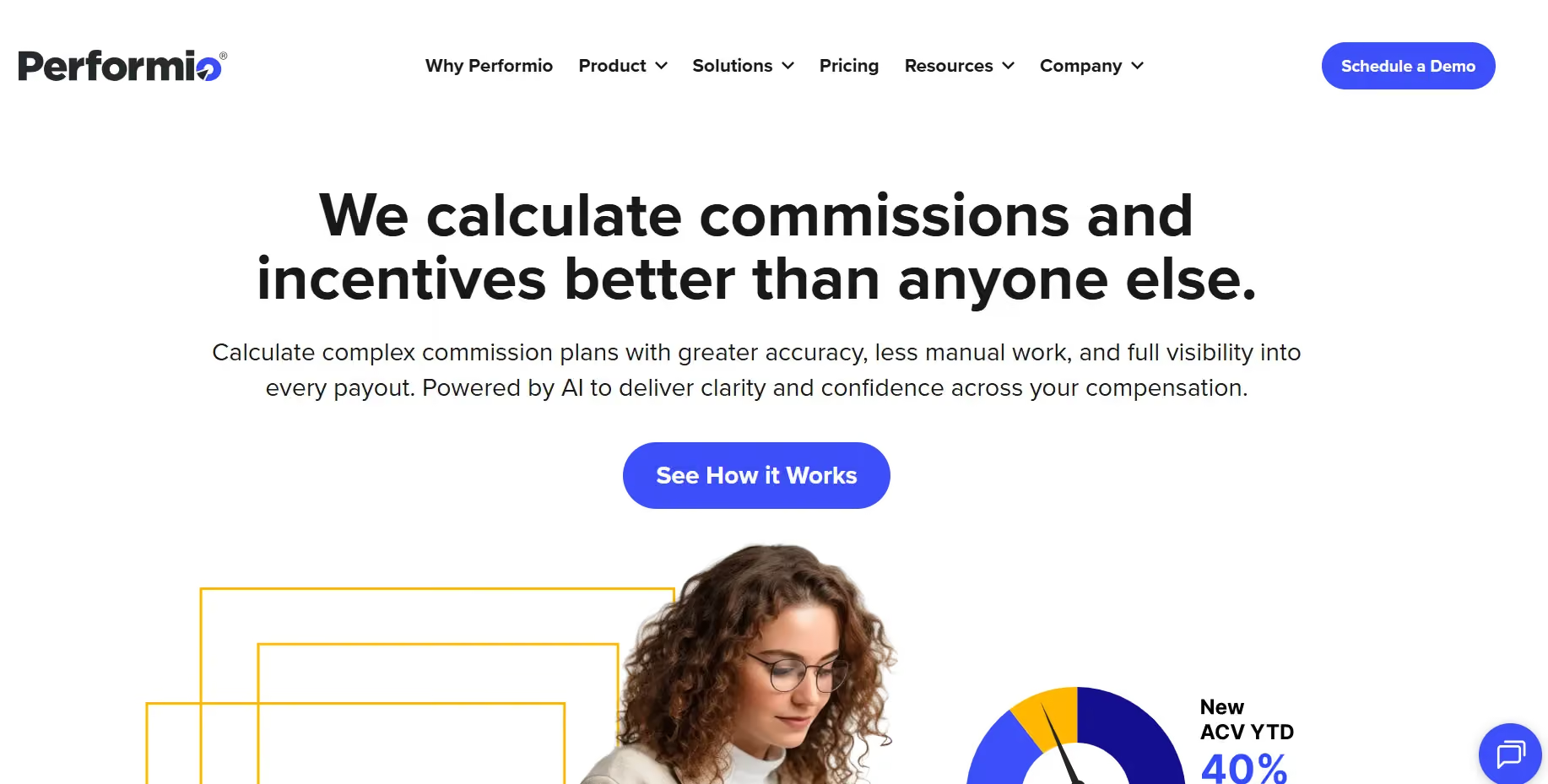
Performio is a strong fit for mid-market teams that have outgrown spreadsheets but do not need the full depth of an enterprise ICM platform. It is known for clean sandboxes, pre-pay error checks, and admin that Finance and RevOps teams can handle on their own without a full-time engineer.
The platform pulls data through ETL connectors from CRM, billing, and data warehouse sources, so admins skip manual CSV uploads each pay period. Reps get a clear dashboard showing earnings, quota progress, and deal-level breakdowns.
Performio User Ratings
What Makes Performio Unique
- ETL Data Sync: Native ETL connectors pull from CRM, billing, and data warehouse sources without manual CSV uploads each cycle.
- Attainment Reports: Drill into attainment curves and SPIFF impact to see how plans are performing beyond the payout total.
- Dispute Workflow: Built-in ticketing handles commission disputes between reps and admins, with pre-pay checks that flag errors before payroll runs.
Performio Pricing
Custom, structured by payee count and tier. Contact Performio directly for a scoped quote.
Things to Check Before Choosing Performio
Performio's interface is functional and clean, but reflects an older design compared to newer comp tools on this list. Some G2 reviewers note that payout data can lag behind real-time updates, which reps notice between pay cycles. Teams with deep enterprise modeling needs should confirm that Performio's plan range covers their specific setup before signing.
8.Pipedrive
Best For: Small to mid-size sales teams already on Pipedrive CRM that want basic deal-level commission views without setting up a separate comp platform.
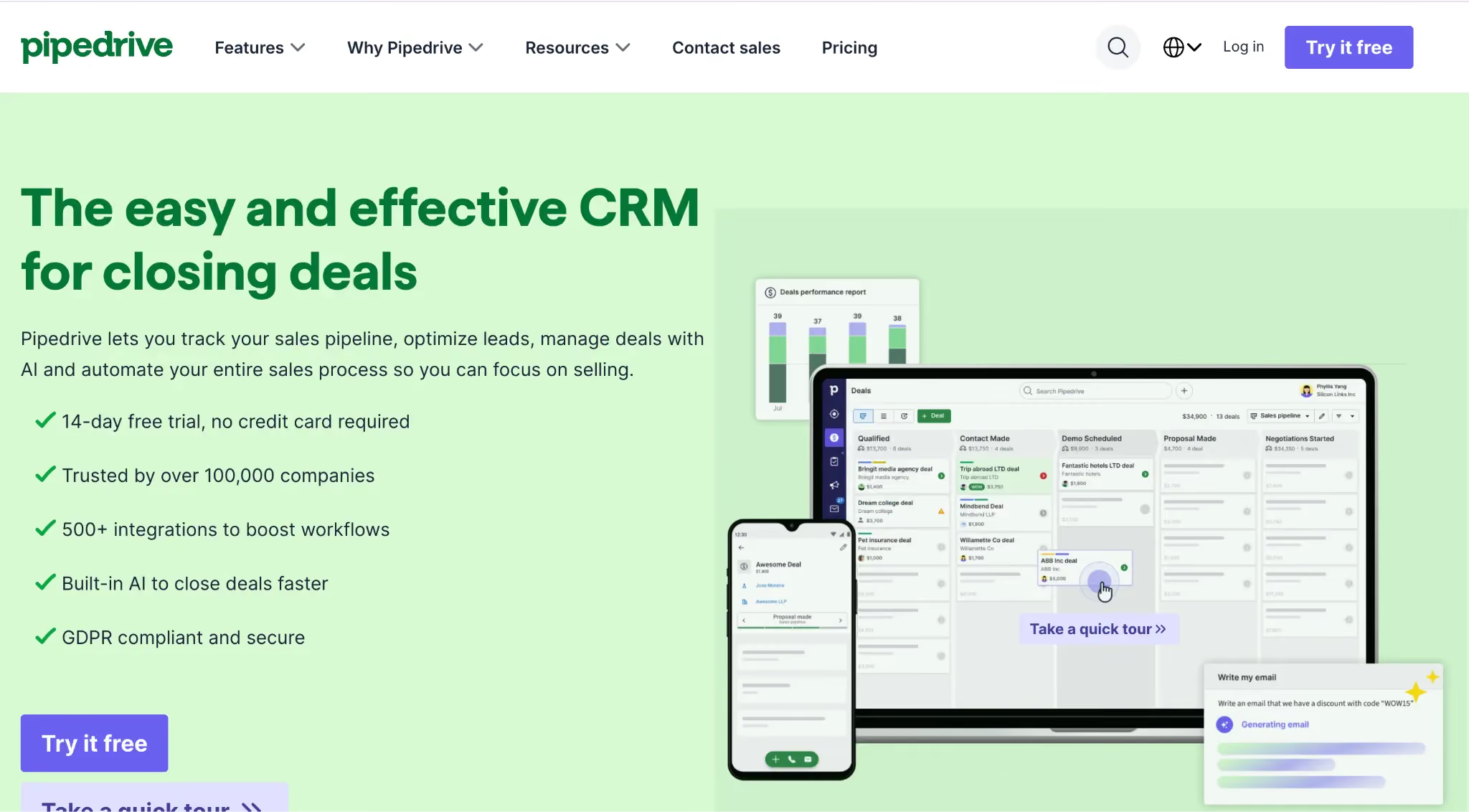
Pipedrive is a visual, pipeline-first CRM used by over 100,000 companies worldwide. Commission tracking in Pipedrive is tied directly to the deal pipeline, making it a practical fit for teams that want earnings data in the same place as their CRM without a separate comp tool to learn or maintain.
Reps see their earned commission tied to each closed deal from inside the pipeline view. Managers pull commission reports from the native pipeline dashboard. There is no separate comp module, no extra login, and no data to move between systems.
Pipedrive User Ratings
What Makes Pipedrive Unique
- CRM-Native Commission View: Commission data ties directly to each closed deal in the pipeline, giving reps a deal-level earnings breakdown without leaving the CRM.
- Visual Pipeline Board: The drag-and-drop pipeline layout makes it easy to see where every deal stands and what commission it carries at a glance.
- Deal-Level Reports: Managers pull commission reports from the native pipeline view without exporting or rebuilding data in a separate tool.
Pipedrive Pricing
- Lite: $14/user/month billed per year, or $24/month billed monthly.
- Growth: $24/user/month billed per year.
- Premium: $49/user/month billed per year. Verify current rate on Pipedrive's pricing page before publishing.
- Ultimate: $69/user/month billed per year.
- Free trial offered with no credit card required. No permanent free plan.
Things to Check Before Choosing Pipedrive
Commission tracking in Pipedrive covers flat-rate and deal-level percent-based plans only. Teams with tiered structures, draw schedules, or clawback rules will need a separate comp platform alongside Pipedrive.
9.HubSpot Sales Hub
Best For: Small to enterprise sales teams that want a unified CRM and sales ops platform for deal tracking, rep engagement, and workflow management, with a free tier that does not expire.
HubSpot Sales Hub is built on the HubSpot Smart CRM and brings deal tracking, rep engagement, and workflow management into one platform. It is one of the few tools on this list with a truly free tier that carries no expiry date, making it a genuine starting point for teams that need CRM and basic rep tracking at zero cost.
Sales reps get a full view of contacts, accounts, and deals from one dashboard. Managers track rep performance, run forecasts, and set up workflow rules that run on their own. s.
HubSpot Sales Hub User Ratings
What Makes HubSpot Sales Hub Unique
- Sales Engagement Tools: Email tracking, outreach templates, meeting scheduling, and document sharing sit natively in the platform, cutting the need for separate point tools.
- AI Rep Support: HubSpot's AI flags next-best actions based on deal context and surfaces rep-level insights without a separate add-on.
- Unified Deal View: Reps access full contact history, past deals, support tickets, and marketing touches in one place, giving full context before any buyer call.
HubSpot Sales Hub Pricing
- Free HubSpot CRM: $0/user/month. Basic CRM for up to 2 users with email tracking, contact management, and task tracking
- Sales Hub Starter: $20/user/month. Essential sales tools, calling, email tracking, and 500 HubSpot credits
- Sales Hub Professional: $100/user/month. Includes AI-powered productivity, conversation intelligence, forecasting, and analytics
- Sales Hub Enterprise: $150/user/month. Advanced workflow automation, AI transcript enrichment, deal splits, and pipeline approvals
Things to Check Before Choosing HubSpot Sales Hub
AI features and forecasting sit behind the upper paid tiers. Teams on the Starter plan will need to upgrade to access them, and the jump from Starter to Professional is $80 per user per month. Large enterprise teams with complex workflow needs may find the setup requires extra work to match their process. Reporting depth in Sales Hub suits most mid-market teams, but is less flexible than full enterprise CRM tools designed for large-scale reporting.
10.Zoho CRM Proposals
Best for: Budget-focused small sales teams already on the Zoho stack that need basic deal tracking, contact management, and sales goal views, with a permanent free plan for up to three users.
Zoho CRM is a general-purpose CRM with a free plan that covers up to three users at no cost with no expiry. It earns a place on this list because of that free tier and its native data flow with the broader Zoho suite, which includes Zoho Books, Zoho Desk, and Zoho Analytics.
The platform covers contact management, deal tracking, pipeline views, email and call logging, and basic goal tracking from one place. Teams on Zoho Books or Zoho Desk benefit from native data flow across the stack without extra connectors. Zia, Zoho's built-in AI, handles lead scoring and deal predictions on paid tiers.
Zoho CRM User Ratings
What Makes Zoho CRM Unique
- Zoho Stack Sync: Native data flow between Zoho Books, Zoho Desk, and Zoho Analytics cuts the need for third-party connectors within the Zoho suite.
- Zia AI: The built-in AI scores leads, flags at-risk deals, and predicts close outcomes for teams on paid tiers.
- No-Code Layout Builder: Admins build and change CRM views using the Canvas Design Studio without code or dev input.
Zoho CRM Pricing
- Standard: INR 800 per user per month on annual billing
- Professional: INR 1,400 per user per month on annual billing
- Enterprise: INR 2,400 per user per month on annual billing
- Ultimate: INR 2,600 per user per month on annual billing
Things to Check Before Choosing Zoho CRM
Zoho CRM's setup takes more time and effort than most tools on this list. Getting the platform fully configured often requires a tech-savvy admin or a genuine willingness to invest time in learning.
Support response times are slower and less consistent. Teams that need a fast launch or close support during setup should factor both into their decision.
Match the Right Tool to Your Team Size, CRM, and Compensation Plans
The best commission tracking software is the one that fits your team structure, CRM stack, and compensation complexity. Use the recommendations below to narrow your shortlist faster.
Pick by Team Size
Pick by CRM Stack
Pick by Compensation Plan Complexity
What to Check During Every Demo
Before making a final decision, ask these questions during the product demo:
☐ Can my team edit compensation plans after go-live?
Some platforms require vendor involvement for plan changes. Confirm who owns plan administration once implementation is complete.
☐ Can reps access their own earnings dashboard?
Ask to see the rep experience, including earnings visibility, payout breakdowns, and quota progress.
☐ How long until the first live payout cycle?
Implementation timelines vary significantly. Understand how quickly your team can move from setup to production use.
These checks often reveal more about long-term fit than feature lists alone.
Run Your Full Comp Cycle From One Platform
Everstage brings the entire commission cycle into a single workflow, from plan design to final payout. Teams can build and manage compensation plans, sync CRM data, track rep earnings in real time, handle payout disputes, and export payroll-ready reports without switching between tools.
The platform is designed for RevOps and Sales Ops teams in mid-market SaaS and IT companies, with a structure that supports complex compensation models and multi-team setups.
If you want to evaluate Everstage for your team, the fastest way is a guided demo using your own compensation data.
Book your demo with Everstage and see the results yourself.
Questions worth asking
The things most people want to know before they commit.
What is sales performance management software?
Sales performance management software, aka SPM software, helps teams track, calculate, and pay out comp. Reps get a live earnings view for each pay cycle. Ops teams use it to build and audit comp plans.
How long does it take to migrate from spreadsheets to a new tool?
A sheet-to-tool move often takes two to four weeks. The move time depends on plan depth and CRM setup. Guided launch tools often cut the move time in half.
Which tools in this list work with Salesforce CRM?
Everstage, Spiff, CaptivateIQ, and Performio all connect to Salesforce. QuotaPath also syncs with Salesforce on its paid tier. Check each tool's sync page to confirm deal data access.
What proof exists that Everstage delivers fast ROI?
Hood Container finished its first payout cycle in one month. Their prior process needed over 5,000 VLOOKUP formulas every cycle. Their ops team now runs the full cycle alone.
Can I start on a free plan and upgrade later?
Upgrade paths exist on QuotaPath, ElevateHQ, and Zoho CRM. Each paid tier adds more users and more plan types. Ask the vendor how your data moves when you upgrade.
How do I know when my team has outgrown a free plan?
A team outgrows a free plan when dispute rates rise. Quota miss rates climb when plans lack the right depth. Admins needing complex plan types should move to paid tiers.