TL;DR
- Sales incentive management software replaces spreadsheets with automated plan logic, commission calculations, approvals, dispute handling, and audit-ready payout records.
- The right platform depends on team size, plan complexity, sales stack, governance needs, and how quickly plans change.
- Rep transparency matters because deal-level payout visibility reduces commission questions, disputes, and back-and-forth with RevOps or Finance.
- Finance teams should prioritize audit trails, version control, approval workflows, and ASC 606-ready reporting when evaluating platforms.
- Everstage fits teams that need automated plan design, commission calculation, rep statements, AI modeling, and finance-ready audit history
Introduction
"Where is the rest of my commission?" "Did I get credit for that deal?" "Why is my payout lower this month?"
If you manage sales compensation, you hear versions of these questions every pay cycle. They all come down to one thing: reps don't trust their commission numbers because they can't see how those numbers were calculated. Payscale's 2025 research found that nearly half of employees have never had a clear conversation about how their pay is determined, and for sales reps, commission is the most complex and volatile part of it.
When reps cannot verify their own payouts, they keep private spreadsheets to check payroll. Finance spends days resolving disputes. One misapplied split or accelerator can hold up an entire payout cycle. Teams that adopt a tool to fix this often find it cannot handle the complexity of their plans, so manual work returns.
This guide reviews the 10 best sales incentive management platforms of 2026. For each one, you will see what it does well, who it fits, and where it falls short, so you can choose the platform that makes your commission payouts accurate, auditable, and clear enough that reps stop second-guessing them.
Quick Comparison: 10 Sales Incentive Management Software at a Glance
Here is a snapshot of all 10 tools before we get into the details
Comparison table of the best sales incentive management software
** Pricing verified as of May 2026. Confirm current rates directly on each vendor's site before purchasing.
Top 10 Sales Incentive Management Software in-Depth
Let us understand what each tool actually does, who it works best for, and what real users say about it.
1.Everstage
Best for: RevOps, Sales Ops, and Finance teams managing complex sales incentive plans that require speed, accuracy, and audit-ready transparency.
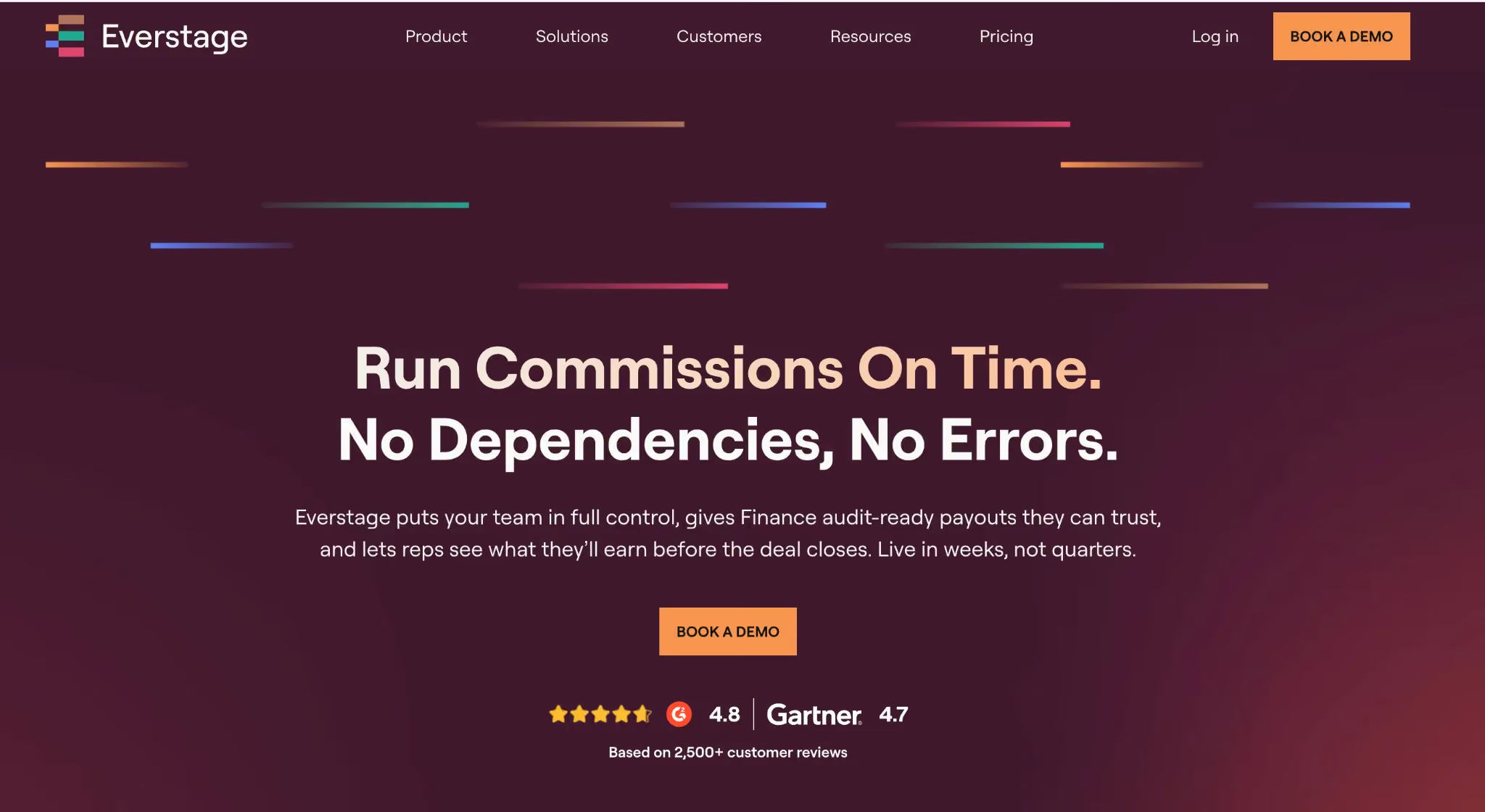
Everstage earned its reputation by working with RevOps and finance teams running complex incentive plans that must remain accurate at scale. It automates calculation, plan design, and payouts for multi-layered, multi-entity, and multi-currency structures, and lets admins change plans themselves without filing a ticket.
- Admins can configure, edit, and version commission plans through a self-serve interface, eliminating spreadsheet errors and ensuring accurate plan execution.
- Reps gain full visibility into deal-by-deal earnings in real time, reducing disputes and improving trust.
- Finance teams access a complete audit trail of all plan versions and payouts, including mid-quarter changes, ensuring ASC 606 compliance and dispute resolution
Everstage Key Features
- Audit & Version Control: Track every payout against the exact plan state that produced it. Finance can reproduce historical calculations for audits or disputes.
- Multi-Currency & Multi-Entity Support: Accurately calculate incentives across global sales teams with native currency conversion and consolidated reporting.
- Budget Guardrails: Hard and soft caps with real-time alerts maintain compensation spend within plan budgets.
- Forecasting & Accruals: Finance-ready payout projections integrate directly into close cycles, supporting ASC 606-compliant reporting.
- AI Plan Modeling with Crystal: Test plan modifications before deployment to avoid errors and predict financial impact.
Everstage Pros and Cons
Pros:
- Automates complex incentive calculations, reducing errors and disputes
- Provides real-time earnings visibility for reps
- Finance gets defensible records for audits and ASC 606 compliance
- AI tools reduce manual operations and administrative burden
Cons:
- Initial setup for complex plans can take time
- Historical migration may require extra effort
- Admin workflows involve multiple steps for routine tasks
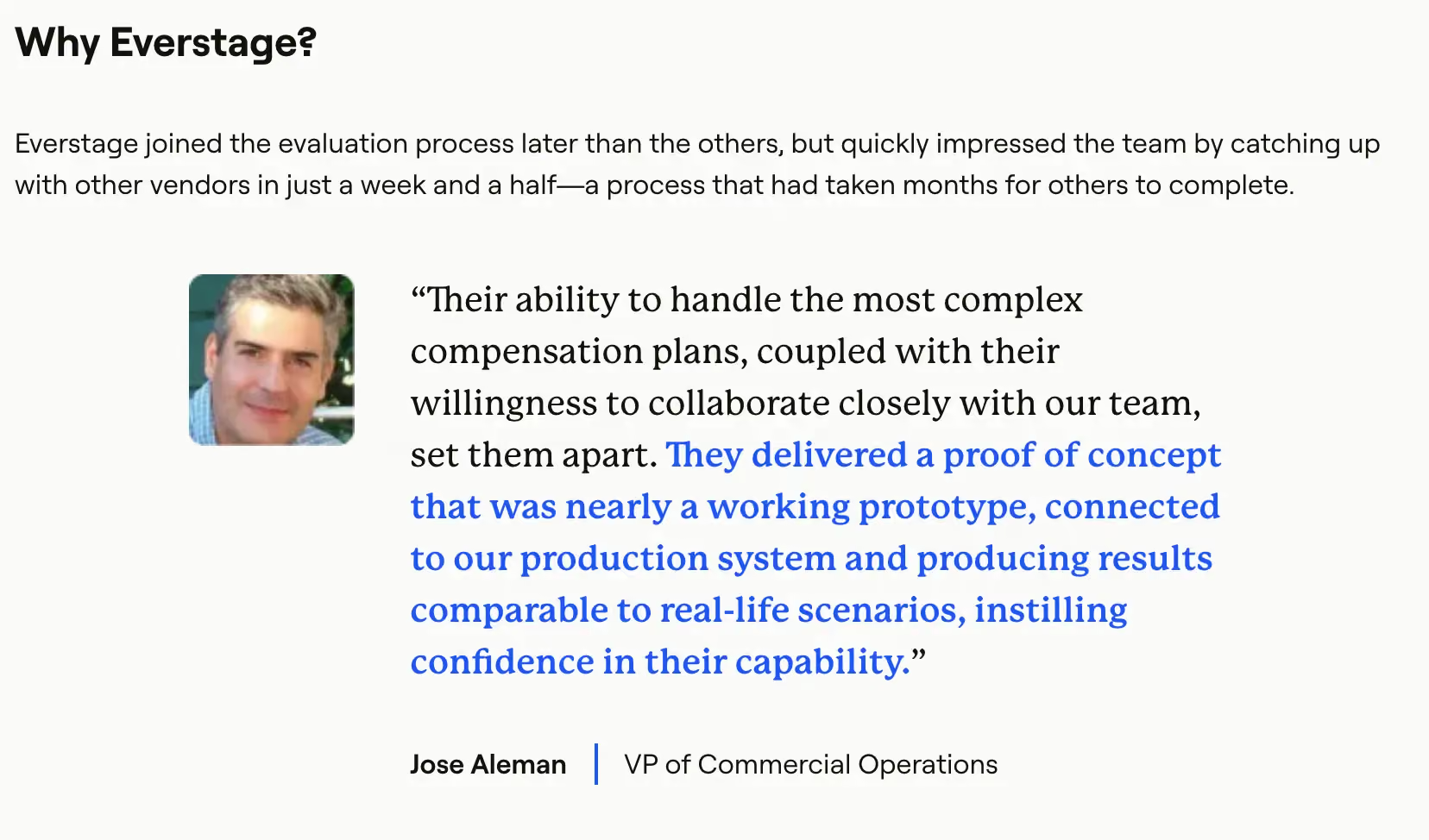
Everstage’s Ratings
Everstage Pricing
Pricing is custom and quote-based, with charges per payee and implementation included. Contact Everstage for a tailored quote and inquire about proof-of-concept or trial options.
2.CaptivateIQ
Best for: Scale-ups and modern enterprises that need plan agility, the ability to change comp logic quickly without engineering tickets or long implementation cycles.
CaptivateIQ is popular with scale-ups and modern enterprises that want plan agility without waiting on engineering tickets. The no-code calculation builder is genuinely flexible, you can express complex formulas and conditional logic without dev cycles. RevOps teams consistently cite speed of plan iteration as CaptivateIQ's biggest draw.
CaptivateIQ Key Features
- No-code plan builder: Build and modify complex commission formulas without writing code or filing engineering requests.
- Sandbox testing: Validate plan logic and data against real scenarios before pushing anything live.
- Workflow automation: Approvals, attestations, and sign-off flows that give Finance the paper trail they need.
- Rep transparency: Clean, readable commission statements with clear explanations of how numbers were calculated, one of the biggest drivers of rep trust.
CaptivateIQ Pros and Cons
Pros:
- No-code plan builder enables fast compensation plan changes.
- Sandbox testing reduces risk before pushing updates live.
- Clean rep-facing commission statements improve transparency and trust.
Cons:
- Complex plans can still require technical support or operations involvement.
- Reporting customization can feel limited for advanced enterprise needs.
- Pricing can scale quickly with larger participant counts.
CaptivateIQ Ratings
CaptivateIQ Pricing
Custom subscription pricing structured around number of participants and selected capabilities. Implementation is a separate one-time cost. Contact CaptivateIQ's sales team for a quote.
3.Spiff (Salesforce)
Best for: Teams where rep-facing transparency is the top priority and plan structures are light-to-moderate in complexity. Especially strong for Salesforce-native GTM teams.
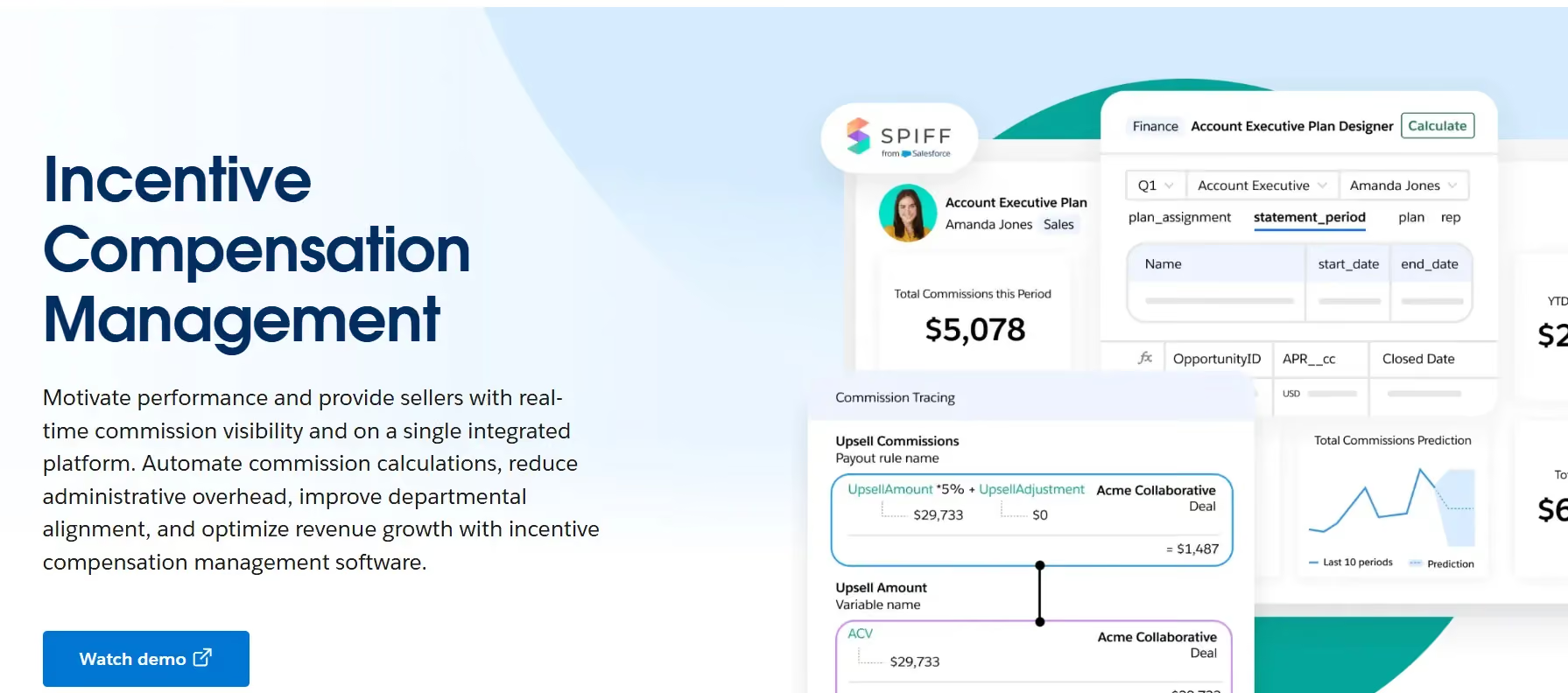
If your biggest pain is reps constantly asking 'where's my commission?' and your plans are light-to-moderate in complexity, Spiff's real-time calculation engine and clean UX can make a real dent in those tickets. It's not built for the gnarliest crediting logic, but for teams that prioritize visibility and speed over deep modeling, it hits the mark.
Spiff Key Features
- Real-time calc engine: Near real-time commission views so reps see their earnings as deals close, not days or weeks later.
- Scenario snapshots: Simple what-if modeling for plan tweaks, enough to pressure-test a rate change, though not as deep as dedicated planning tools.
- CRM-first UX: Native integrations with Salesforce and HubSpot, plus embedded views that keep reps inside tools they already use.
- Audit trails: Full transparency into how every payout was computed, useful for both Finance reviews and rep trust.
Spiff Pros and Cons
Pros:
- Real-time commission visibility improves rep transparency.
- Salesforce-native experience reduces workflow friction.
- Simple and intuitive user experience for GTM teams.
Cons:
- Less suitable for highly complex crediting structures.
- Scenario modeling depth is lighter than enterprise-focused tools.
- Some users report occasional syncing or calculation delays.
Spiff Ratings
Spiff Pricing
$75 per user per month. One published pricing tier gives full platform access. Enterprise agreements may vary, confirming current packaging with Salesforce.
4.Xactly Incent
Best for: Large regulated enterprises where Finance is deeply involved in accruals, revenue recognition, audit cycles, and where SOX-ready controls are non-negotiable.
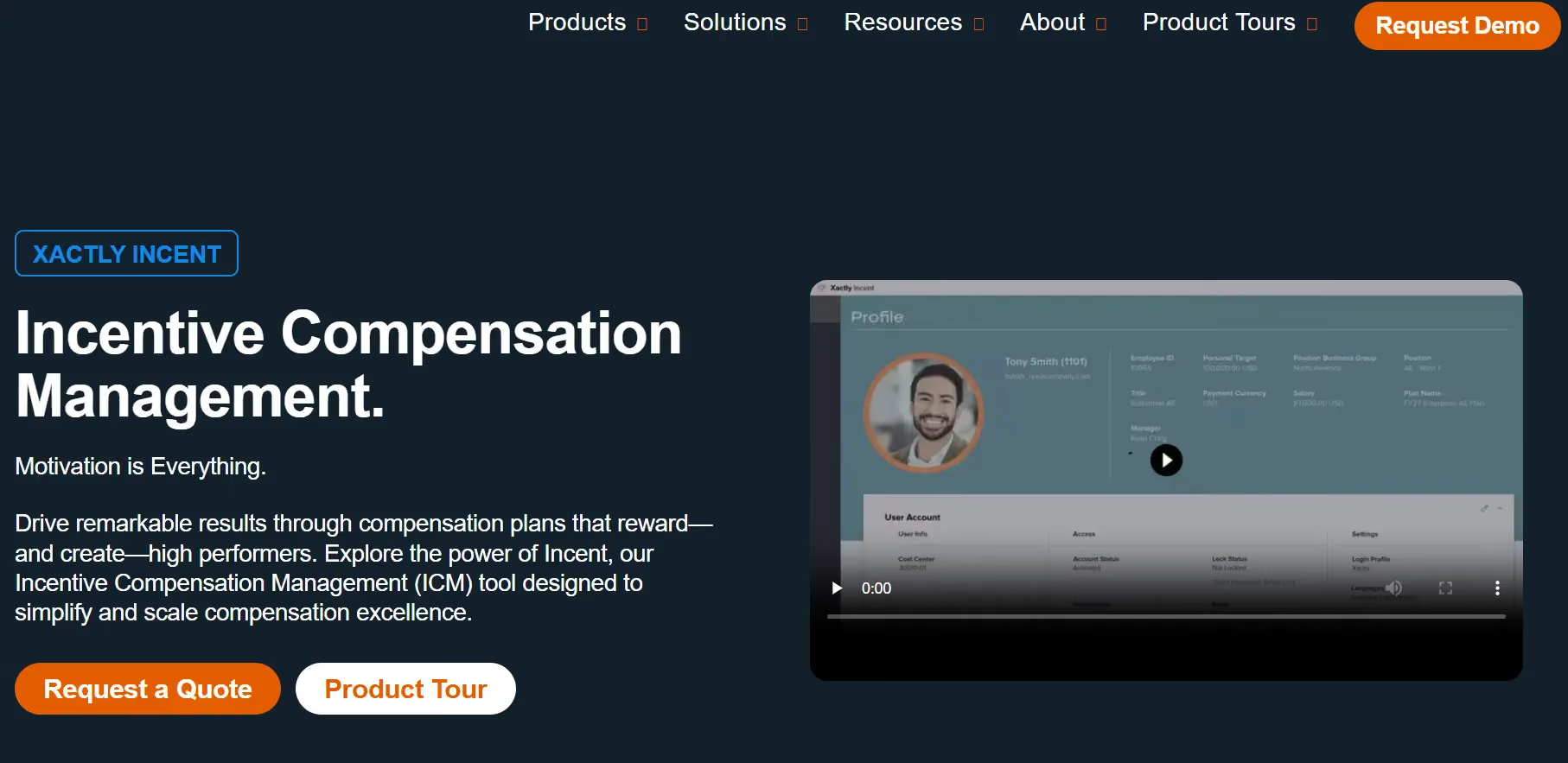
Xactly Incent fits complex enterprise ICM needs where Finance is deeply involved in accruals, revenue recognition, and audit cycles. If your org needs SOX-ready controls and forecast-grade payout data, Xactly has been a go-to for years. It's not the fastest to implement, and the learning curve reflects its depth. But for large, regulated environments where accuracy and governance trump speed-to-launch, it earns its place.
Xactly Incent Key Features
- Forecast-grade accruals: Finance-ready accrual calculations and revenue recognition support that hold up under audit scrutiny.
- Scenario modeling: Test plan changes to rate tables, thresholds, and accelerators against historical attainment data before committing.
- Benchmarking (Xactly Insights): Compare your pay curves against anonymized market data, useful when defending plan design to leadership.
- Audit and governance: Robust approval workflows, change logs, and compliance tooling built for enterprises that cannot afford gaps.
Xactly Incent Pros and Cons
Pros:
- Automated commission calculations reduce manual errors and payout disputes.
- Strong SOX-ready audit controls and approval workflows for enterprise governance.
- Xactly Insights benchmarking helps teams compare compensation structures against industry data.
Cons:
- Dashboard loading and reporting can feel slow with large datasets.
- Advanced configuration changes require specialized admin expertise.
- Implementation timelines and professional services costs can be high.
Xactly Incent Ratings
Xactly Incent Pricing
Custom enterprise pricing with modular packaging across Incent Core, Incent Plus, and Incent Ultimate. Contact the sales team for a scoped estimate.
5.Varicent Incentive Compensation
Best for: Organizations with complex crediting logic, multi-layer splits, territory overlays, and large data volumes that simpler ICM tools struggle to handle.
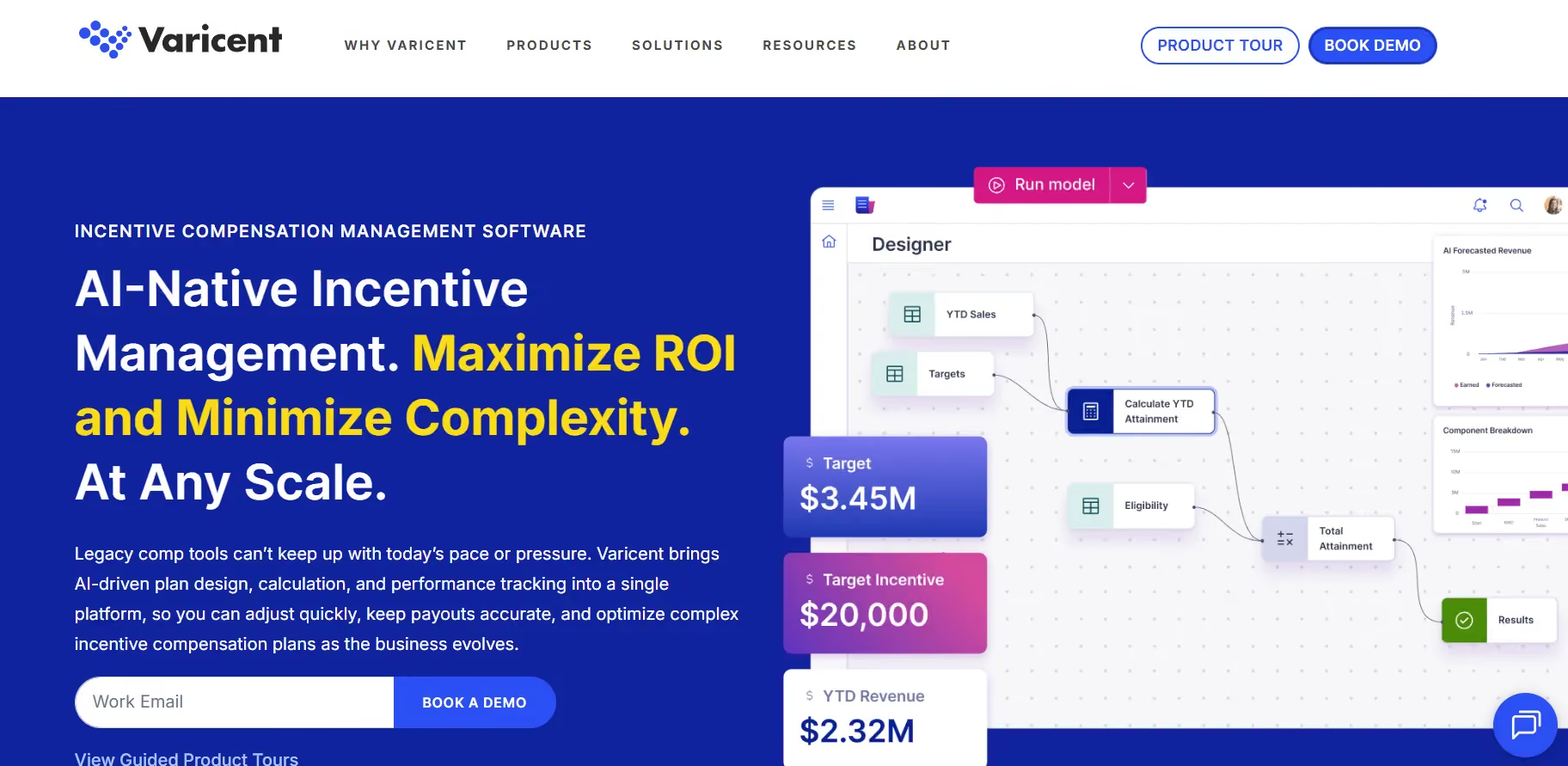
Varicent handles gnarly crediting logic and large data volumes without flinching. Its engine is built for complex hierarchies, multi-layer splits, and territory overlays. The Symon.AI layer is underrated, anomaly detection and data prep can save hours of manual cleanup every pay period.
Varicent Key Features
- Advanced crediting: Complex hierarchies, splits, and territory assignments at scale without brittle workarounds.
- What-if simulations: Model cost and attainment impacts of proposed plan changes before you launch them to the field.
- Symon.AI enrichment: AI-powered data prep and anomaly spotting that helps you catch data issues before they become payout disputes.
- Controls and workflow: Budget guardrails, approval chains, and audit trails that satisfy both RevOps and Finance.
Varicent Pros and Cons
Pros:
- Handles highly complex crediting logic, territory splits, and enterprise-scale datasets.
- Symon.AI helps detect anomalies before they become payout disputes.
- Strong customer support with responsive enterprise assistance.
Cons:
- Steep learning curve for non-technical admins.
- Interface feels legacy and spreadsheet-heavy compared to newer platforms.
- Limited public review volume on Capterra.
Varicent Ratings
Varicent Pricing
Custom and module-based. Packaging spans ICM, Territory, Quota, and Sales Planning. Contact Varicent directly for a quote tailored to your needs.
6.Performio
Best for: Mid-market teams with 50–500 payees that have outgrown spreadsheets but don't need the complexity or cost of a full enterprise ICM suite.
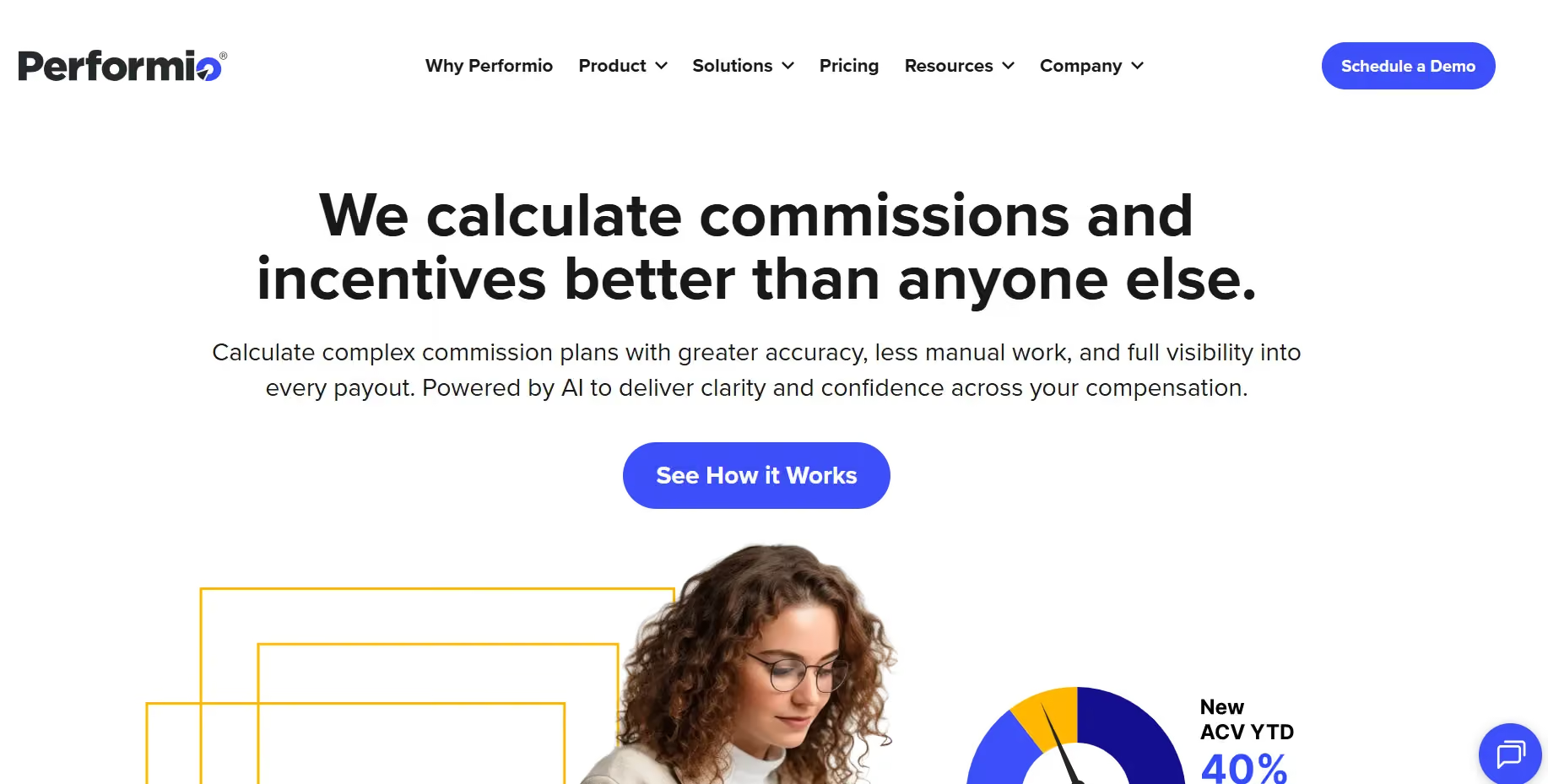
Performio is a solid fit for mid-market teams that have outgrown spreadsheets but don't need (or want) the complexity of a full enterprise ICM suite. It's known for dependable reporting, clean sandboxes, and admin that doesn't require a dedicated engineer to maintain.
Performio Key Features
- Data integrations: ETL connectors for CRM, billing, and data warehouse sources, so comp administrators don't have to wrangle CSVs manually every pay period.
- Sandboxes: Safely test plan logic, rate changes, and new rules in an isolated environment before anything touches live data.
- Attainment analytics: Drill into attainment curves and SPIFF impact to understand how your plans are actually performing, not just what they are paying out.
- Dispute workflows: Built-in ticketing for commission disputes reduces the back-and-forth between reps, managers, and comp admins. Pre-pay validation reports catch errors before payroll runs.
Performio Pros and Cons
Pros:
- Reliable sandboxes and pre-pay validation reduce payout errors.
- Strong reporting and attainment analytics for mid-market teams.
- Easier administration compared to heavyweight enterprise platforms.
Cons:
- UI feels less modern compared to newer SaaS competitors.
- Deep enterprise modeling capabilities are more limited.
- Implementation can still require operational support for complex plans.
Performio Ratings
Performio Pricing
Custom, structured by payee count and tier. Contact Performio directly for a scoped quote.
7.QuotaPath
Best for: SMBs and upper-SMB teams that need to get off spreadsheets quickly without a large procurement cycle or five-figure contract.

QuotaPath is the easiest on-ramp on this list. If you're an SMB or upper-SMB team with a small sales org, QuotaPath's free tier and clear UX make it genuinely accessible. It won't handle deep enterprise crediting or multi-currency budgeting — but for teams that need plan modeling, CRM sync, and basic approvals without a lengthy procurement process, it's a smart starting point.
QuotaPath Key Features
- Free tier: Get started with a small team to validate fit before committing a budget. A 14-day trial is available on the Growth tier.
- Plan modeling: Test plan changes and visualize how earnings shift under different scenarios.
- CRM sync: Connects to HubSpot and Salesforce quickly so data flows without manual imports.
- Attestation and approvals: Lightweight workflows for plan sign-offs that keep sales leaders and Finance aligned.
QuotaPath Pros and Cons
Pros:
- Very easy onboarding for SMBs moving away from spreadsheets.
- Affordable pricing with free trial availability.
- Strong CRM integrations with HubSpot and Salesforce.
Cons:
- Limited support for highly complex enterprise compensation structures.
- Multi-currency and advanced global workflows are limited.
- Can reach scalability limits for large organizations.
QuotaPath Ratings
QuotaPath Pricing
Growth: $35/user/month (billed annually). ASC-606 compliant accounting, leadership attainment boards, in-app dispute collaboration. Free trial available.
Premium: $50/user/month (billed annually). Adds multi-source payouts, Okta SSO, and HRIS integrations.
8.Forma.ai
Best for: Organizations scaling quickly where comp operations are outpacing internal headcount, and where you want centralized plan governance without building a large comp ops team.
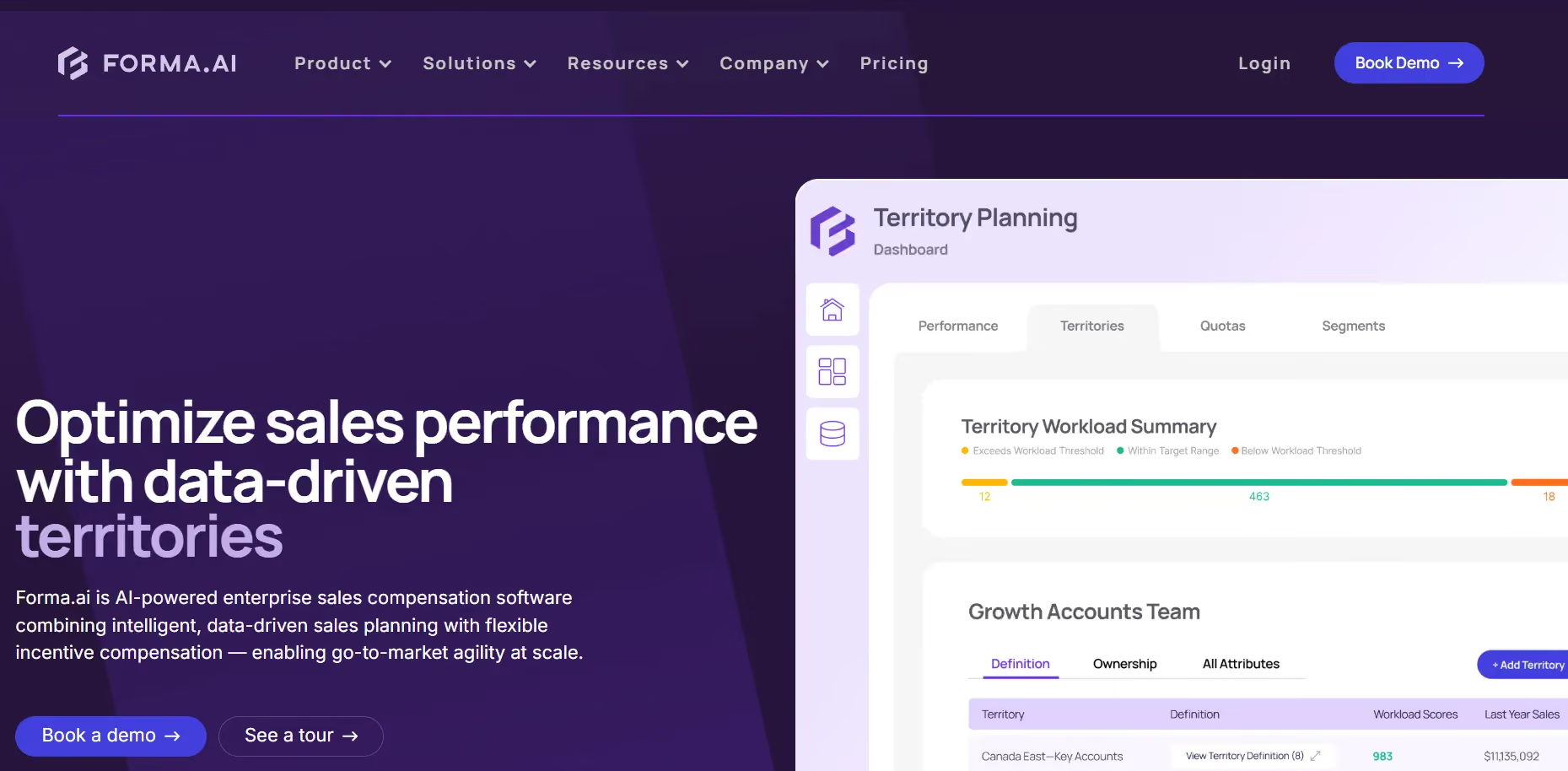
Forma.ai takes a different approach: platform plus managed-change operations. Instead of handing you a tool and wishing you luck, Forma pairs software with a services layer that handles governance and execution.
It's especially interesting for organizations where comp operations are growing faster than the internal headcount available to manage them.
Forma.ai Key Features
- Central change control: Governance workflows for plan updates at scale so mid-cycle changes don't create chaos.
- Demand forecasting: Predict payout costs under different pipeline and attainment scenarios before committing to a budget.
- Data normalization: Clean, mapped datasets across CRM, billing, and HR systems, cutting the data wrangling that eats admin hours.
- Enterprise SLAs: Service-backed comp operations with defined response times and delivery commitments.
Forma.ai Pros and Cons
Pros:
- Managed-change operations reduce burden on internal comp ops teams.
- Strong governance and centralized plan control capabilities.
- Forecasting and normalization tools improve budgeting accuracy.
Cons:
- Limited public review volume compared to larger competitors.
- An enterprise-focused approach may feel heavy for SMB teams.
- Pricing transparency is limited due to custom quoting.
Forma.ai Ratings
Forma.ai Pricing
Custom-quoted. One-time implementation fee for onboarding, then a platform subscription scoped to the capabilities your organization needs.
9.Anaplan
Best for: Enterprise Finance organizations already running headcount planning, territory modeling, and FP&A in Anaplan, where tying comp budgets into the same model unlocks cross-functional alignment.
Anaplan is a connected planning platform rather than a traditional ICM tool. But if your Finance organization already runs headcount planning, territory modeling, and FP&A in Anaplan, adding comp budgets into the same model gives you cross-functional alignment that standalone ICM tools struggle to match.
Anaplan requires genuine modeling expertise, a certified partner or internal Anaplan team is typically needed.
Anaplan Key Features
- Connected planning: Tie comp budgets directly to headcount plans, territory assignments, and FP&A forecasts in a single model.
- Powerful modeling: Customizable calculation logic and version control, build exactly what you need, though it takes time to build well.
- Data governance: Role-based access, auditability, and approval workflows that satisfy enterprise compliance requirements.
- Ecosystem: A broad partner network and pre-built templates for compensation cycles that speed up initial implementation.
Anaplan Pros and Cons
Pros:
- Connects compensation planning directly with FP&A and headcount planning.
- Extremely flexible modeling capabilities for enterprise forecasting.
- Strong governance and enterprise compliance controls.
Cons:
- Requires experienced model builders or certified partners.
- Long implementation and maintenance cycles.
- Higher operational overhead compared to dedicated ICM tools.
Anaplan Ratings
Anaplan Pricing
Custom enterprise pricing. Implementation almost always requires a certified Anaplan partner. Contact Anaplan directly for a scoped estimate.
10.beqom Total Compensation
Best for: Global enterprises where Total Rewards or HR owns the comp cycle and sales compensation is one component alongside salary, bonus, and LTI.
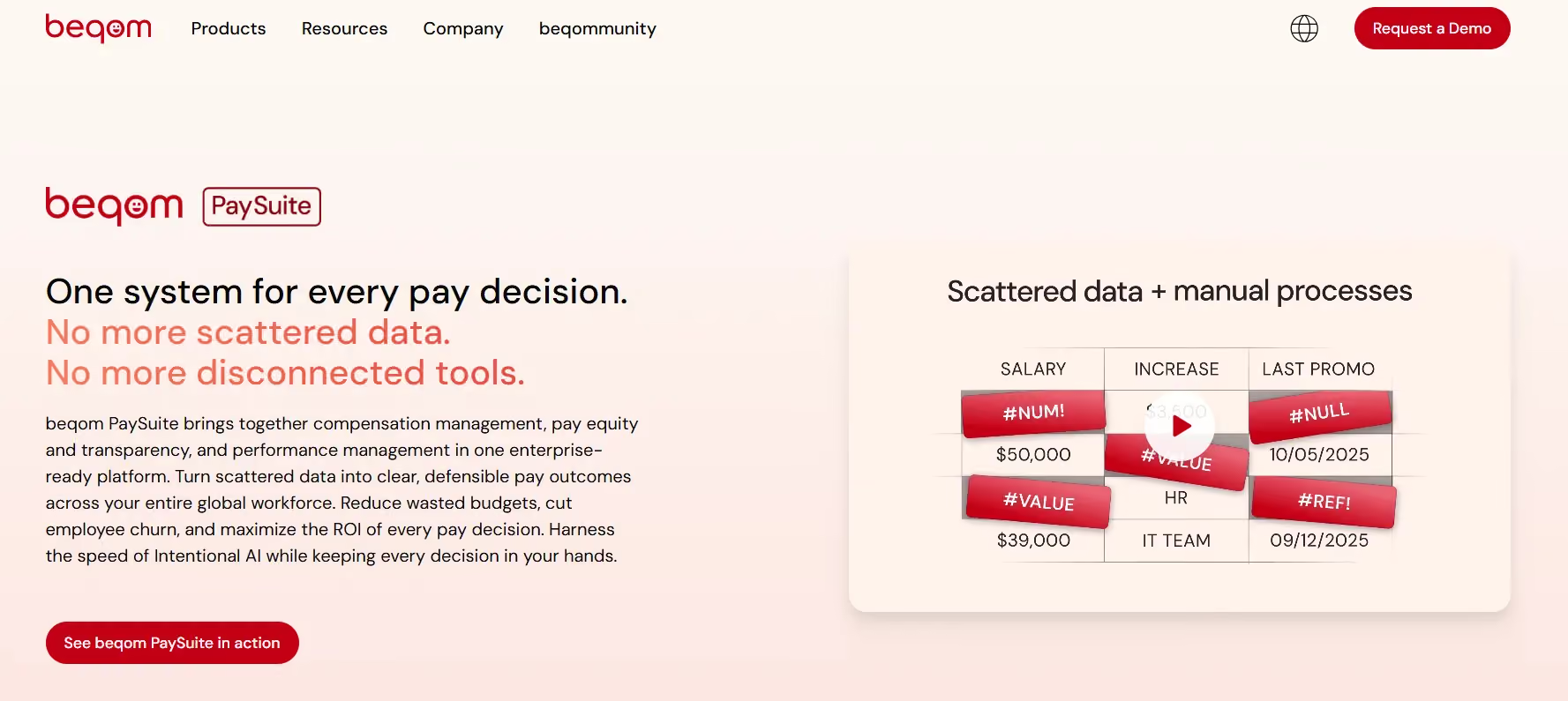
beqom is a total rewards platform that includes sales incentives as one component alongside salary, bonus, and long-term incentives. If Total Rewards or HR owns the comp cycle, beqom centralizes everything under a single budgeting and approval framework. It's particularly strong for global organizations juggling multiple currencies, pay bands, and regional compliance requirements.
beqom Key Features
- Total rewards coverage: Salary, bonus, LTI, and sales incentives managed in one platform with no silos between HR comp and sales comp.
- Global budgeting: Multi-currency support, market-specific pay bands, and regional budget controls at scale.
- Compliance: Pay equity analysis and audit support across regions, critical for organizations operating in the EU or under evolving pay transparency laws.
- Planning workflows: Manager review cycles, calibration sessions, and multi-level approvals for budget allocation.
beqom Pros and Cons
Pros:
- Strong total rewards management across salary, bonus, equity, and incentives.
- Excellent multi-currency and global compensation support.
- Well suited for HR and Total Rewards-led organizations.
Cons:
- A smaller review footprint makes independent evaluation harder.
- User interfaces can feel complex for casual users.
- Enterprise-focused implementation may be resource intensive.
beqom Ratings
beqom Pricing
Custom enterprise pricing with multi-module packaging. Scoping is based on modules selected and global footprint. Contact beqom directly for a quote.
Comparison of Sales Incentive Management Software (G2)
Comparison of Sales Incentive Management Software (Capterra)
Final Roundup: Which Sales Incentive Management Software Fits Your Situation
Choosing the right sales incentive management software depends on your team size, compensation complexity, and operational needs. Here’s a detailed guide to help you match the best platform to your organization:
- Everstage: Best for mid-market to enterprise teams that need fast, automated commission calculations, audit-ready payouts, and robust plan-to-pay workflows. Ideal if your team spends significant time managing complex plans or resolving commission disputes.
- CaptivateIQ: Suitable for organizations seeking flexible, no-code plan design with strong reporting and easy configurability. Great for companies that want fast setup without heavy IT involvement.
- Spiff (Salesforce): Designed for Salesforce-native teams needing real-time commission visibility and automated incentive management. Best for organizations with multiple sales hierarchies, multi-currency plans, and a focus on rep transparency.
- Xactly Incent: Targeted at enterprise organizations with global compensation, quota management, and analytics needs. Ideal for teams requiring comprehensive total rewards management and audit-ready outputs.
- Varicent Incentive Compensation: Suited for large-scale sales teams managing complex plans across multiple regions, with advanced analytics, splits, and strong audit capabilities.
- Performio: Great for mid-market teams seeking a balance of automation, visibility, and reporting for sales incentive programs. Works well for organizations that want structure without losing flexibility.
- QuotaPath: Ideal for small to mid-sized teams focused on transparency and real-time earnings visibility. Perfect for motivating reps with intuitive dashboards and collaborative reporting.
- Forma.ai: Best for enterprises leveraging AI to model commissions, forecast payouts, and automate workflows. Recommended for teams optimizing performance and simulating plan changes before deployment.
- Anaplan ICM: Suited for large organizations already using Anaplan for FP&A and planning. Ideal if you want deep integration of sales incentives with broader financial and operational planning.
- beqom Total Compensation: Designed for HR or Total Rewards-led organizations needing global total rewards management across salary, bonus, equity, and incentives. Best for companies with complex compensation programs.
Which Sales Incentive Management Software Is Right for Your Team?
Every platform on this list manages sales incentives from a different angle. CaptivateIQ is a good fit for teams that want flexible no-code plan building and faster plan iteration. QuotaPath works well for SMB teams moving away from spreadsheets for the first time. Xactly Incent and beqom support large enterprises where governance, global compensation, and audit requirements drive the buying decision. Varicent is built for teams managing the highest levels of crediting complexity at enterprise scale.
But if your challenge is running the full incentive cycle automatically, from plan design to commission calculation to rep-facing statements, with audit history Finance can defend, AI modeling before launch, and implementation measured in weeks instead of months, Everstage is built for that workflow.
It connects with the systems your team already uses, including Salesforce, HubSpot, NetSuite, Workday, and 40+ others. Commission calculations run automatically each cycle. Reps get a deal-by-deal earnings breakdown inside Salesforce. Finance gets a replayable audit trail across plan versions, payouts, disputes, and approvals.
If teams like Chargebee could cut commission administration from days of manual work to a 10-minute calculation run for hundreds of reps, your team can evaluate the same shift too.
Book a demo with Everstage and run a proof of concept on two of your real incentive plans before you decide.
Questions worth asking
The things most people want to know before they commit.
What is sales incentive management software?
Sales incentive management software helps teams design, calculate, track, and manage sales commissions. It replaces manual spreadsheets with structured plan logic, automated calculations, rep-facing statements, approval workflows, dispute handling, and audit-ready payout records.
Who should use sales incentive management software?
It is best for RevOps, Sales Ops, and Finance teams managing variable pay for sales reps. It becomes more useful when plans include accelerators, splits, clawbacks, quotas, multi-currency payouts, or frequent plan changes.
Can sales incentive management software integrate with Salesforce or HubSpot?
Yes. Most leading platforms integrate with Salesforce, HubSpot, NetSuite, Workday, and other revenue systems. The key is to check whether the integration supports accurate field mapping, automated data sync, and clean payout traceability.
How does sales incentive management software reduce commission disputes?
It gives reps clear, deal-level visibility into how each payout is calculated. When reps can see quota attainment, eligible deals, rates, accelerators, and deductions in one place, Finance and RevOps spend less time answering payout questions.
How long does sales incentive management software implementation take?
Implementation depends on plan complexity, data quality, and integrations. Mid-market platforms can often go live in weeks, while enterprise deployments may take several months. Teams with clean CRM and payout data usually move faster.
Is Everstage a reliable sales incentive management platform?
Yes. Everstage is built for automated sales compensation workflows, including plan design, commission calculations, rep statements, dispute handling, and audit trails. It also supports AI plan modeling, Salesforce visibility, and finance-ready payout records for growing RevOps and Finance teams.