TL;DR
- Compensation management software replaces spreadsheets with structured plan logic, scenario modeling, and auditable payout records, reducing errors, disputes, and finance surprises.
- The right tool depends on your team size, plan complexity, audit requirements, and whether comp is owned by RevOps, Finance, or Total Rewards.
- Top picks by use case: Everstage (AI-first SPM for mid-market and enterprise), CaptivateIQ (agile no-code plan building), Xactly Incent (enterprise governance and SOX readiness), QuotaPath (SMB on-ramp), Anaplan (connected planning across FP&A).
- Most tools on this list require a custom quote, budget conversations should start early, and pilots with real data are strongly recommended before committing.
- How we evaluated: 12 tools assessed across planning depth, budgeting controls, forecasting accuracy, auditability, and buyer fit, including Everstage, which we build.
Introduction
The global sales performance management market is projected to reach USD 6.53 billion by 2030, growing at a CAGR of 16.3%. As revenue teams scale, spreadsheet-based compensation workflows are no longer sustainable.
A single spreadsheet error can lead to costly overpayments, while poorly calibrated compensation plans can either inflate CAC or hurt rep performance and retention. Compensation management software solves these challenges by enabling scenario modeling, enforcing budget controls, and maintaining accurate, auditable payout records.
This guide reviews 12 leading compensation management platforms, comparing planning capabilities, budgeting controls, forecasting accuracy, and auditability. You'll also find pricing insights, ideal use cases, and a look at how Everstage approaches compensation planning and budget management.
Evaluating compensation software? Explore how Everstage simplifies scenario modeling and budget guardrails
Quick Comparison: Best Compensation Management Software at a Glance
As of May 2026. Verify pricing on each vendor's site before purchasing.
Comparison table of the best compensation budgeting softwares
The 12 Best Compensation Management Software Tools
Below is a comprehensive overview and breakdown of the most sought-after compensation management software for your buying guide.
1) Everstage
Best for: Mid-market and enterprise RevOps and Finance teams that need fast scenario modeling, budget guardrails, and a rep experience clean enough to cut disputes dramatically.
Why Everstage Is the Best Compensation Management Software for Planning and Budgeting
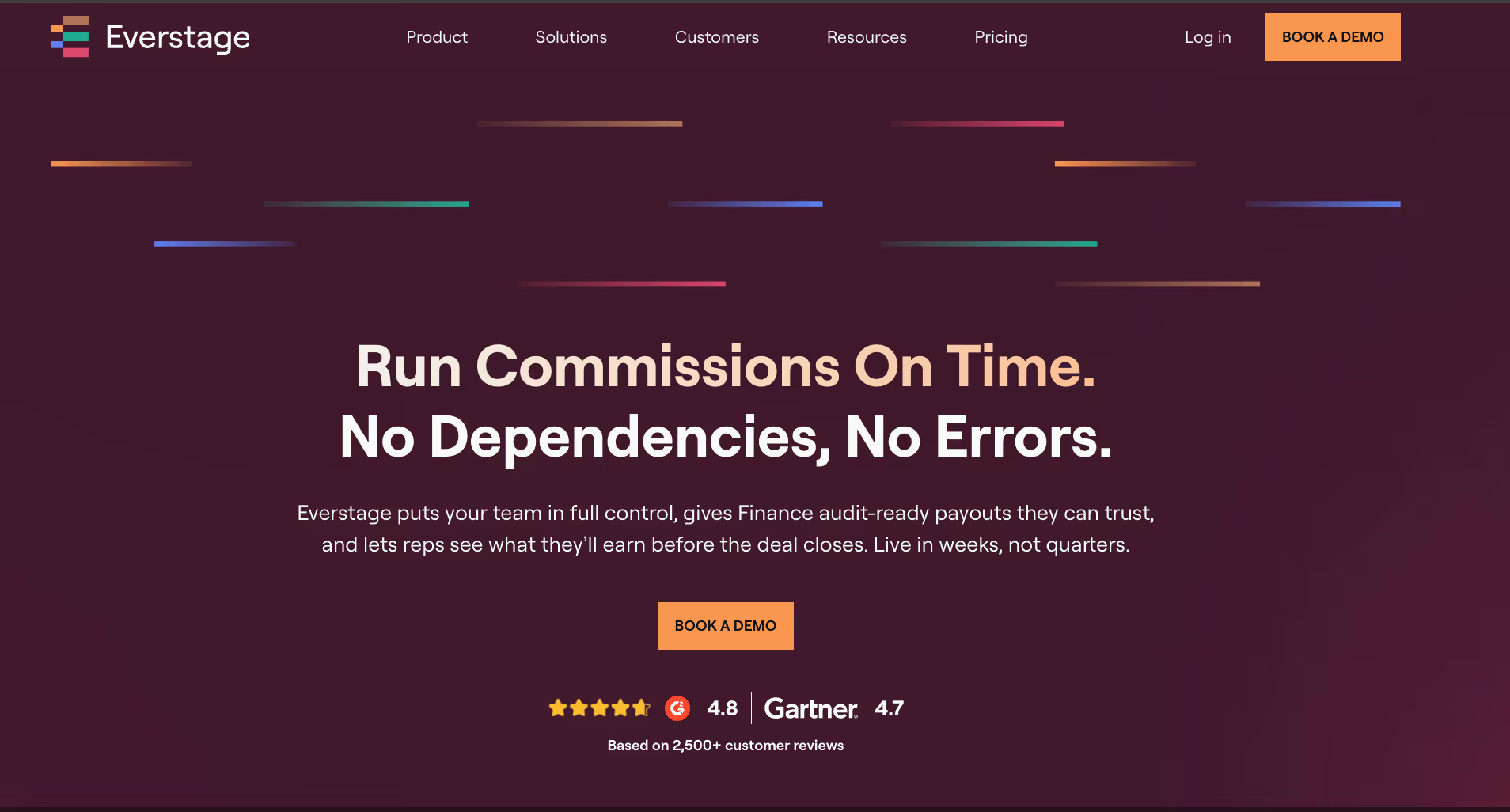
We built Everstage around the two crunch points that cause the most pain for comp teams: modeling plan changes quickly enough to meet board timelines, and proving to Finance that budgets will hold under varied attainment scenarios.
Most comp platforms solve for calculation accuracy. Everstage solves for the decision-making layer that sits above calculation; the what-ifs, the guardrails, and the rep-facing transparency that determines whether your comp program actually drives behavior or just generates disputes.
Everstage's Key Features
- Scenario modeling: Clone your current plan, tweak rates or thresholds, and compare versions side by side, instantly seeing payout distributions and budget deltas without exporting to a spreadsheet or waiting for an analyst.
- Budget guardrails: Hard caps, soft caps, and real-time alerts that keep comp spend on target without requiring manual monitoring every period.
- Forecasting and accruals: Finance-ready views of projected payouts and period-end accruals that hold up during close cycles.
- Rep and manager portals: Real-time earnings visibility for reps and rollup views for managers, designed to cut 'why does my commission look wrong?' tickets before they start.
What Everstage Users Say
Here’s what the impact of Everstage has had on its users:
“The biggest advantage of Everstage is how easy it is to get started. I gave my teammate a quick walkthrough, and we were both able to start building plans and using the platform almost immediately.” — Daniel Devine, Commissions Analyst, Leadventure.
The Everstage team always comes back with more efficient solutions to improve our commissions processes instead of just duplicating. It is one of the biggest reasons why Everstage is the partner I want to work with. — Toral Parikh, Head of RevOps
“Everstage has exponentially saved us time, hundreds of hours a month. Now I run one batch upload and calculate everyone’s commissions in just 10 minutes.” — James Allison, Business Analyst, Hood Container
Read more success stories on how everstage has helped organizations optimize their sales and financial departments.
Everstage Ratings
Everstage Best Pay-for-Performance Software Pricing
Custom, structured on a per-payee basis with implementation included. Everstage offers proof-of-concept options. Contact Everstage directly for a quote tailored to your payee count and plan complexity.
2) Xactly Incent
Best for: Large regulated enterprises where Finance is deeply involved in accruals, revenue recognition, audit cycles, and where SOX-ready controls are non-negotiable.
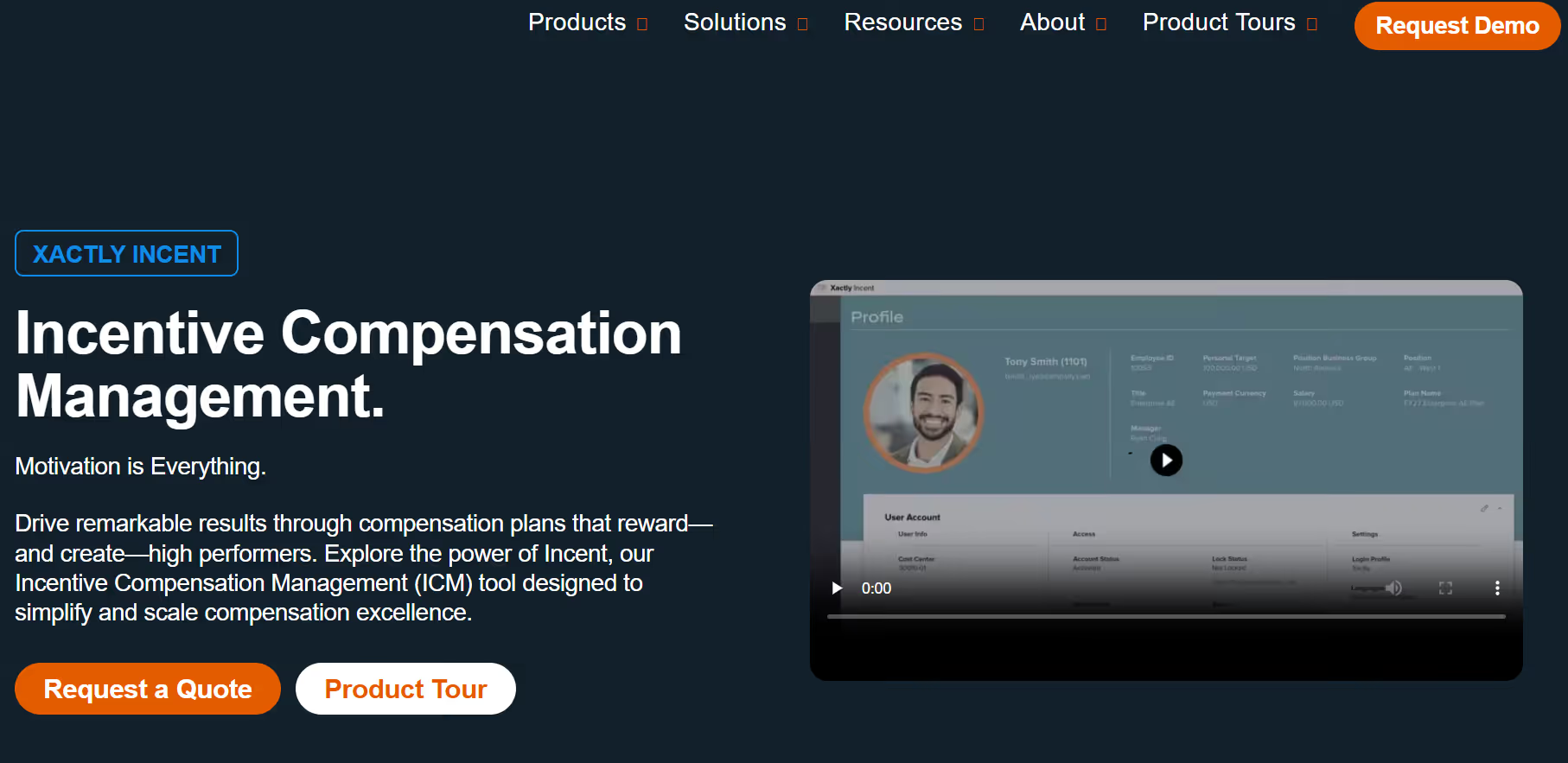
Xactly Incent fits complex enterprise ICM needs where Finance is deeply involved in accruals, revenue recognition, and audit cycles. If your org needs SOX-ready controls and forecast-grade payout data, Xactly has been a go-to for years. It's not the fastest to implement, and the learning curve reflects its depth. But for large, regulated environments where accuracy and governance trump speed-to-launch, it earns its place.
Xactly Incent Key Features
- Forecast-grade accruals: Finance-ready accrual calculations and revenue recognition support that hold up under audit scrutiny.
- Scenario modeling: Test plan changes to rate tables, thresholds, and accelerators against historical attainment data before committing.
- Benchmarking (Xactly Insights): Compare your pay curves against anonymized market data, useful when defending plan design to leadership.
- Audit and governance: Robust approval workflows, change logs, and compliance tooling built for enterprises that cannot afford gaps.
Xactly Incent Pros and Cons
Pros:
- Automated commission calculations reduce manual errors and payout disputes.
- Strong SOX-ready audit controls and approval workflows for enterprise governance.
- Xactly Insights benchmarking helps teams compare compensation structures against industry data.
Cons:
- Dashboard loading and reporting can feel slow with large datasets.
- Advanced configuration changes require specialized admin expertise.
- Implementation timelines and professional services costs can be high.
Xactly Incent Ratings
Xactly Incent Pricing
Custom enterprise pricing with modular packaging across Incent Core, Incent Plus, and Incent Ultimate. Contact the sales team for a scoped estimate.
3) Varicent Incentive Compensation
Best for: Organizations with complex crediting logic, multi-layer splits, territory overlays, and large data volumes that simpler ICM tools struggle to handle.
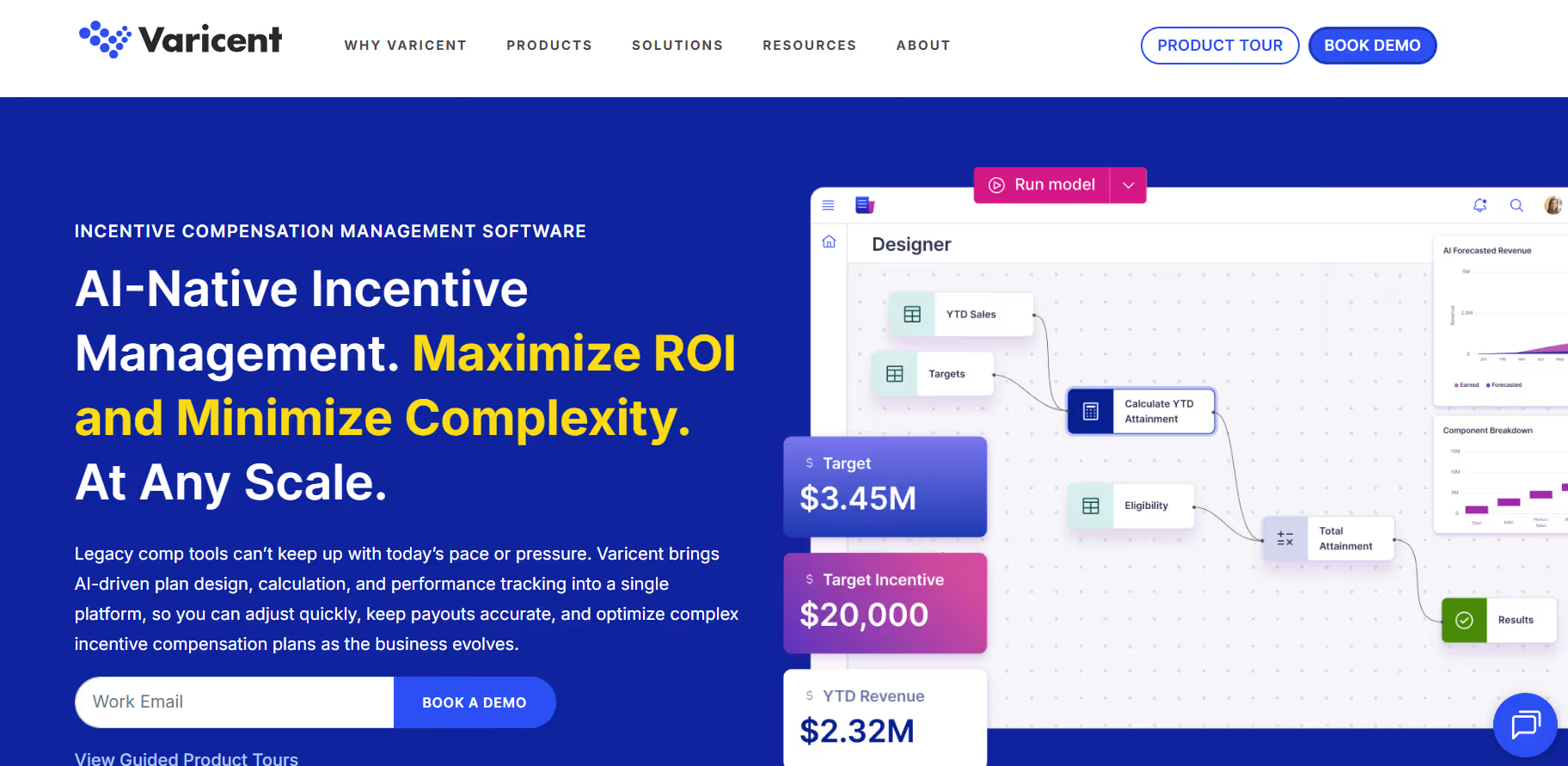
Varicent handles gnarly crediting logic and large data volumes without flinching. Its engine is built for complex hierarchies, multi-layer splits, and territory overlays. The Symon.AI layer is underrated, anomaly detection and data prep can save hours of manual cleanup every pay period.
Varicent Key Features
- Advanced crediting: Complex hierarchies, splits, and territory assignments at scale without brittle workarounds.
- What-if simulations: Model cost and attainment impacts of proposed plan changes before you launch them to the field.
- Symon.AI enrichment: AI-powered data prep and anomaly spotting that helps you catch data issues before they become payout disputes.
- Controls and workflow: Budget guardrails, approval chains, and audit trails that satisfy both RevOps and Finance.
Varicent Pros and Cons
Pros:
- Handles highly complex crediting logic, territory splits, and enterprise-scale datasets.
- Symon.AI helps detect anomalies before they become payout disputes.
- Strong customer support with responsive enterprise assistance.
Cons:
- Steep learning curve for non-technical admins.
- Interface feels legacy and spreadsheet-heavy compared to newer platforms.
- Limited public review volume on Capterra.
Varicent Ratings
Varicent Pricing
Custom and module-based. Packaging spans ICM, Territory, Quota, and Sales Planning. Contact Varicent directly for a quote tailored to your needs.
4) CaptivateIQ
Best for: Scale-ups and modern enterprises that need plan agility, the ability to change comp logic quickly without engineering tickets or long implementation cycles.
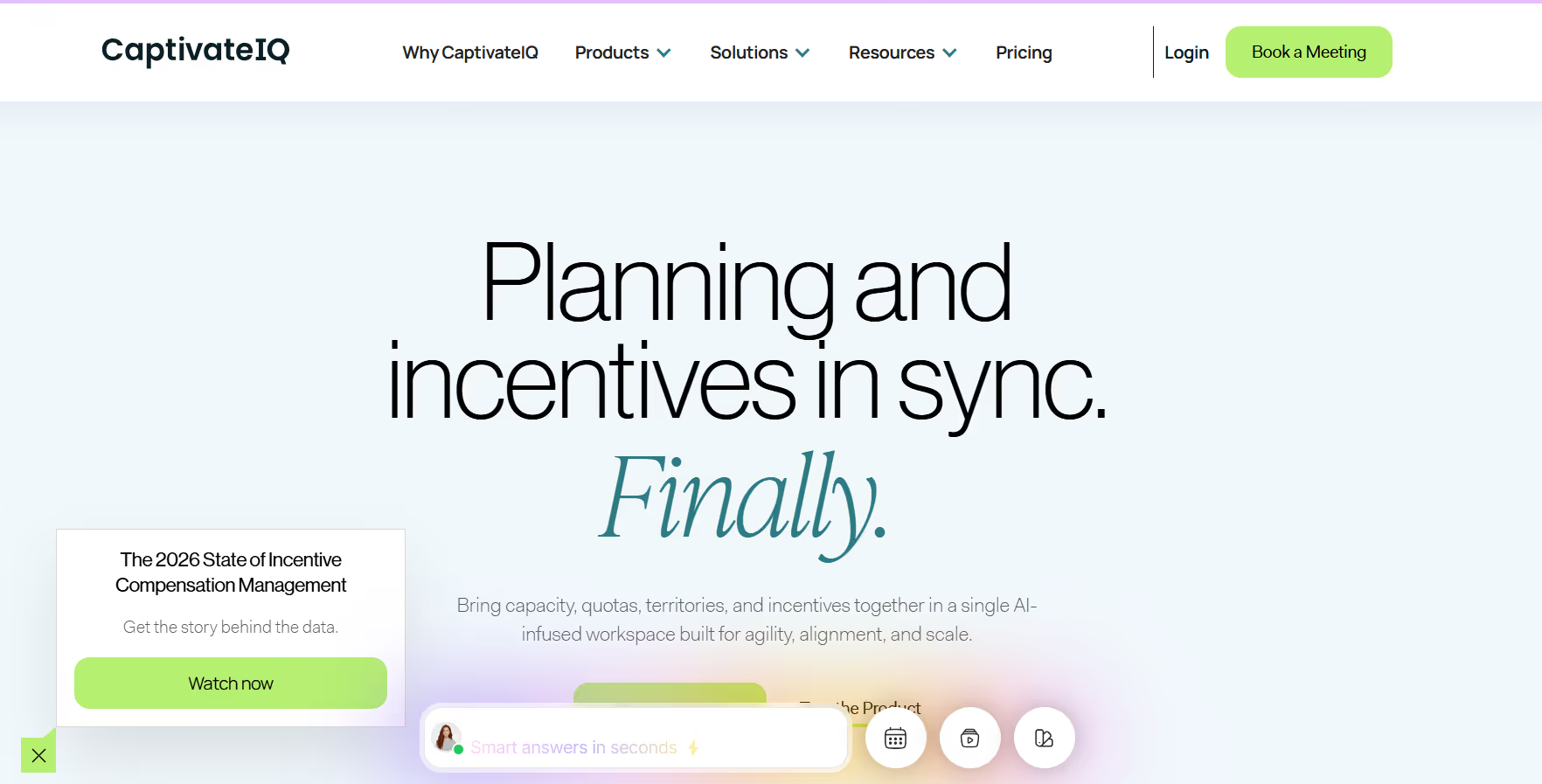
CaptivateIQ is popular with scale-ups and modern enterprises that want plan agility without waiting on engineering tickets. The no-code calculation builder is genuinely flexible, you can express complex formulas and conditional logic without dev cycles. RevOps teams consistently cite speed of plan iteration as CaptivateIQ's biggest draw.
CaptivateIQ Key Features
- No-code plan builder: Build and modify complex commission formulas without writing code or filing engineering requests.
- Sandbox testing: Validate plan logic and data against real scenarios before pushing anything live.
- Workflow automation: Approvals, attestations, and sign-off flows that give Finance the paper trail they need.
- Rep transparency: Clean, readable commission statements with clear explanations of how numbers were calculated, one of the biggest drivers of rep trust.
CaptivateIQ Pros and Cons
Pros:
- No-code plan builder enables fast compensation plan changes.
- Sandbox testing reduces risk before pushing updates live.
- Clean rep-facing commission statements improve transparency and trust.
Cons:
- Complex plans can still require technical support or operations involvement.
- Reporting customization can feel limited for advanced enterprise needs.
- Pricing can scale quickly with larger participant counts.
CaptivateIQ Ratings
CaptivateIQ Pricing
Custom subscription pricing structured around number of participants and selected capabilities. Implementation is a separate one-time cost. Contact CaptivateIQ's sales team for a quote.
5) Performio
Best for: Mid-market teams with 50–500 payees that have outgrown spreadsheets but don't need the complexity or cost of a full enterprise ICM suite.
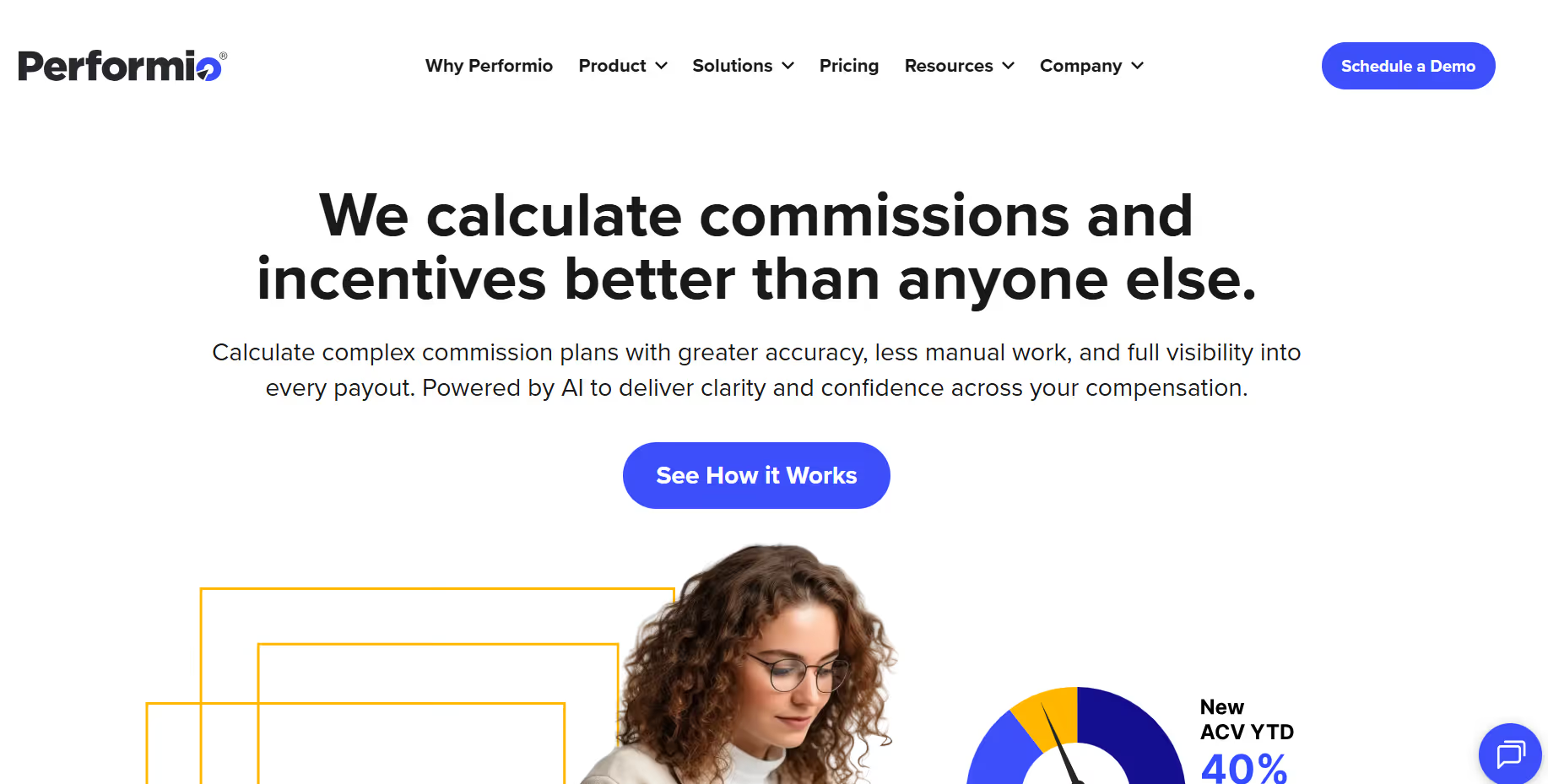
Performio is a solid fit for mid-market teams that have outgrown spreadsheets but don't need (or want) the complexity of a full enterprise ICM suite. It's known for dependable reporting, clean sandboxes, and admin that doesn't require a dedicated engineer to maintain.
Performio Key Features
- Data integrations: ETL connectors for CRM, billing, and data warehouse sources, so comp administrators don't have to wrangle CSVs manually every pay period.
- Sandboxes: Safely test plan logic, rate changes, and new rules in an isolated environment before anything touches live data.
- Attainment analytics: Drill into attainment curves and SPIFF impact to understand how your plans are actually performing, not just what they are paying out.
- Dispute workflows: Built-in ticketing for commission disputes reduces the back-and-forth between reps, managers, and comp admins. Pre-pay validation reports catch errors before payroll runs.
Performio Pros and Cons
Pros:
- Reliable sandboxes and pre-pay validation reduce payout errors.
- Strong reporting and attainment analytics for mid-market teams.
- Easier administration compared to heavyweight enterprise platforms.
Cons:
- UI feels less modern compared to newer SaaS competitors.
- Deep enterprise modeling capabilities are more limited.
- Implementation can still require operational support for complex plans.
Performio Ratings
Performio Pricing
Custom, structured by payee count and tier. Contact Performio directly for a scoped quote.
6) Spiff (Salesforce)
Best for: Teams where rep-facing transparency is the top priority and plan structures are light-to-moderate in complexity. Especially strong for Salesforce-native GTM teams.
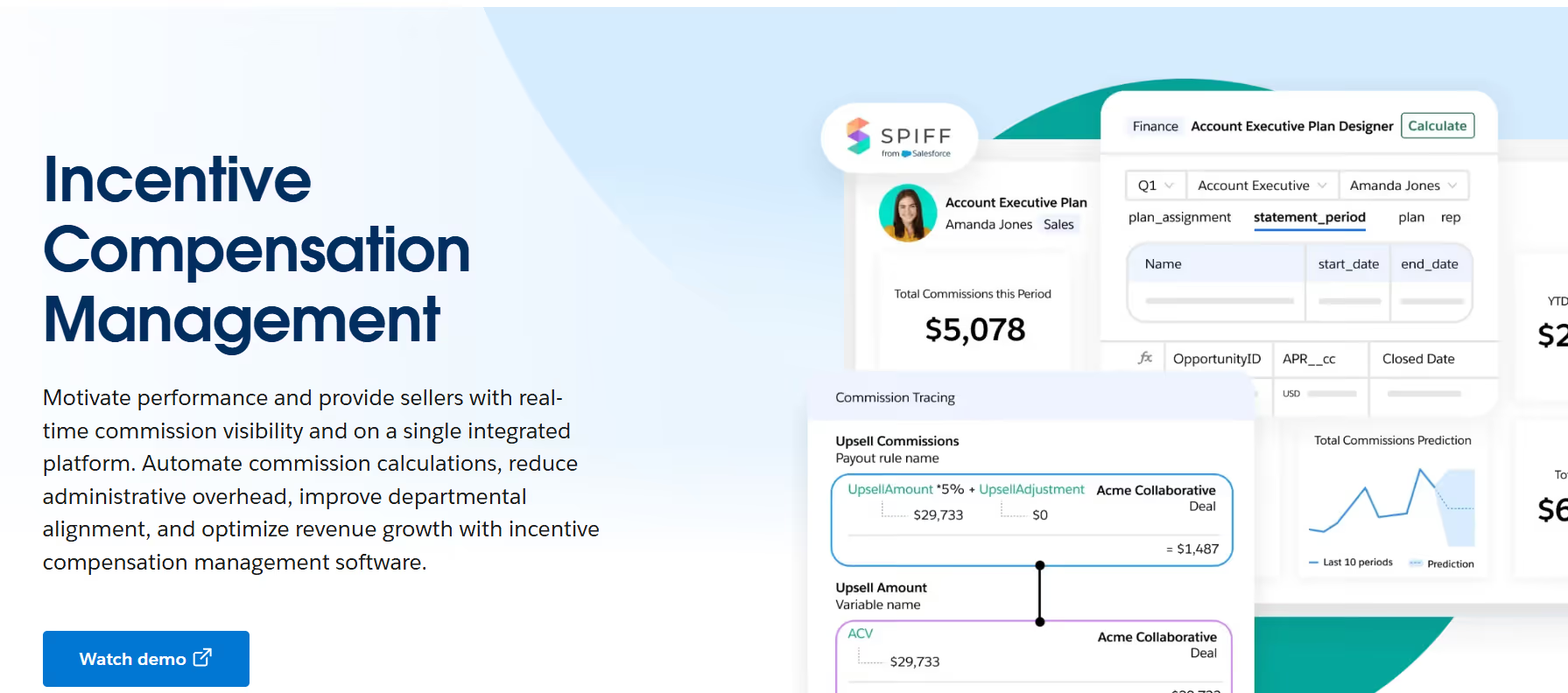
If your biggest pain is reps constantly asking 'where's my commission?' and your plans are light-to-moderate in complexity, Spiff's real-time calculation engine and clean UX can make a real dent in those tickets. It's not built for the gnarliest crediting logic, but for teams that prioritize visibility and speed over deep modeling, it hits the mark.
Spiff Key Features
- Real-time calc engine: Near real-time commission views so reps see their earnings as deals close, not days or weeks later.
- Scenario snapshots: Simple what-if modeling for plan tweaks, enough to pressure-test a rate change, though not as deep as dedicated planning tools.
- CRM-first UX: Native integrations with Salesforce and HubSpot, plus embedded views that keep reps inside tools they already use.
- Audit trails: Full transparency into how every payout was computed, useful for both Finance reviews and rep trust.
Spiff Pros and Cons
Pros:
- Real-time commission visibility improves rep transparency.
- Salesforce-native experience reduces workflow friction.
- Simple and intuitive user experience for GTM teams.
Cons:
- Less suitable for highly complex crediting structures.
- Scenario modeling depth is lighter than enterprise-focused tools.
- Some users report occasional syncing or calculation delays.
Spiff Ratings
Spiff Pricing
$75 per user per month. One published pricing tier gives full platform access. Enterprise agreements may vary, confirming current packaging with Salesforce.
7) Forma.ai
Best for: Organizations scaling quickly where comp operations are outpacing internal headcount, and where you want centralized plan governance without building a large comp ops team.
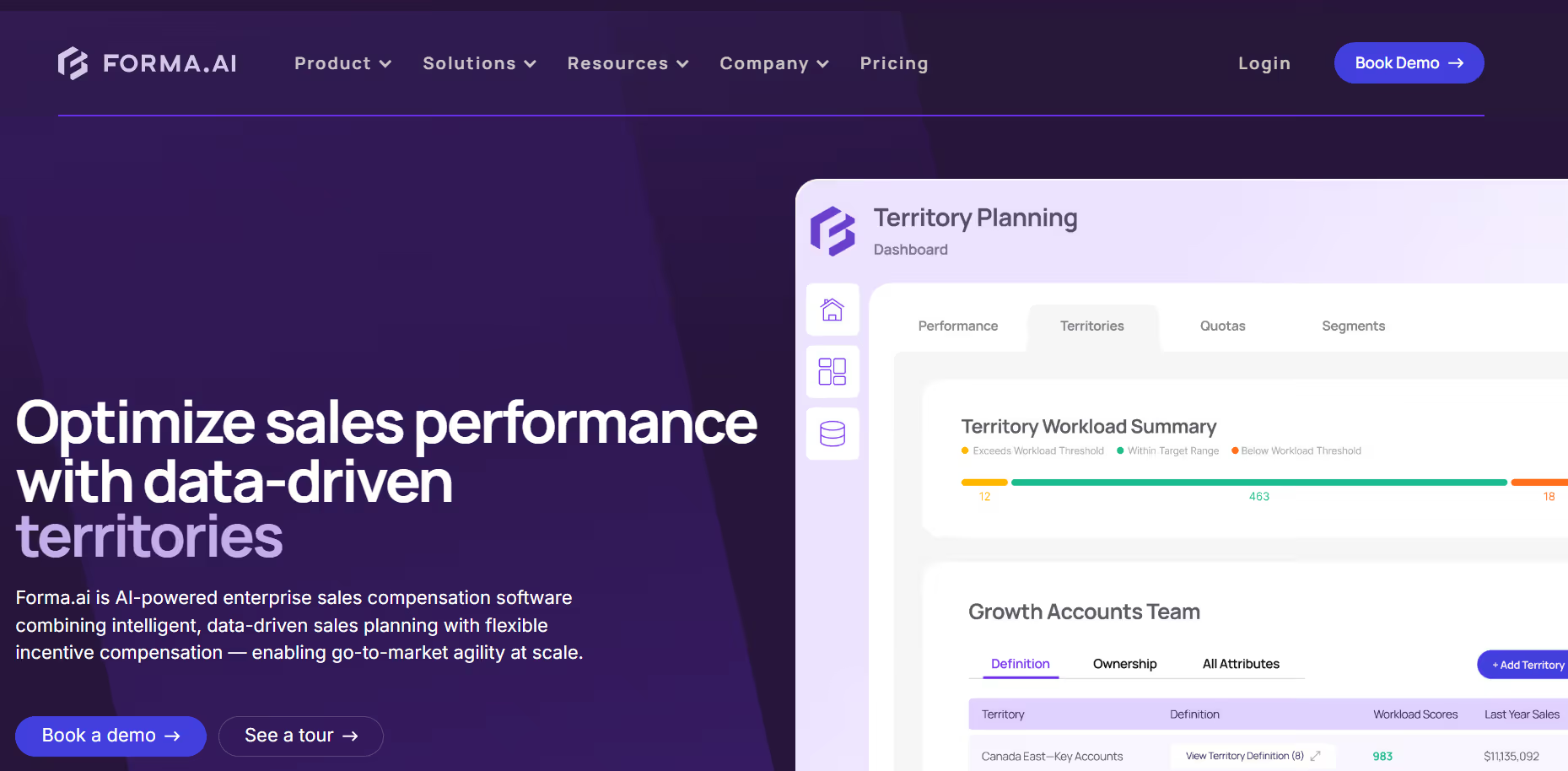
Forma.ai takes a different approach: platform plus managed-change operations. Instead of handing you a tool and wishing you luck, Forma pairs software with a services layer that handles governance and execution.
It's especially interesting for organizations where comp operations are growing faster than the internal headcount available to manage them.
Forma.ai Key Features
- Central change control: Governance workflows for plan updates at scale so mid-cycle changes don't create chaos.
- Demand forecasting: Predict payout costs under different pipeline and attainment scenarios before committing to a budget.
- Data normalization: Clean, mapped datasets across CRM, billing, and HR systems, cutting the data wrangling that eats admin hours.
- Enterprise SLAs: Service-backed comp operations with defined response times and delivery commitments.
Forma.ai Pros and Cons
Pros:
- Managed-change operations reduce burden on internal comp ops teams.
- Strong governance and centralized plan control capabilities.
- Forecasting and normalization tools improve budgeting accuracy.
Cons:
- Limited public review volume compared to larger competitors.
- An enterprise-focused approach may feel heavy for SMB teams.
- Pricing transparency is limited due to custom quoting.
Forma.ai Ratings
Forma.ai Pricing
Custom-quoted. One-time implementation fee for onboarding, then a platform subscription scoped to the capabilities your organization needs.
8) QuotaPath
Best for: SMBs and upper-SMB teams that need to get off spreadsheets quickly without a large procurement cycle or five-figure contract.

QuotaPath is the easiest on-ramp on this list. If you're an SMB or upper-SMB team with a small sales org, QuotaPath's free tier and clear UX make it genuinely accessible. It won't handle deep enterprise crediting or multi-currency budgeting — but for teams that need plan modeling, CRM sync, and basic approvals without a lengthy procurement process, it's a smart starting point.
QuotaPath Key Features
- Free tier: Get started with a small team to validate fit before committing a budget. A 14-day trial is available on the Growth tier.
- Plan modeling: Test plan changes and visualize how earnings shift under different scenarios.
- CRM sync: Connects to HubSpot and Salesforce quickly so data flows without manual imports.
- Attestation and approvals: Lightweight workflows for plan sign-offs that keep sales leaders and Finance aligned.
QuotaPath Pros and Cons
Pros:
- Very easy onboarding for SMBs moving away from spreadsheets.
- Affordable pricing with free trial availability.
- Strong CRM integrations with HubSpot and Salesforce.
Cons:
- Limited support for highly complex enterprise compensation structures.
- Multi-currency and advanced global workflows are limited.
- Can reach scalability limits for large organizations.
QuotaPath Ratings
QuotaPath Pricing
Growth: $35/user/month (billed annually). ASC-606 compliant accounting, leadership attainment boards, in-app dispute collaboration. Free trial available.
Premium: $50/user/month (billed annually). Adds multi-source payouts, Okta SSO, and HRIS integrations.
9) Anaplan
Best for: Enterprise Finance organizations already running headcount planning, territory modeling, and FP&A in Anaplan, where tying comp budgets into the same model unlocks cross-functional alignment.
Anaplan is a connected planning platform rather than a traditional ICM tool. But if your Finance organization already runs headcount planning, territory modeling, and FP&A in Anaplan, adding comp budgets into the same model gives you cross-functional alignment that standalone ICM tools struggle to match.
Anaplan requires genuine modeling expertise, a certified partner or internal Anaplan team is typically needed.
Anaplan Key Features
- Connected planning: Tie comp budgets directly to headcount plans, territory assignments, and FP&A forecasts in a single model.
- Powerful modeling: Customizable calculation logic and version control, build exactly what you need, though it takes time to build well.
- Data governance: Role-based access, auditability, and approval workflows that satisfy enterprise compliance requirements.
- Ecosystem: A broad partner network and pre-built templates for compensation cycles that speed up initial implementation.
Anaplan Pros and Cons
Pros:
- Connects compensation planning directly with FP&A and headcount planning.
- Extremely flexible modeling capabilities for enterprise forecasting.
- Strong governance and enterprise compliance controls.
Cons:
- Requires experienced model builders or certified partners.
- Long implementation and maintenance cycles.
- Higher operational overhead compared to dedicated ICM tools.
Anaplan Ratings
Anaplan Pricing
Custom enterprise pricing. Implementation almost always requires a certified Anaplan partner. Contact Anaplan directly for a scoped estimate.
10) beqom Total Compensation
Best for: Global enterprises where Total Rewards or HR owns the comp cycle and sales compensation is one component alongside salary, bonus, and LTI.
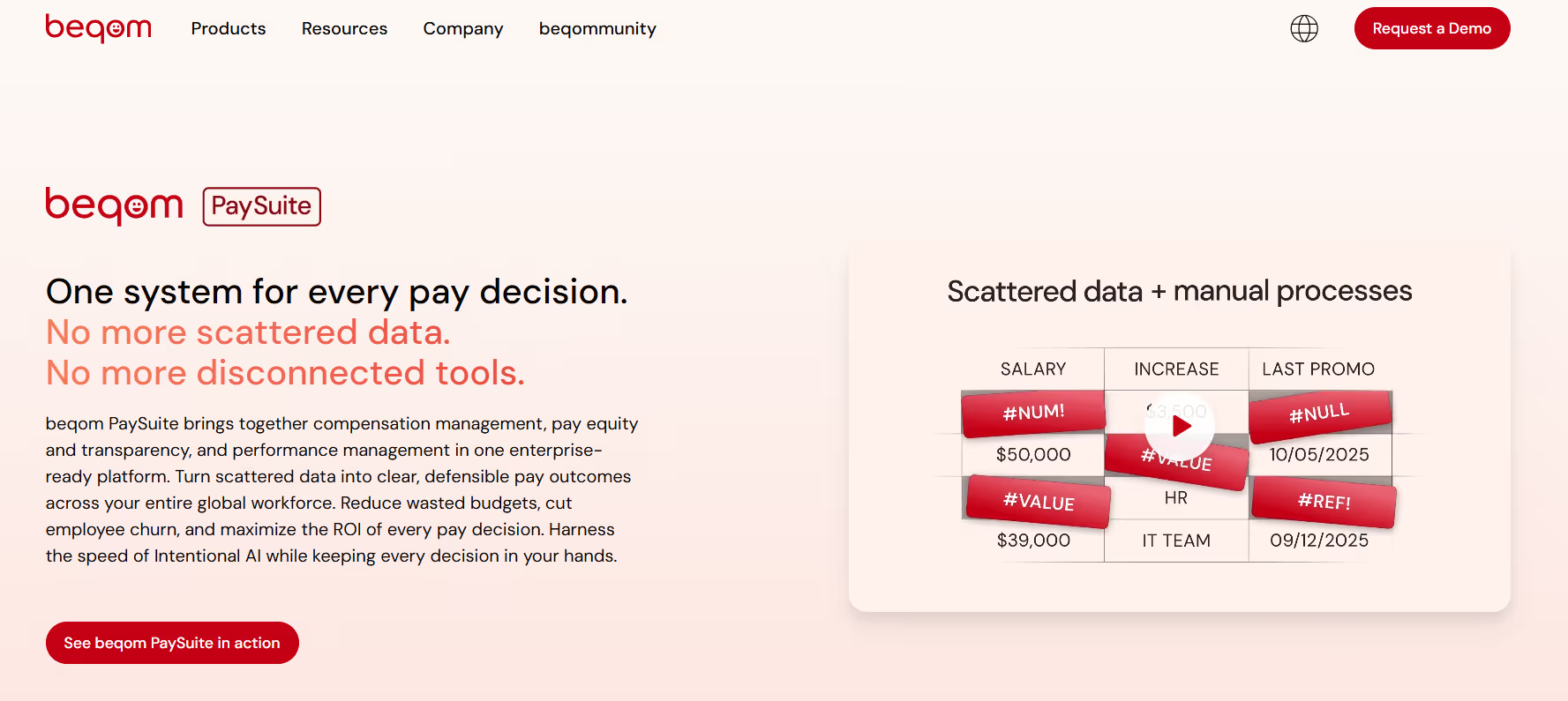
beqom is a total rewards platform that includes sales incentives as one component alongside salary, bonus, and long-term incentives. If Total Rewards or HR owns the comp cycle, beqom centralizes everything under a single budgeting and approval framework. It's particularly strong for global organizations juggling multiple currencies, pay bands, and regional compliance requirements.
beqom Key Features
- Total rewards coverage: Salary, bonus, LTI, and sales incentives managed in one platform with no silos between HR comp and sales comp.
- Global budgeting: Multi-currency support, market-specific pay bands, and regional budget controls at scale.
- Compliance: Pay equity analysis and audit support across regions, critical for organizations operating in the EU or under evolving pay transparency laws.
- Planning workflows: Manager review cycles, calibration sessions, and multi-level approvals for budget allocation.
beqom Pros and Cons
Pros:
- Strong total rewards management across salary, bonus, equity, and incentives.
- Excellent multi-currency and global compensation support.
- Well suited for HR and Total Rewards-led organizations.
Cons:
- A smaller review footprint makes independent evaluation harder.
- User interfaces can feel complex for casual users.
- Enterprise-focused implementation may be resource intensive.
beqom Ratings
beqom Pricing
Custom enterprise pricing with multi-module packaging. Scoping is based on modules selected and global footprint. Contact beqom directly for a quote.
11) Workday Compensation
Best for: Organizations already running Workday HCM that want merit, bonus, and salary cycles to run natively, without an additional data integration.

If you're already a Workday HCM shop, running compensation cycles and budgets directly in Workday eliminates a major integration headache. Position data, worker records, and org structures are already there, so your comp cycles stay clean without manual data syncs.
Worth being direct: Workday Compensation is primarily built for merit, bonus, and salary cycles. For complex sales incentive calculations, a dedicated ICM tool alongside it is typically still needed.
Workday Key Features
- Merit and bonus cycles: Budget pools, spending guidelines, and multi-level approvals, all within the HCM you already use.
- Budget controls: Guardrails by org unit, manager, and currency that prevent overspend before it happens.
- HCM-native data: Position and worker data flows directly into comp cycles, keeping everything consistent without ETL workarounds.
- Reporting: Rollup views for Finance and HRBPs that show budget utilization, spend by org, and guideline adherence.
Workday Pros and Cons
Pros:
- Native integration with Workday HCM eliminates sync issues.
- Strong merit and bonus cycle management capabilities.
- Budget controls and reporting are tightly integrated with HR data.
Cons:
- Not ideal for complex sales incentive compensation.
- Advanced sales commission workflows often require separate ICM tools.
- Flexibility is lower compared to specialized compensation platforms.
Workday Ratings
Workday Pricing
Custom pricing. Typically included or packaged within Workday HCM licensing. Contact Workday directly for current packaging.
12) SAP SuccessFactors Compensation
Best for: Global enterprises already running SAP SuccessFactors HCM that need salary, bonus, and LTI budgeting with calibration tools and audit controls.
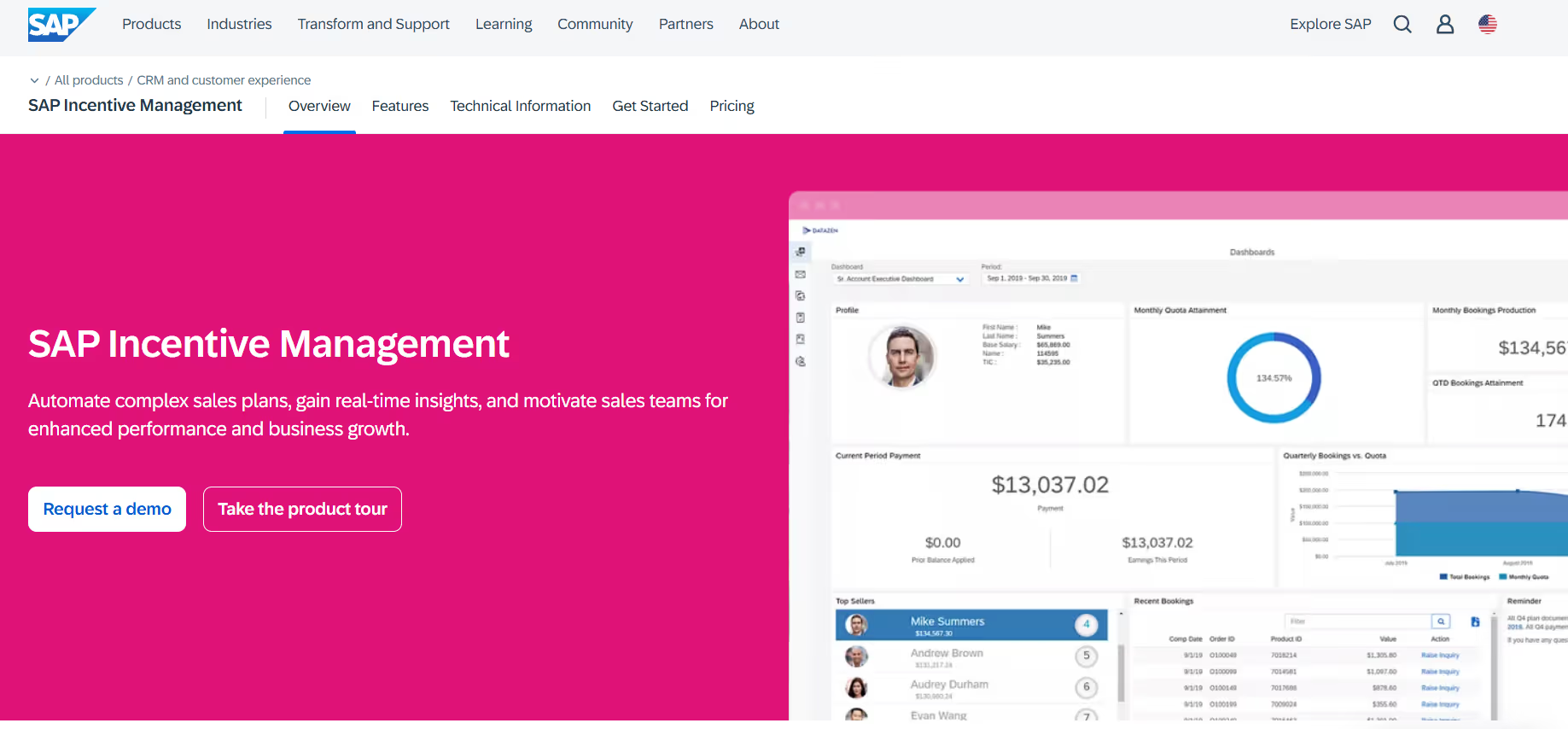
SAP SuccessFactors Compensation is the natural choice for global enterprises already running the SuccessFactors suite. It handles salary, bonus, and LTI budgeting with calibration tools and the audit controls large organizations require. Like Workday, its sweet spot is merit and bonus cycles rather than complex sales incentive calculations.
SAP SuccessFactors Key Features
- Salary/bonus/LTI: Configurable compensation cycles with eligibility rules, proration logic, and multi-currency support.
- Budget guardrails: Guidelines and hard caps by org, region, and job level that keep managers within approved spending ranges.
- Calibration: Peer and team calibration views that help managers make consistent pay decisions across the organization.
- Audit and compliance: Detailed logs, approval chains, and workflows built for SOX-ready environments.
SAP SuccessFactors Pros and Cons
Pros:
- Strong support for salary, bonus, and LTI budgeting.
- Effective calibration and audit workflows for global enterprises.
- Fits naturally into SAP ecosystem deployments.
Cons:
- Better suited for HR compensation than complex sales incentives.
- Interface and usability can feel dated.
- Customization and configuration can require significant effort.
SAP SuccessFactors Ratings
SAP SuccessFactors Pricing
Custom. Enterprise licensing via SAP SuccessFactors. Typically bundled with broader HCM or CX licensing. Contact SAP directly for current packaging and minimums.
Comparison of Compensation Management Software (G2)
Comparison of Compensation Management Software (Capterra)
6 Key Benefits of Compensation Management Software for Sales-Led Organizations
The core benefit of a compensation management software is the sharp change from manually managing Finance and RevOps processes with spreadsheets into a much more organized and fractionally automatable system. Many other benefits that are just as important include:
1. Eliminates payout errors before they reach reps
Validation rules and pre-pay checks catch calculation mistakes, missing data, or broken logic before payroll runs, ending the cycle of disputed commissions and manual corrections after the fact.
2. Compresses plan change cycles
Sandbox environments and no-code builders let comp teams test rate changes, add accelerators, or restructure tiers in hours rather than waiting for engineering sprints, critical when leadership wants a plan update before next quarter.
3. Gives Finance defensible accrual data
Structured payout logic produces period-end accruals that hold up during close cycles and audits, replacing the spreadsheet estimates Finance had to defend to their CFO.
4. Cuts 'where's my commission?' ticket
Real-time rep portals that show earnings as deals close, with clear breakdowns of how each payout was calculated, reduce the volume of disputes and the admin time spent answering them.
5. Scales without adding headcount
Automated routing, notification workflows, and approval chains keep comp administration manageable even as payee count grows without requiring proportional increases in comp ops staff.
6. Produces a clean audit trail
Every plan version, data input, calculation run, and approval action is logged with a timestamp and user attribution making compliance reviews, SOX audits, and internal governance straightforward rather than painful.
What to Look for in Compensation Management Software: 8 Must-Have Features
Compensation management platforms are supposed to all solve the same problems, one problem, which is to reduce compensation complexity. However, before you select your desired solution, there are a couple things you must get checkboxed:
1. Scenario modeling and what-if analysis
The ability to clone your current plan, adjust rates or thresholds, and immediately see the effect on payout distributions and budget spend. Good scenario modeling shows you the full distribution so you understand your upside exposure before you launch.
2. Budget guardrails and hard caps.
The platform should enforce spend limits in real time with hard caps that prevent overruns, soft caps with alerts, and rollup visibility by team and region. If you're still discovering budget blowouts at period-end, the guardrails aren't working.
3. Forecasting and accrual support
Finance needs projected payout figures that hold up during close cycles. Look for tools that produce accrual-ready outputs tied to pipeline scenarios and ramp curves, not just trailing actuals.
4. Audit trail and change logging
Every plan change, data input, calculation run, and approval action should be timestamped and attributed to a user. For regulated environments, verify SOC 2 Type II certification and whether the audit log is immutable.
5. Integration depth
Evaluate connectors for your actual tech stack: CRM (Salesforce, HubSpot), billing/revenue (NetSuite, Zuora, Chargebee), HR/workforce (Workday, SAP SuccessFactors), and data warehouse (Snowflake, BigQuery). Shallow integrations that require manual CSV uploads defeat the purpose.
6. Rep-facing transparency
Commission statements should show reps exactly how their payout was calculated deal by deal, rule by rule. Opacity drives disputes. Transparency drives trust and the behavior you designed the plan to incentivize.
7. Plan administration without engineering
Comp plans change. The platform should let RevOps or Finance make plan updates, adjust rate tables, and modify approval flows without filing engineering tickets or waiting on a dev cycle.
8. Sandbox and pre-pay validation
Test plan logic against real historical data before pushing live. Run pre-pay validation to catch errors before payroll. These two features together are the difference between confident go-lives and firefighting after launch.
Choosing the Right Compensation Planning Software for Your Team
There is no single best tool on this list. There is the best tool for your planning cadence, your team size, and your budget risk profile. Before evaluating vendors, ask yourself these questions:
- How complex is your crediting logic? If you have multi-layer splits, territory overlays, and large data volumes, you need an engine built for that load. Varicent and Xactly are built for this. Everstage and CaptivateIQ handle mid-to-high complexity well without the enterprise implementation overhead.
- Who owns the comp cycle in your organization? If Total Rewards and HR jointly govern salary, bonus, and sales comp, a total rewards platform like beqom, Workday Compensation, or SAP SuccessFactors may centralize governance more effectively than a standalone ICM tool.
- How fast do your plans actually change? If comp plans change quarterly or mid-quarter, plan agility matters as much as calculation depth. Everstage and CaptivateIQ are both built for this. Heavy enterprise platforms like Xactly and Anaplan are more powerful but slower to reconfigure.
- Do your comp budgets need to connect to headcount and FP&A models? If Finance runs multi-function planning in Anaplan, adding comp into the same model is materially better than a separate ICM tool that never quite agrees with the operating plan.
- What are your audit and compliance requirements? For SOX-regulated environments, verify immutable audit logs, role-based access controls, SOC 2 Type II certification, and approval workflows before shortlisting. Xactly Incent and Varicent are both proven here.
- How large is your internal comp ops team? If comp operations are scaling faster than the headcount available to manage them, Forma.ai's managed-change model pairs software with services, reducing the burden on your internal team without sacrificing governance.
Final Roundup: Which Compensation Management Software Fits Your Situation
Compensation management solutions and their best use case
How Everstage Approaches Planning and Budgeting
Most comp teams face the same two crunch points: modeling plan changes quickly enough to meet board timelines, because leadership rarely gives a comfortable runway and proving to Finance that budgets will hold under varied attainment scenarios, not just the median case.
Everstage's scenario modeling, budget guardrails, and forecasting capabilities are built around both of those problems. You can clone your current plan, tweak rates or thresholds, and compare scenarios side by side, seeing payout distributions, budget deltas, and accrual impacts, without exporting to a spreadsheet or waiting for an analyst.
Here's what that means in practice:
• Clone your current plan and compare scenarios side by side, instantly see payout distributions and budget deltas.
• Set hard and soft caps that hold in real time, with alerts before overspend happens.
• Give Finance accrual-ready payout projections that hold up during close cycles.
• Rep portals show earnings as deals close, with clear breakdowns, cutting 'where's my commission?' tickets before they start.
• Adjust plan logic, routing, and approval flows as patterns emerge, without engineering involvement.
If you're evaluating compensation budgeting software now, Everstage's team can walk through your specific model, share pitfalls seen across mid-market and enterprise orgs, and pressure-test your plan design against real data.
Book a Demo with Everstage today to get started.
Questions worth asking
The things most people want to know before they commit.
What is compensation management software?
Compensation management software automates how organizations plan, forecast, and report on employee pay, particularly variable compensation like commissions, bonuses, and incentives. For sales teams, it replaces spreadsheets with structured plan logic, automated calculations, and auditable payout records. For broader HR use cases, it can also cover merit cycles, salary bands, and long-term incentives.
What's the difference between compensation planning software and compensation budgeting software?
Compensation planning software focuses on design: building plan structures, defining rules and rate tables, modeling scenarios, and simulating how changes affect payouts and attainment distributions. Compensation budgeting software focuses on constraints: setting budget pools, applying guardrails and caps, rolling up projected spend by team or region, and tracking actual vs. planned expenditure. Most enterprise platforms handle both, but they approach the problem from different starting points.
Can compensation management software integrate with HR and finance tools?
Yes, and integration depth should be near the top of your evaluation criteria. Typical integrations include Salesforce and HubSpot for deal data; NetSuite, Zuora, and Chargebee for invoice and revenue data; Workday and SAP SuccessFactors for employee records and org structures; and Snowflake, BigQuery, and Redshift for teams that centralize data in a warehouse.
How do I forecast compensation payout costs accurately?
Layer in historical attainment distributions (not averages), pipeline scenarios that reflect realistic close rates, ramp curves for new hires, seasonality patterns from prior years, and what-if simulations for any plan changes you're considering. Platforms that let you run these inputs together, rather than in separate spreadsheets produce more defensible forecasts.
Who should own compensation budgeting?
Ownership is shared, and the friction usually comes from unclear boundaries rather than a lack of talent on either side. Sales Comp and RevOps model the plans, define mechanics, and run scenarios. Finance owns budget constraints, accrual methodology, and period-end reporting. HR and Total Rewards ensure pay philosophy alignment, market competitiveness, internal equity, and compliance with evolving pay transparency regulations.
Is compensation management software secure and audit-ready?
Verify role-based access controls, full audit logs, SOC 2 Type II certification, multi-level approval workflows, and end-to-end data lineage tracing payouts back to source records. For public companies, SOX readiness is non-negotiable. If a vendor cannot answer these questions clearly during evaluation, that is a red flag.