TL;DR
- S&OP software centralizes sales, operations, and finance data into a single platform, reducing reliance on multiple spreadsheets and enabling faster, data-driven decisions.
- Modern platforms offer real-time dashboards, AI-driven scenario modeling, ERP/CRM integration, and cross-functional visibility to align teams.
- Large enterprises benefit from tools like Anaplan, Kinaxis, SAP IBP, and o9 Solutions for complex planning, financial reconciliation, and supply chain coordination.
- Mid-market and SMB teams gain efficiency with no-code and automated platforms like CaptivateIQ, Qobra, and QuotaPath for commission and operational planning.
- For organizations seeking fast implementation, real-time insights, and AI-assisted planning across RevOps, Sales, and Finance, Everstage provides a practical, integrated solution.
Introduction
Sales and Operations Planning (S&OP) is meant to unite sales, operations, and finance around one plan. It gives every team a shared view of forecasts, targets, and capacity.
Yet in most companies, these functions still run on different timelines, in different systems, and often end up reconciling multiple spreadsheets. Each spreadsheet can show different numbers, creating confusion.
The result?
Conflicting forecasts, delayed decisions, and plans that cannot keep up with fast-changing market conditions. Modern S&OP software solves this problem by acting as a coordination engine.
Platforms like Everstage integrate demand, sales, and capacity data into a single real-time planning model, where every team, metric, and driver is visible within a single system.
With real-time integration, organizations make data-driven decisions quickly while reducing errors caused by manual reconciliation.
Below, we break down some of the best S&OP software available today, highlighting how each platform supports ERP integration, cross-functional alignment, and advanced planning capabilities.
Quick Comparison: Best Sales and Operations Planning Software at a Glance
Here is a snapshot of all 10 tools before we get into the details
Comparison table of the best sales and operations planning software
** Pricing verified as of May 2026. Confirm current rates directly on each vendor's site before purchasing.
The 10 Best Sales and Operations Planning Software Tools in-Depth
Let us understand what each tool actually does, who it works best for, and what real users say about it.
1.Everstage
Best for: Mid-market to enterprise organizations seeking visibility into cross-functional operations, including finance, sales, and RevOps teams, with automated workflows and real-time insights.
Everstage covers the sales-planning side of S&OP through its Planning module. Teams model headcount, ramp, capacity, quotas, and territories in one place, test different structures before locking them in, and see every change flow straight into compensation. No spreadsheets, no separate planning cycle.
It pulls live Salesforce and connected-system data into dashboards for capacity, pipeline, and performance, so sales, RevOps, and finance can plan from a single set of numbers rather than three versions of the truth.
Everstage's Key Features
- Real-Time Dashboards: Everstage consolidates operational and sales data into a single interface, giving Finance, Sales, and RevOps teams a clear picture of current performance and trends. This enables teams to respond quickly to changes and improves visibility for planning purposes.
- Scenario Modeling and AI Forecasting: Using historical and live data, teams can run “what-if” scenarios to evaluate potential operational outcomes. While designed for compensation planning, this functionality allows planners to anticipate the impact of changes in workload, capacity, or sales trends without manual calculations.
- Cross-System Integration: Everstage integrates with Salesforce and other enterprise tools, reducing manual reconciliation. Teams can work with consistent, up-to-date data across multiple functions, a key requirement for connected planning.
- Workflow Automation: Routine tasks such as tracking updates, statements, and notifications are automated, freeing planners to focus on analysis, scenario evaluation, and operational decision-making.
Everstage’s Pros and Cons
Pros:
- Real-time dashboards and reporting: Users consistently mention that the platform provides clear, intuitive dashboards, allowing teams to track performance metrics in real time.
- Cross-functional visibility: Consolidates data from Salesforce and other integrated systems, giving Finance, RevOps, and Sales teams a unified view of operational metrics.
- Automation of workflows: Reduces reliance on manual processes, helping teams focus on planning and analysis rather than repetitive updates.
- Mobile accessibility: Users report that dashboards and insights are easy to access on the go, supporting distributed teams and operational decisions.
Cons:
- Initial setup effort: Some users note that configuring dashboards and connecting systems can be time-consuming.Everstage’s Ratings
What Everstage Users Say
Here’s what the impact of Everstage has had on its users:
“The biggest advantage of Everstage is how easy it is to get started. I gave my teammate a quick walkthrough, and we were both able to start building plans and using the platform almost immediately.” — Daniel Devine, Commissions Analyst, Leadventure.
The Everstage team always comes back with more efficient solutions to improve our commissions processes instead of just duplicating. It is one of the biggest reasons why Everstage is the partner I want to work with. — Toral Parikh, Head of RevOps
“Everstage has exponentially saved us time, hundreds of hours a month. Now I run one batch upload and calculate everyone’s commissions in just 10 minutes.” — James Allison, Business Analyst, Hood Container
Read more success stories on how everstage has helped organizations optimize their sales and financial departments.
Everstage Ratings
Everstage’s Pricing
Pricing is custom and quote-based, with per-payee charges and implementation costs included.
Contact Everstage directly for a quote tailored to your payee count and needs. Also, ask about free trial or POC options when speaking with the sales team.
To see how much your organization can save on annual earnings and the potential ROI with Everstage, check out our ROI calculator.
2.Anaplan
Best for: Enterprise Finance organizations already running headcount planning, territory modeling, and FP&A in Anaplan, where tying comp budgets into the same model unlocks cross-functional alignment.
Anaplan is a connected planning platform rather than a traditional ICM tool. But if your Finance organization already runs headcount planning, territory modeling, and FP&A in Anaplan, adding comp budgets into the same model gives you cross-functional alignment that standalone ICM tools struggle to match.
Anaplan requires genuine modeling expertise; a certified partner or internal Anaplan team is typically needed.
Anaplan Key Features
- Connected planning: Tie comp budgets directly to headcount plans, territory assignments, and FP&A forecasts in a single model.
- Powerful modeling: Customizable calculation logic and version control, build exactly what you need, though it takes time to build well.
- Data governance: Role-based access, auditability, and approval workflows that satisfy enterprise compliance requirements.
- Ecosystem: A broad partner network and pre-built templates for compensation cycles that speed up initial implementation.
Anaplan Pros and Cons
Pros:
- Connects compensation planning directly with FP&A and headcount planning.
- Extremely flexible modeling capabilities for enterprise forecasting.
- Strong governance and enterprise compliance controls.
Cons:
- Requires experienced model builders or certified partners.
- Long implementation and maintenance cycles.
- Higher operational overhead compared to dedicated ICM tools.
Anaplan User Ratings
3.Kinaxis
Best for: Large manufacturers and enterprises that need real-time, end-to-end supply chain planning and advanced S&OP capabilities with scenario modeling and cross-functional alignment.
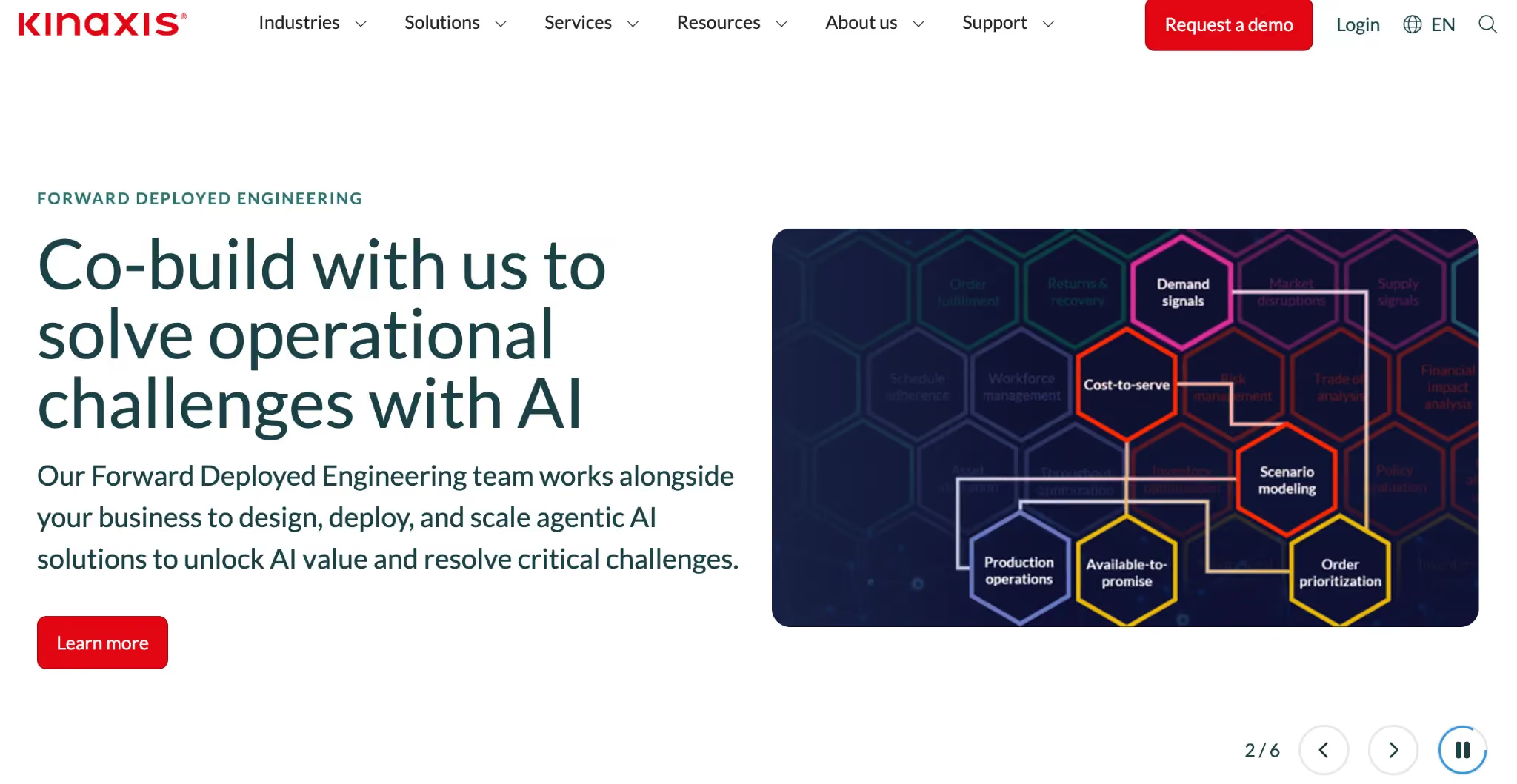
Kinaxis is a supply chain planning platform built around the RapidResponse and Maestro engines. It integrates demand, supply, inventory, and S&OP into a single, continuous planning environment.
The platform supports concurrent planning, where every change immediately updates the entire model, helping organizations respond quickly to disruptions and align decisions across functions. Kinaxis consolidates data from multiple sources into a unified view so planners can evaluate impacts, run what-if scenarios, and adapt plans rapidly.
Kinaxis Key Features
- Concurrent Planning: Execute demand, supply, and S&OP planning at the same time, enabling real-time impact analysis across functions.
- Advanced Scenario Modeling: Run what-if simulations to evaluate outcomes of demand spikes, supply disruptions, or strategy changes.
- Cross-Functional Collaboration: Align finance, operations, sales, and supply chain stakeholders within a single planning model, sharing assumptions and plans.
- Strategic Alignment: Connect long-term goals with operational execution, ensuring S&OP plans reflect both financial targets and day-to-day realities.
- AI-Powered Insights: The Maestro platform uses AI to anticipate risks, automate decisions, and surface insights that support smarter planning across scenarios and functions.
Kinaxis Pros and Cons
Pros:
- Real-time concurrent planning aligns operations, demand, and financial goals.
- Powerful what-if scenario modeling supports risk evaluation and faster planning decisions.
- Designed for supply chain environments where rapid responses to market or operational changes are critical.
- Aligns S&OP with execution and strategic targets across teams.
Cons:
- Enterprise-oriented solution with complex configuration needs, often requiring implementation expertise or partners.
- Implementation can take several months depending on data integration and scope.
- Not a point solution, it is part of a broad supply chain transformation, which may be overwhelming for smaller organizations.
Kinaxis User Ratings
Kinaxis Pricing
Contact Kinaxis for enterprise pricing tailored to planning scope, modules, and deployment needs.
4.SAP Integrated Business Planning (IBP)
Best for: Large enterprises and global supply chain organizations that need end-to-end visibility across demand, supply, inventory, and S&OP processes with advanced scenario modeling and integration into SAP ecosystems.
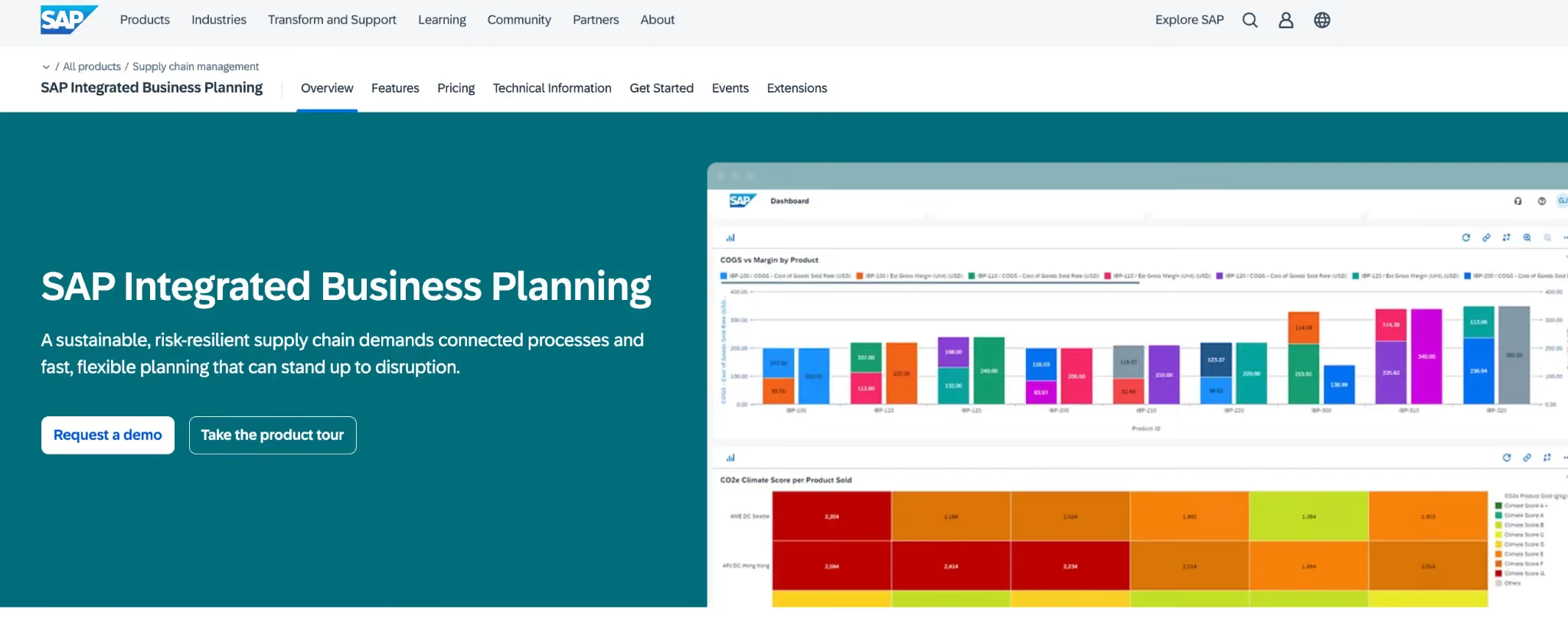
SAP Integrated Business Planning (IBP) is a cloud-based solution that combines sales and operations planning, demand forecasting, response and supply planning, demand-driven replenishment, and inventory planning.
It is designed to streamline supply chain decision-making by connecting planning processes across functions, enabling organizations to anticipate disruptions, optimize inventory, and align operational and financial goals. Users report that SAP IBP provides flexible planning workspaces, intuitive dashboards, and integrated analytics, allowing teams to customize views, run scenario simulations, and make informed decisions.
SAP IBP Key Features
- Sales & Operations Planning: Aligns demand, supply, and financial plans in a continuous planning environment.
- Forecasting & Demand Planning: Leverages advanced machine learning algorithms to improve forecast accuracy and responsiveness.
- Inventory & Supply Planning: Provides real-time insights for inventory optimization and demand-driven replenishment.
- Scenario Comparison: Enables “what-if” simulations to evaluate the impact of operational changes and disruptions.
- Collaboration & Integration: Cloud-based platform integrates seamlessly with SAP and third-party systems for data consistency and shared planning visibility.
SAP IBP Pros and Cons
Pros:
- Provides high flexibility and visibility for planners across supply chain functions.
- Supports scenario simulations and real-time data updates, improving planning agility.
- Enables cross-functional alignment between operations, demand, and financial teams.
- Native SAP integration ensures consistency and leverages existing SAP system investments.
Cons:
- Implementation and configuration can be complex and require SAP expertise or certified partners.
- May involve longer onboarding and learning curves for new users.
- Process automation and customization require advanced knowledge and setup.
SAP IBP User Ratings
SAP IBP Pricing
Enterprise pricing is custom and depends on the scope, deployment, and selected modules. Contact SAP for a tailored quote. A free trial may be available for evaluation.
5.o9 Solutions
Best for: Large enterprises that need an AI-powered, fully integrated planning platform to improve demand, supply, and S&OP decision-making across multi-tier supply chains.
o9 Solutions provides a cloud-based, integrated planning platform powered by the Digital Brain and Enterprise Knowledge Graph. It connects data, decisions, and teams across all planning processes in a single environment.
The platform is designed to enhance collaboration, streamline scenario planning, and improve forecasting and operational decision-making. Users report that o9’s real-time insights and AI-powered analytics help organizations adapt quickly to market changes and coordinate planning across functions.
o9 Solutions Key Features
- AI-Driven Forecasting: Predictive algorithms support accurate demand forecasting and scenario modeling.
- Real-Time Analytics: Dashboards provide insights on operational outcomes, helping teams identify bottlenecks and opportunities.
- Cross-Functional Collaboration: Supports shared planning across finance, operations, and sales teams.
- Scalable Architecture: Cloud-native platform designed for large enterprise deployment with global planning capabilities.
o9 Pros and Cons
Pros:
- Provides end-to-end planning visibility across enterprise functions.
- AI-driven analytics improve scenario modeling and operational decisions.
- Scalable platform suitable for complex, multi-tier supply chains.
Cons:
- Initial setup can be complex and resource-intensive.
- Some users report a high cost for smaller organizations.
o9 Solutions User Ratings
O9 Pricing
Entry-level and enterprise pricing are not publicly listed. Contact o9 Solutions directly for a custom quote based on your planning scope and deployment needs.
6.Blue Yonder Integrated Business Planning
Best for: Enterprises and mid-market organizations that require end-to-end supply chain and S&OP visibility, especially in retail, manufacturing, and logistics environments.
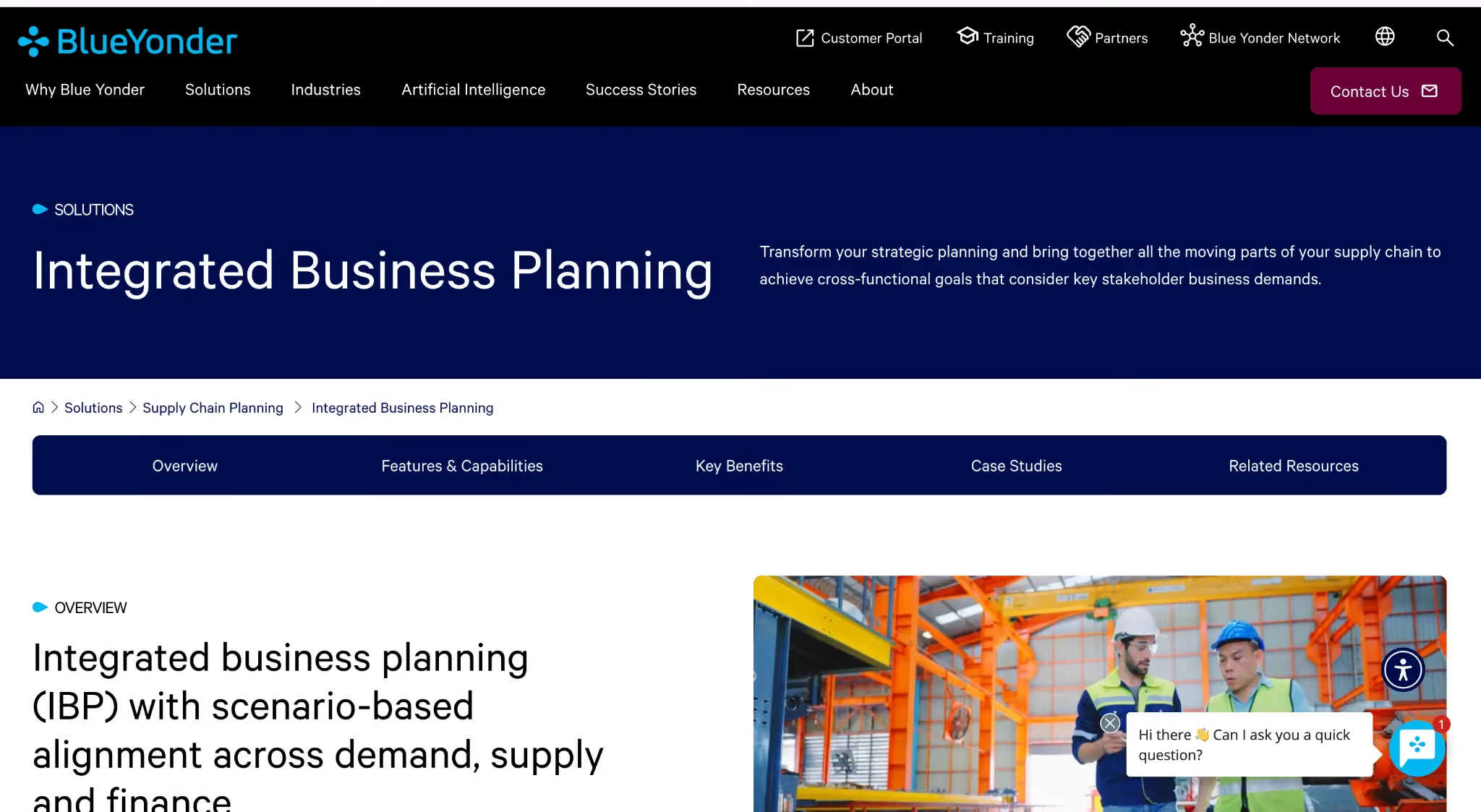
Blue Yonder’s Luminate Platform (formerly JDA Software) provides cloud-based supply planning and sales & operations planning (S&OP) capabilities. The platform integrates demand, supply, inventory, and transportation planning into a unified environment, helping organizations predict and resolve supply chain challenges more quickly.
Blue Yonder uses machine learning-powered tools to enhance forecast accuracy, streamline operations, and support scenario modeling.
Blue Yonder Key Features
- Sales & Operations Planning: Aligns demand, supply, and financial plans within a single integrated platform.
- Demand & Supply Forecasting: AI-powered forecasting and scenario simulation to improve responsiveness and accuracy.
- Supply Chain Visibility: Provides real-time insights into inventory, shipments, and operational constraints.
- Scenario Comparison: Evaluate operational changes and supply chain risks to inform decision-making.
Bue Yonder Pros and Cons
Pros:
- Provides end-to-end visibility across supply chain functions.
- Supports scenario modeling and predictive analytics to reduce operational risk.
- Enables collaborative decision-making across functions.
Cons:
- Some customization and configuration may be required to meet specific operational needs.
- The user interface may be complex for new users.
Blue Yonder User Ratings
Blue Yonder Pricing
Entry-level and enterprise pricing are not publicly listed. Contact Blue Yonder for a tailored quote based on your supply chain scope and deployment needs. A free trial may be available.
7.Oracle S&OP Cloud
Best for: Organizations running Oracle Fusion Cloud SCM or NetSuite that want S&OP capabilities fully native to their ERP stack, eliminating the need for third-party integrations.

Oracle S&OP Cloud is part of the Oracle Fusion Cloud SCM suite. Its main advantage is native integration with Oracle ERP, procurement, and supply chain data, enabling organizations to run S&OP without managing complex external integrations. The platform provides demand and supply balancing, statistical forecasting, collaboration, and scenario modeling.
Embedded analytics using Oracle Analytics Cloud allows monitoring of plan performance and exceptions. While the platform is highly efficient within the Oracle ecosystem, organizations outside the stack may benefit from purpose-built planning tools with richer planner experiences and faster scenario modeling.
Oracle S&OP Key Features
- Native Oracle Fusion Integration: Direct connection to Oracle Cloud SCM, ERP, and procurement data.
- Demand & Supply Balancing: Combine statistical forecasting, demand collaboration, and supply response in a unified process.
- Scenario Modeling: Perform what-if analysis on demand, supply, and financial outcomes.
- Embedded Analytics: Use Oracle Analytics Cloud to monitor plan performance and exceptions.
Oracle S&OP Pros and Cons
Pros:
- Seamless integration for Oracle Fusion Cloud SCM and ERP users.
- Reduces integration overhead within the Oracle ecosystem.
- Supported by Oracle’s enterprise-grade support and roadmap.
Cons:
- Less compelling outside the Oracle ecosystem.
- Implementation often requires an Oracle-certified partner.
Oracle S&OP Cloud User Ratings
8.CaptivateIQ
Best for: Scale-ups and modern enterprises that need fast compensation plan changes and automated commission calculations without relying on engineering resources.
CaptivateIQ is a no-code commission automation platform that allows compensation administrators to build, test, and update complex plan logic directly in the platform. Native integrations with Salesforce and HubSpot automatically pull deal data into calculations, eliminating manual data entry and ensuring calculation reliability.
Users report that the platform accelerates plan iterations and improves transparency, helping finance and operations teams manage commissions efficiently.
CaptivateIQ Key Features
- No-code plan builder: Build and modify complex commission formulas and conditional logic directly in the platform through self-serve configuration.
- Automated commission calculations: Deal data flows in from CRM and ERP integrations and runs through plan logic automatically each cycle, producing rep statements without manual processing.
- Sandbox testing: Validate plan logic and calculation outputs against real data before each cycle runs live.
- Workflow automation: Approvals, attestations, and sign-off flows give Finance a complete audit trail across every compensation cycle.
- Rep transparency: Commission statements show a full deal-level breakdown of how each payout was calculated.
CaptivateIQ Pros and Cons
Pros:
- No-code plan builder enables fast compensation plan changes.
- Sandbox testing reduces risk before pushing updates live.
- Clean rep-facing commission statements improve transparency and trust.
Cons:
- Complex plans can still require technical support or operations involvement.
- Reporting customization can feel limited for advanced enterprise needs.
- Pricing can scale quickly with larger participant counts.
CaptivateIQ User Ratings
9.Qobra
Best for: Mid-market sales, operations, and finance teams that need AI-assisted commission automation with real-time rep visibility, transparent calculation statements, and strong CRM integration.
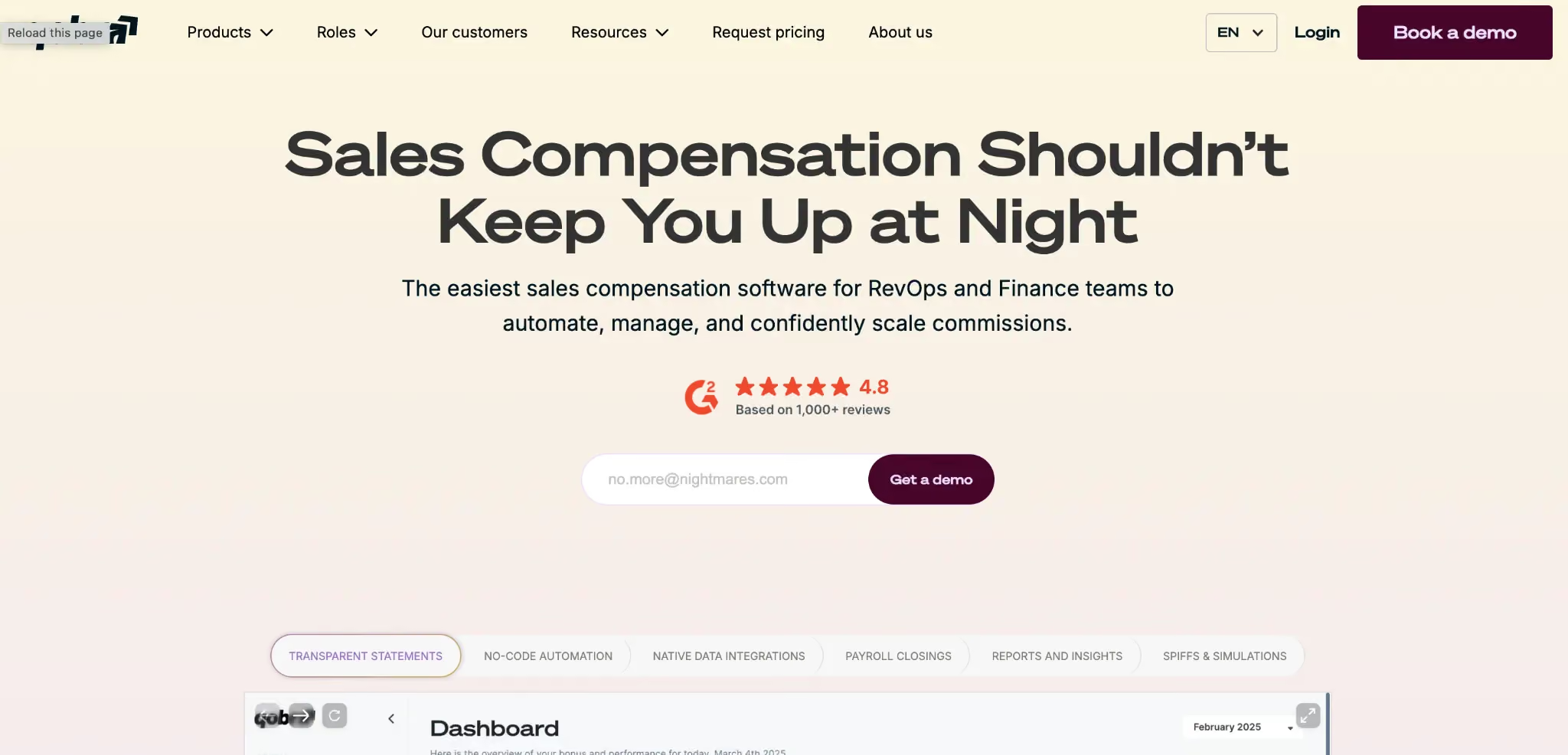
Qobra automates commission calculations for sales, operations, and finance teams through a no-code platform with three specialized AI agents. The platform connects to CRM, billing, and revenue stack systems to pull deal data directly into the calculation engine, producing real-time earnings statements and payout reports each cycle.
Three AI agents handle specific workloads: the Sales Coach answers rep commission queries in plain language, the Architect builds and edits compensation plans through conversation, and the Analyst surfaces performance insights and creates reports on demand.
Qobra Key Features
- Automated commission calculations: Deal data from CRM and revenue systems feeds directly into the calculation engine, producing rep statements and payout outputs each cycle.
- AI agents: Three specialized agents handle rep query resolution, plan building, and performance analysis, reducing the manual workload on operations teams across each compensation cycle.
- No-code plan designer: Build and modify compensation plans through a self-serve interface without engineering involvement.
- Real-time rep visibility: Reps access live earnings statements with full calculation breakdowns and deal-level transparency at any point in the cycle.
- Simulation and scenario modeling: Model different deal scenarios and plan changes before committing, with instant visibility into payout and quota impact.
Qobra Pros and Cons
Pros:
- Real-time commission statements give reps full calculation transparency at deal level.
- AI agents reduce operations team workload for plan building and rep query resolution.
- Slack integration delivers commission updates directly inside team channels.
Cons:
- Mobile experience requires improvement for field sales users.
- Initial data alignment during setup requires careful configuration with operations support.
- Data sync delays occur occasionally during high-volume processing periods.
Qobra User Ratings
10.QuotaPath
Best for: SMBs and upper-SMB teams that need to get off spreadsheets quickly without a large procurement cycle or five-figure contract.
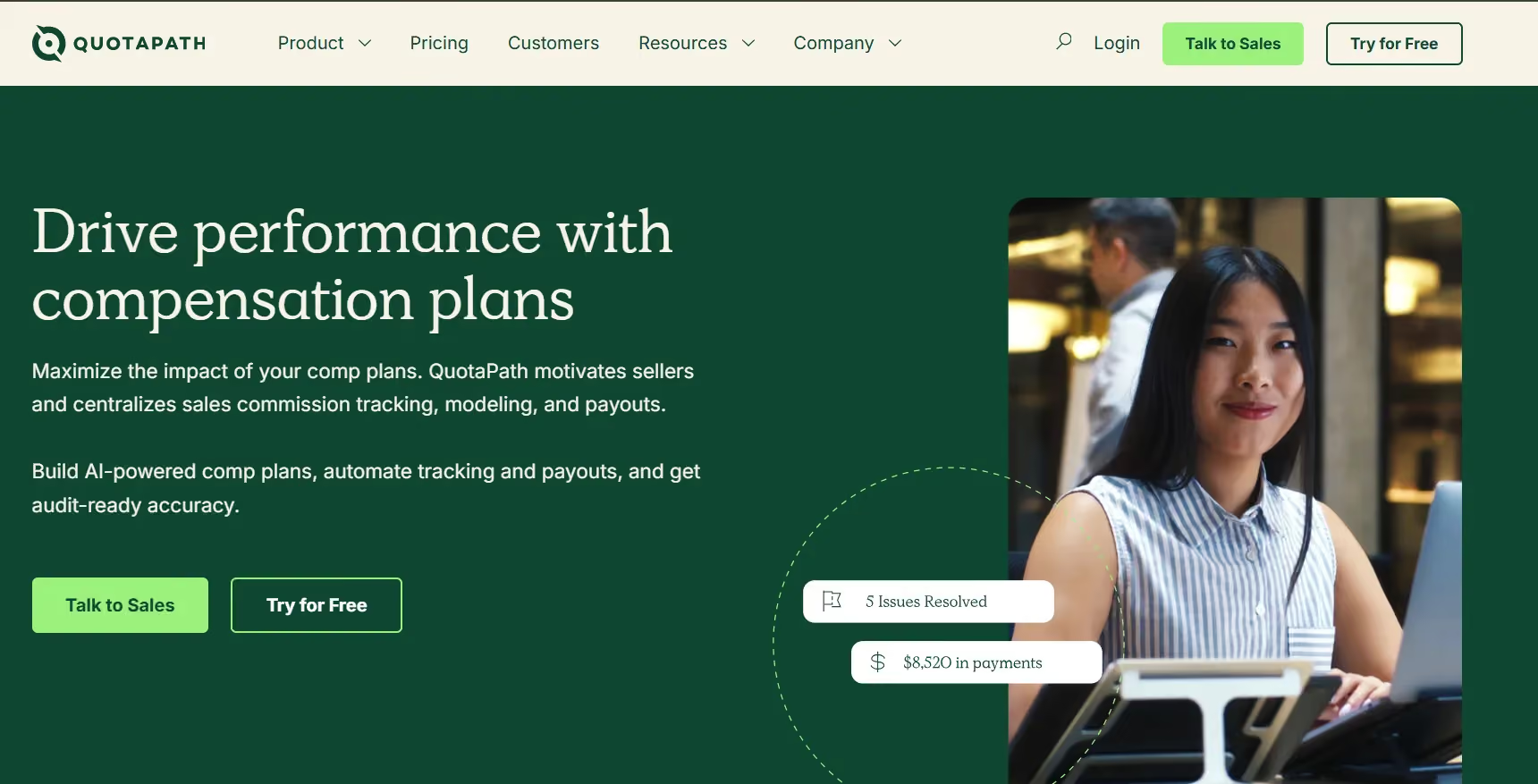
QuotaPath is the easiest on-ramp on this list. If you're an SMB or upper-SMB team with a small sales org, QuotaPath's free tier and clear UX make it genuinely accessible. It won't handle deep enterprise crediting or multi-currency budgeting — but for teams that need plan modeling, CRM sync, and basic approvals without a lengthy procurement process, it's a smart starting point.
QuotaPath Key Features
- Free tier: Get started with a small team to validate fit before committing a budget. A 14-day trial is available on the Growth tier.
- Plan modeling: Test plan changes and visualize how earnings shift under different scenarios.
- CRM sync: Connects to HubSpot and Salesforce quickly so data flows without manual imports.
- Attestation and approvals: Lightweight workflows for plan sign-offs that keep sales leaders and Finance aligned.
QuotaPath Pros and Cons
Pros:
- Very easy onboarding for SMBs moving away from spreadsheets.
- Affordable pricing with free trial availability.
- Strong CRM integrations with HubSpot and Salesforce.
Cons:
- Limited support for highly complex enterprise compensation structures.
- Multi-currency and advanced global workflows are limited.
- Can reach scalability limits for large organizations.
QuotaPath User Ratings
QuotaPath Pricing
Growth: $35/user/month (billed annually). ASC-606 compliant accounting, leadership attainment boards, in-app dispute collaboration. Free trial available.
Premium: $50/user/month (billed annually). Adds multi-source payouts, Okta SSO, and HRIS integrations.
Comparison of Sales & Operations Planning Software (G2)
Comparison of Sales & Operations Planning Software (Capterra)
Final Roundup: Which S&OP Platform Fits Your Situation
S&OP Platform Evaluation Checklist
Run your shortlisted S&OP platforms against this checklist before finalizing a decision:
☐ Self-serve scenario modeling:
Can planners create, modify, and publish demand, supply, and inventory scenarios without IT intervention?
☐ ERP & CRM integration:
Does the platform connect natively to your ERP, CRM, or planning systems to automatically pull real-time data, reducing manual reconciliation?
☐ Forecasting & AI-assisted planning:
Are AI-driven forecasts, demand sensing, and “what-if” scenario simulations available for day-to-day decision-making?
☐ Cross-functional visibility:
Can teams in Finance, Operations, and Sales view aligned plans in a single dashboard, with drill-down on drivers and exceptions?
☐ Auditability & version control:
Does every scenario, forecast, and planning cycle maintain full version history for review, compliance, and post-mortem analysis?
☐ Capacity & bottleneck indicators:
Does the system highlight constraints and trends in real time to support proactive planning decisions?
☐ Implementation speed & customer references:
Can the vendor demonstrate go-live timelines and reference organizations of your size with documented success?
☐ Security & compliance:
Does the platform hold current SOC 2, ISO 27001, GDPR, or other relevant certifications for your region and industry?
Which S&OP Platform Is Right for Your Team?
Every platform on this list helps organizations plan and align sales, operations, and finance, but each approaches it differently. Kinaxis and Blue Yonder excel at serving fast-moving manufacturers and CPG businesses that need real-time scenario modeling.
SAP IBP and Oracle S&OP Cloud are best for enterprises anchored in SAP or Oracle ecosystems. Anaplan suits finance-driven organizations seeking connected planning across headcount, FP&A, and territory modeling.
o9 Solutions is ideal for large enterprises looking to modernize planning workflows with AI-driven insights.
If you want a complete, AI-powered S&OP solution, Everstage S&OP is built for that. It integrates with the systems your team already uses, combines quota, capacity, and performance data into a live planning model, and provides dashboards showing key trends. Planners can test different scenarios, see results instantly, and make informed decisions without switching between tools.
Book a demo today to see how quickly forecasts, scenario analyses, and operational insights can be synchronized across your teams. Experience the difference of a platform built specifically for modern S&OP.
Questions worth asking
The things most people want to know before they commit.
What is sales and operations planning (S&OP) software?
S&OP software combines demand, supply, sales, and financial plans into a single model. It replaces multiple spreadsheets with a shared platform where assumptions, scenarios, and commitments are visible across teams.
How is S&OP software different from integrated business planning (IBP) software?
S&OP focuses on balancing demand and supply. IBP adds financial reconciliation, longer planning horizons, and strategic scenario modeling. Modern platforms often brand themselves as IBP because financial integration is now standard.
Where does sales planning fit in the S&OP process?
Sales planning is the first step. The sales commit is built from quota plans, rep capacity, ramp curves, attainment history, and pipeline coverage. This output then feeds demand planning platforms.
Who should own S&OP in my organization?
Ownership is shared. Supply chain manages demand and supply planning. Finance handles reconciliation. RevOps or Sales Planning manages the sales commit. The S&OP leader oversees meetings and decision rights while ensuring all functions are supported.
Is it easy to migrate to a new S&OP platform?
Migration depends on your current setup. Historical forecasts, orders, and plans can usually be imported. Custom workflows may require configuration and testing. A phased migration ensures continuity and accurate planning during transition.