

Best Sales Commission Software forQuickBooks Users in 2025

Choosing the best sales commission software for QuickBooks users isn’t just about faster payouts. It’s about aligning revenue teams around growth. Unlike businesses that run their operations on standalone accounting or ERP tools, companies using QuickBooks Online often depend on seamless, real-time workflows for sales, commissions, and payouts - directly tied to their financial backbone.
That makes commissions significantly more complex: commissions may not always align with invoice payments, sales data must be reconciled with QBO, and tracking splits or clawbacks often requires manual fixes.
What do we mean by QuickBooks users?
When we say QuickBooks users, we mean B2B businesses that rely on QuickBooks Online - sometimes called QBO-integrated or QuickBooks-connected companies - for managing their sales commissions, payouts, and compensation processes.
Why QuickBooks users need specialized
commission software
Managing commissions through QuickBooks is a recipe for errors and wasted hours. That reality introduces four hard problems:
Disconnected revenue and payouts
QuickBooks users often invoice on one cadence and pay commissions on another. This mismatch creates manual reconciliation work and constant payout disputes.
Limited native commission support
QuickBooks isn’t built for multi-tier, split, or performance-based commission logic. Users are forced to rely on spreadsheets, which leads to calculation errors and slow processes.


Complex post-sale adjustments
Refunds, clawbacks, and partial payments are frequent in B2B sales, but QuickBooks alone cannot automate these true-ups - requiring tedious manual corrections.
Fragmented data and integration gaps
Deal, payment, and commission data live across QuickBooks, CRM, and other tools. Without deep integrations, finance and RevOps teams struggle to ensure accuracy and auditability.
Every month without specialized commission software means missed accuracy, wasted hours, and lost trust. In QuickBooks-driven businesses, that’s growth you can’t afford to lose.
Key Features to Look for in Sales Commission
Software for QuickBooks Users
Automated QuickBooks Online sync
Ensures commission payouts, earnings, and adjustments flow seamlessly between your commission system and QuickBooks, eliminating double entry and errors.
Flexible commission plan builder
Lets admins create multi-tier, split, and performance-based plans without coding, handling any commission scenario typical to B2B sales teams.
Automated clawbacks and adjustments
Instantly reconciles returned, refunded, or disputed deals, so negative commissions or paybacks sync to QuickBooks without manual intervention.
Real-time rep dashboards
Gives sales reps instant visibility into their commission earnings, progress, and payout dates, reducing disputes and increasing motivation.
Deep CRM and payment integrations
Connects your sales, billing, and commission data from systems like Salesforce, HubSpot, or Stripe, tying everything back to QuickBooks.
Audit-ready reporting and compliance
Generates transparent, finance-grade reports with clear audit trails, supporting 1099 processing and financial compliance requirements for QuickBooks users.
Self-service plan modeling
Allows leaders to model plan changes, simulate commission costs, and forecast impact before making updates, with results reflected in QuickBooks.
Automated 1099 and payroll sync
Pushes contractor or employee commission payouts directly into QuickBooks Payroll or Bill Pay, simplifying end-of-year reporting and compliance.
The right commission software doesn’t just process payouts - it aligns QuickBooks users around growth and scale.
Best Sales Commission Software for QuickBooks Users in 2025 (Detailed Comparison)
Ranked 1 to 10 👉🏻
1. Everstage


Overview
Purpose-built for QuickBooks users. Native QBO integration and instant payout sync ensure every commission entry flows into QuickBooks without errors.
Watch-outs for QuickBooks users
Built on modern architecture, which is proven for QuickBooks-driven workflows but may feel different from legacy accounting tools or manual processes.
2. Xactly

Overview
One of the oldest players in ICM. Long history of serving customers across industries with a legacy platform known for its quirks.
Watch-outs for QuickBooks users
Heavy implementations, rigid workflows, and expensive licenses. Can require middleware to connect with QuickBooks, which complicates onboarding.
3. Performio
Overview
Known mainly for configurable rule-building and audit features which other vendors have also caught up with.
Watch-outs for QuickBooks users
Requires admin involvement, manual logic setup, and slower time to value. Direct QuickBooks integrations are not as deep or turnkey.
4. Varicent
Overview
A legacy enterprise vendor, spun out of IBM and re-established in 2019. Offers territory and quota management.
Watch-outs for QuickBooks users
Complex to implement, resource-intensive to maintain, and often overkill for B2B businesses wanting simple QuickBooks automation.
5. Anaplan
Overview
A planning platform where sales compensation is one of many use cases, not its core focus. Widely used for FP&A and modeling.
Watch-outs for QuickBooks users
Not commission-native; requires specialized admin overhead and complex setup. QuickBooks connection often needs custom work.
6. CaptivateIQ
Overview
Positioned as a flexible commission tool with spreadsheet-like workflows. Mainly preferred as a stop-gap solution, before people move to true-ICM platforms.
Watch-outs for QuickBooks users
Manual workarounds required for plan changes and limited built-in intelligence. QuickBooks integration is basic and may need IT support.
7. Spiff
Overview
Acquired by Salesforce in 2024. Sold currently as an add-on product of Salesforce Sales Cloud.
Watch-outs for QuickBooks users
Acquisition has raised concerns about cost and rollout delays. Shallow handling of QuickBooks-specific workflows based on customer reviews.
8. SAP Commissions
Overview
Formed by SAP’s acquisition of CallidusCloud. Recently mandated migration of architecture leading to churn.
Watch-outs for QuickBooks users
Very heavy to implement and operate. Overbuilt and slow for B2B teams wanting straightforward QuickBooks connectivity.
9. QuotaPath
Overview
A lightweight self-service tool designed for smaller teams. One step above spreadsheet tracking.
Watch-outs for QuickBooks users
Lighter integrations, simplified logic, no CSMs. Struggles with complex QuickBooks scenarios like payment-driven commissions.
10. Qobra
Overview
European-founded platform positioned for SMBs. Offers basic automation and approval workflows.
Watch-outs for QuickBooks users
Narrower integration set. Limited maturity in handling complex plans, can’t handle high QuickBooks data volume.
Why Everstage is a Strong Choice for QuickBooks Users
Everstage isn’t just built for QuickBooks users, it’s proven by industry leaders. B2B companies like Notion, Chargebee, and Diligent rely on Everstage to reduce disputes, speed up payroll, and give reps real-time visibility. With deep CRM, billing, and QBO integrations, it delivers the accuracy, transparency, and scale that QuickBooks-focused teams need to grow without commission bottlenecks.
- Close payroll cycles in days, not weeks
- Slash commission disputes and finance escalations
- Give reps instant clarity on earnings
- Scale comp plans without adding headcount
Everstage is trusted by QuickBooks users across all sizes



.webp)







What customers say
about Everstage


.webp)







How to Choose the Right Commission Software for QuickBooks Users
Selecting commission software can’t be reduced to a feature list. QuickBooks users need to weigh integration depth, automation capabilities, audit readiness, scalability, and ease of use - and balance these against team bandwidth and future growth. Make the wrong choice, and you’re back in spreadsheets within a year.
We’ve analyzed the four common approaches: spreadsheets, custom builds, legacy tools, and modern platforms. We’ve outlined where each fits and where they fall apart. More importantly, we’ve broken down the evaluation criteria that QuickBooks users must demand - scalable data infrastructure, admin-friendly plan design, real-time analytics, payee transparency, and strategic partnership.

I am about to evaluate commission software
Get the Buyer’s Guide to Sales Compensation Software - a step-by-step framework with QuickBooks-specific checklists to cut through vendor claims and choose with confidence.

I am already evaluating multiple vendors
Grab this exclusive RFP template to compare solutions side-by-side. Share it with vendors or fill it yourself to see which platform fits your QuickBooks requirements best.
The Future of Sales Compensation in QuickBooks Users
QuickBooks users are evolving beyond basic accounting into fully integrated, tech-enabled businesses. More B2B companies now rely on QBO as the hub for financial and sales operations, while their selling motions grow increasingly complex - think recurring revenue, multi-channel sales, and hybrid workforces.
Sales compensation is changing in lockstep. Expect more businesses to automate commission calculations, embrace real-time dashboards for reps, and connect commission data with QuickBooks Online for live payout sync and audit-ready reporting. Compliance needs will only increase as payroll, contractor, and partner payments become more regulated.
As automation and AI accelerate, commission platforms must handle deeper QuickBooks integrations, flag anomalies, and enable proactive scenario planning - so businesses can adapt to new pricing models or incentive plans instantly. Static tools or spreadsheets can’t keep up with that pace, and sales comp systems must evolve in parallel.
The future belongs to commission platforms that combine automation with AI-powered intelligence - helping sellers self-serve answers instantly, giving RevOps and Finance anomaly detection and forecasting, and letting leaders test plan changes before rollout.
Everstage is leading that shift by reshaping sales performance management for QuickBooks users - giving organizations the accuracy, transparency, and speed they need to scale sales performance in an AI-driven world.
Book a demo to see how Everstage can help automate sales commissions for your QuickBooks business 👉
FAQ About Commission Software for QuickBooks Users
What features should QuickBooks users prioritize when choosing sales commission software?
QuickBooks users should look for automated QBO integration, audit-ready reporting, multi-tier plan support, real-time dashboards, and seamless payout sync. These features ensure accuracy, reduce disputes, and support B2B growth.
How do you handle commissions when invoices are partially paid in QuickBooks?
A good commission platform reconciles partial payments automatically, syncing only earned commissions into QuickBooks and preventing overpayments.
Can AI improve commission accuracy and reduce disputes in QuickBooks sales teams?
Yes. For example, Everstage’s AI native SPM platform can detect anomalies, forecast attainment, and answer rep questions instantly inside tools like Slack or CRM. This reduces RevOps tickets and builds trust in commission data.
What’s the best way for QuickBooks users to compare commission software vendors fairly?
Run a “shadow payout” using last quarter’s data in at least two platforms. Comparing actual results highlights gaps in integrations, rules logic, and dispute handling. Everstage supports a no-cost proof-of-concept (POC) where we use your historical data and showcase how our product works exactly for your QuickBooks requirements.
How can QuickBooks users ensure 1099 compliance with contractor commission payouts?
Choose a solution that directly syncs contractor payouts to QuickBooks, automates 1099 generation, and logs a transparent audit trail for every payment.
How do QuickBooks users ensure commission software scales as they grow from hundreds to thousands of reps?
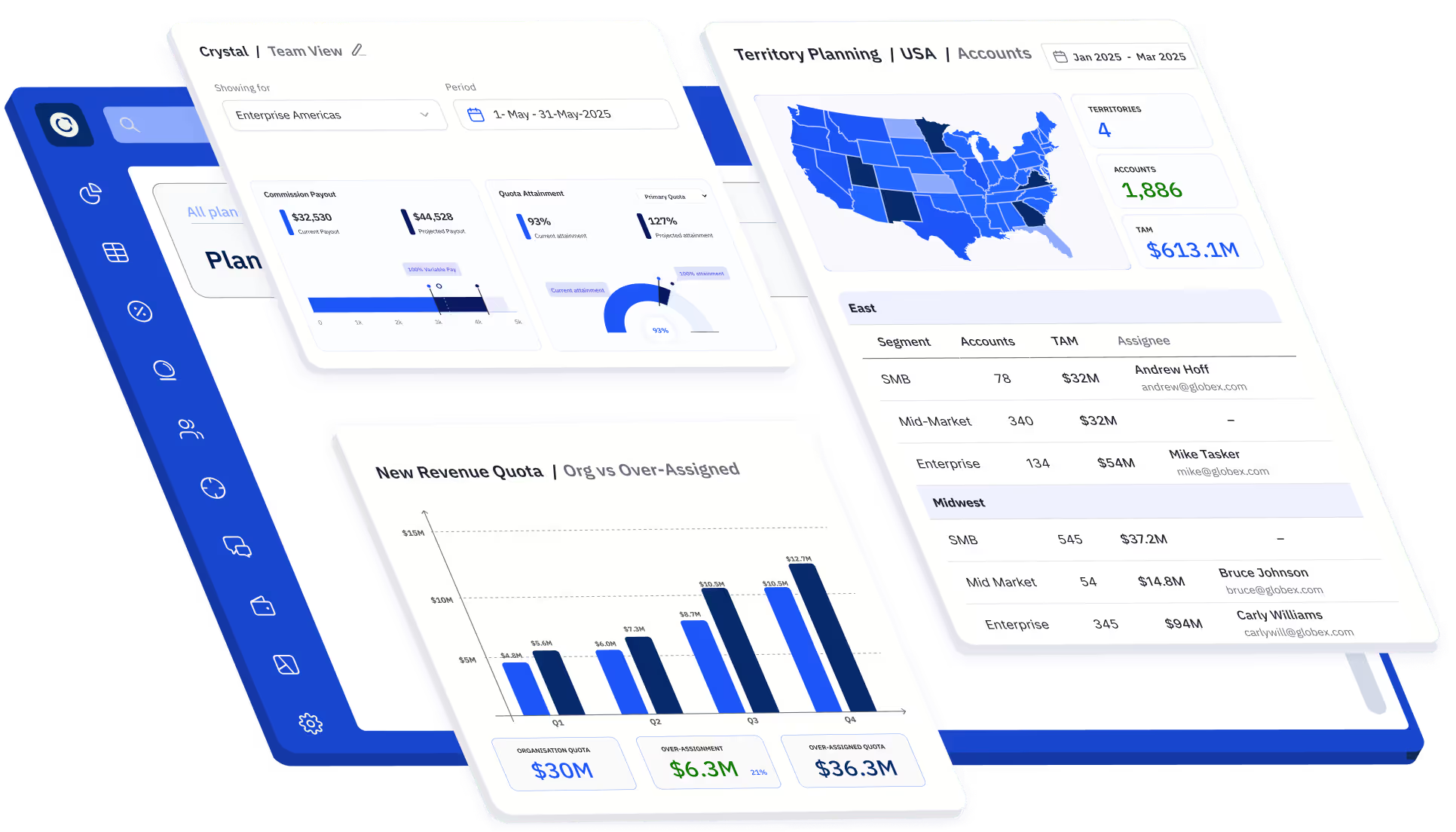
Look for version control, territory management, and performance at scale without lag. The right platform should grow with headcount and product lines without constant admin rework. Everstage recently launched our Planning product that helps organizations manage territories, quotas, and capacity to adapt faster, and drive better outcomes.